Best Free URL Shortener for Teachers and Schools in 2026
Teachers need short links students can type and QR codes that keep working next term. Here is what Edlio, Google, Bitly and free shorteners offer schools in 2026.
The best URL shortener for a teacher is one that is free, works without making students sign up for anything, and lets you fix a link after it is on a slide or a printed handout. Most classroom links point to Google Docs, Forms, Slides or a learning platform, and those links are long, hard to type and easy to mistype from the back of a room.
This guide covers the options teachers and school staff actually have in 2026, including the URL shortener built into Edlio school websites, what Google and Microsoft give you for free, and when a separate shortener is worth it. Facts come from each provider's own pages, checked in November 2026 and linked in the sources.
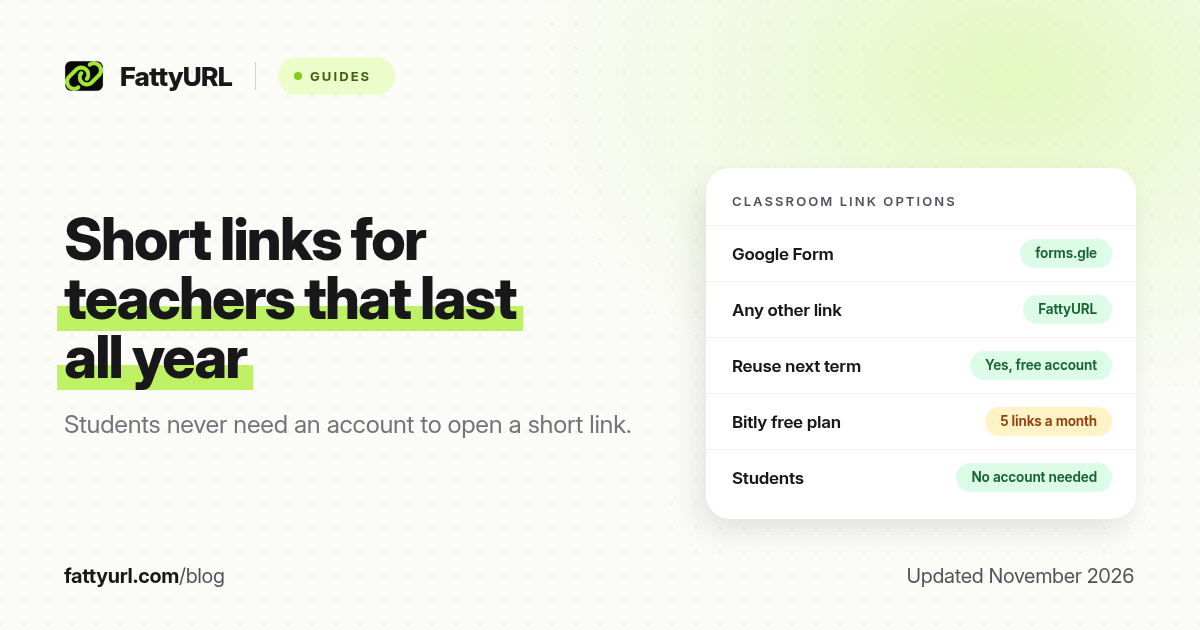
Short answer: For a Google Form, use Google's own forms.gle short link first. For everything else, use a free shortener that lets you choose a readable ending and edit the destination later, so next term's copy can use the same link and the same QR code. Students never need an account to open a short link; only the person who creates it might.
Why teachers use short links
- Typing from a projector. A short link ending in "unit3-quiz" is far easier to copy than a 100-character Google Docs address.
- QR codes on handouts and posters. A shorter link makes a simpler QR code that scans more reliably.
- Reusing links each term. If the link can be edited, you can point it at a new copy of a worksheet without reprinting anything.
- Knowing whether families opened it. Click counts tell you whether a newsletter link or permission form actually reached people.
The options teachers have in 2026
| Option | Cost | Works for | Edit later | Click counts |
|---|---|---|---|---|
| Google Forms short link (forms.gle) | Free | Google Forms only | No | No (Forms counts responses) |
| Edlio URL Shortener and redirects | Part of Edlio | Schools on Edlio's platform | Redirects can be changed by site editors | Not stated |
| FattyURL | Free | Any link | Yes, with a free account | Yes, with a free account |
| Bitly | Free plan: 5 links a month | Any link | No (paid plans) | No (paid plans) |
| TinyURL | Free | Any link | No (paid plans) | Not visible without upgrading |
Edlio's URL shortener
If your school website runs on Edlio, you may have seen links on Edlio's scho.ca domain. Edlio's own page says its URL shortener "is currently available for Edlio products and not for broad consumer use." So it is not a general tool a teacher can use for any link. Edlio's help center also describes redirects and friendly URLs, which let site editors give a school page a short, readable address on the school's own domain. Edlio's advice is to keep redirects up to date, because a redirect to a deleted page ends in a "Page Not Found" error.
For links to anything outside the school website, such as a Google Doc, a YouTube video or a sign-up form, you need a different tool.
Google's own short links
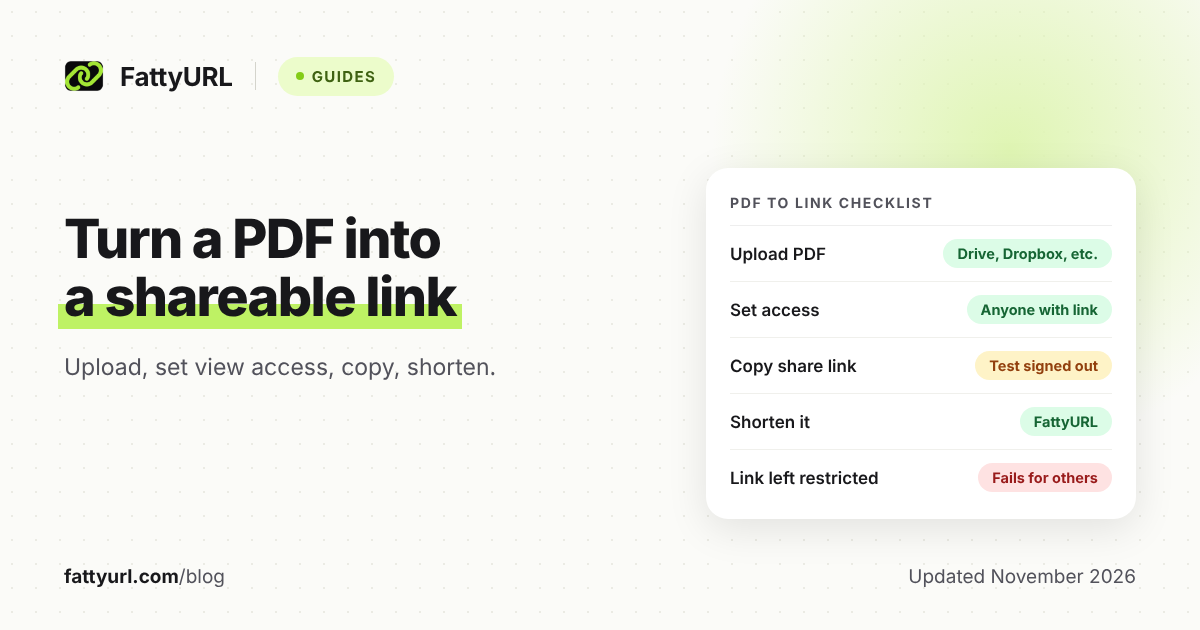
Google Forms can make a short forms.gle link: in the Send dialog, choose the link option and tick Shorten URL. It is free and needs nothing extra. Google Docs, Sheets and Slides have no built-in shortener since Google shut down goo.gl, which our goo.gl guide explains. For those, you set sharing to "Anyone with the link" and shorten the link elsewhere.
Bitly for schools
Bitly's free plan allows 5 links and 2 QR codes a month, with no click data, and free links can show visitors an ad page. Bitly says eligible educational institutions can get an ad-free free plan, which is worth asking about if your district already uses Bitly. The details are in our Bitly free plan breakdown.
FattyURL
Disclosure: FattyURL is our product. You can shorten a link with no sign up and make a QR code for it. For classroom use, a free account is worth the minute it takes, because it adds the features teachers need most: a custom ending you choose, editing a link's destination, click counts and a list of all your links. Links in a free account never expire. Links made without an account from 7 October 2026 expire after 30 days with no click, which is too short for a link on a yearly handout. Google Docs, Sheets and Slides links need a verified free account. Free links may show ads; links on paid plans never do.
How to make a classroom link that lasts all year
- Set sharing first. In Google Docs, Sheets or Slides, click Share, set General access to "Anyone with the link" (or your school's domain), and choose Viewer. Our Google Docs guide covers the "You need access" error.
- Copy the full link and paste it into your shortener while signed in.
- Choose a readable ending, such as the class and unit. Avoid student names or anything personal in the link itself. See how to make a custom short link.
- Test it in a private window, signed out, to see exactly what a student or parent will see.
- Make the QR code from the short link, not the long one. Our guide to QR code size for print helps with posters.
- Next term, edit the destination to the new copy instead of making a new link. The printed QR code keeps working.
Links teachers shorten most
- Google Forms quizzes and sign-ups: see how to shorten a Google Form link.
- Microsoft Forms: see shorten a Microsoft Forms link.
- Video lessons: see shorten a YouTube link.
- Live classes: see guides for Zoom, Google Meet and Teams.
- Shared files: see Google Drive and OneDrive and SharePoint.
Privacy and safety for classroom links
- A short link does not change who can open a file. Access is set in Google Drive or OneDrive, not by the shortener.
- Keep personal information out of the link. Endings are visible to anyone who sees the link.
- Check your school's rules. Some districts approve specific tools or block certain domains on school networks, so test a link on the school Wi-Fi.
- Know what the shortener records. FattyURL's about page says its database keeps IP addresses only as a salted hash. Check the privacy policy of any tool before you use it with students.
Our guide to whether URL shorteners are safe explains how to check a short link before opening it.
FAQ
What is the best free URL shortener for teachers?
Use Google's forms.gle link for Google Forms. For other links, choose a free shortener that lets you pick a readable ending and edit the destination later, such as FattyURL with a free account.
Can I use the Edlio URL shortener for any link?
No. Edlio says its URL shortener is available for Edlio products and not for broad consumer use. Edlio site editors can create redirects and friendly URLs for pages on the school website.
Do students need an account to open a short link?
No. Anyone can open a short link. Whether they can see the file depends on its sharing settings, such as "Anyone with the link" in Google Drive.
Can I reuse the same short link next school year?
Yes, if your shortener lets you edit the destination. On FattyURL that needs a free account. Bitly and TinyURL charge for editing.
Do classroom short links expire?
It depends on the tool. Links in a free FattyURL account never expire, but links made without an account expire after 30 days with no click. Bitly and TinyURL say their links do not expire.
Sources
- Edlio URL Shortener information page on the scho.ca domain, read via search on 19 November 2026 (not linked here because scho.ca is a short-link domain)
- Edlio help: redirects, best practices for schools
- Bitly pricing, checked 19 November 2026
- Bitly support: ad-free free plan for educational institutions
- TinyURL blog: what is included in the free plan
- The FattyURL Promise and About FattyURL
Disclaimer: This article is for general information only and is not legal or security advice. It was researched and drafted with the help of AI, and its facts were checked against the sources linked above, mostly each provider's own pricing, help and policy pages. URL shorteners, QR code tools and social platforms change their plans, prices and rules often, so confirm the details on the provider's website before you choose a plan, move your links or print a QR code. FattyURL is our own product. Spotted something out of date, or a FattyURL link being misused? Tell us and we will act on it.