How to Shorten a YouTube Link: youtu.be, Timestamps and Trackable Links
YouTube already gives you a short link. Here is how to get it, start it at a set time, clean it up, and when a custom short link that counts clicks is worth it.
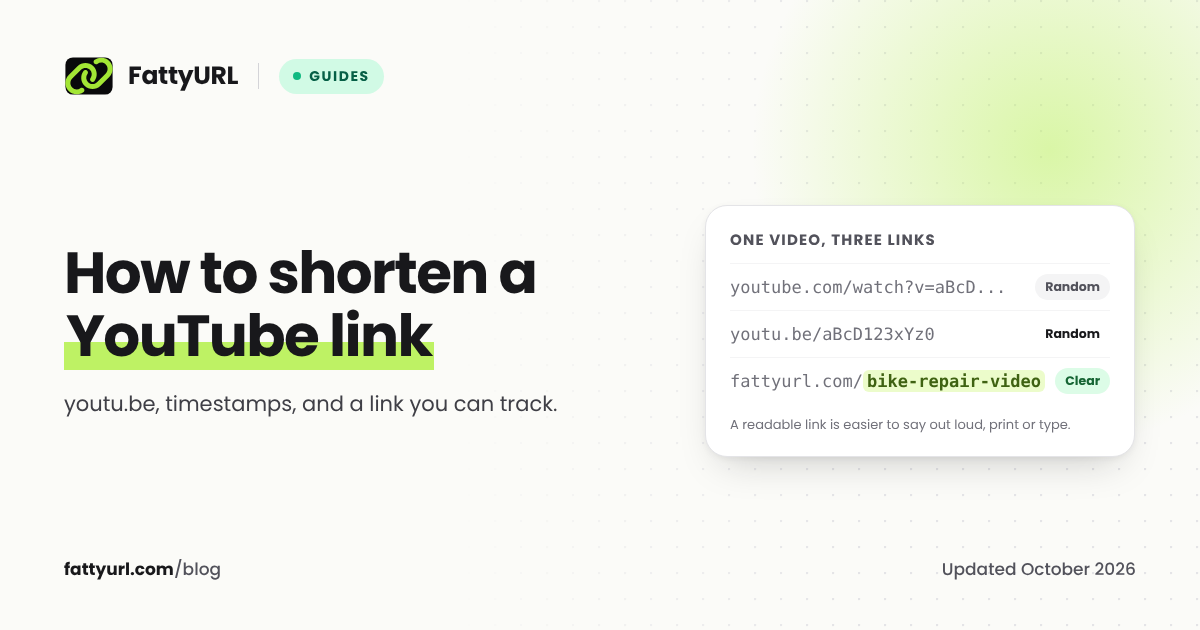
YouTube already shortens its own links. Click Share under a video and Copy, and you get a short link on the youtu.be domain that opens the same video. You only need a URL shortener when you want something YouTube's link cannot do: a readable ending people can type, a count of how many people clicked, or a link you can point at a different video later.
Short answer: Under the video, click Share, then Copy. The copied link is already short. To start at a set moment, tick Start at and enter the time before you copy. For a readable link that counts clicks, paste the YouTube link into a URL shortener with a free account and choose your own ending.
Get YouTube's own short link
On a computer:
- Open the video and click Share under it.
- Click Copy. YouTube's help center says this copies "a link to the video that you can paste somewhere else."
On the YouTube app, tap Share under the video, then Copy link.
The copied link uses the youtu.be domain followed by the video's ID, which is the code after v= in the long address. It opens the same video as the full youtube.com/watch address.
Link to an exact moment
To send people straight to the part that matters:
- Click Share under the video.
- Tick Start at and enter the time. YouTube's help center: "To link to a specific part of the video, check this box and enter the start time before you copy the link." Enter 2:30 to start at 2 minutes 30 seconds.
- Click Copy. YouTube adds the start time to the link.
If you pause the video at the right moment before you click Share, the Start at box is usually filled in with that time.
What is the extra text at the end of a YouTube share link?
Links copied from Share often end with a parameter that starts with ?si=. It is a share identifier: YouTube does not document it, but independent write-ups describe it as a way for YouTube to connect a click to the person who shared the link. The video ID before it is what opens the video, so you can delete si= and its value before sharing if you prefer. If a start time follows, such as &t=90, keep it and make sure the link has exactly one ?, for example youtu.be/VIDEOID?t=90. Open the cleaned link once before you share it.
Shorten a YouTube channel link
Channels already have a short address if they have a handle: youtube.com/@ followed by the handle. YouTube describes handles as "short and unique channel identifiers." To share it, open the channel page and copy the address from your browser's address bar, as YouTube's help center suggests.
When a custom short link is worth it
YouTube's short link is free and trusted, but it has limits:
- You cannot choose the ending.
youtu.be/aBcD123xYz0is hard to say in a talk or type from a poster. - It does not count your clicks. YouTube Studio reports where views came from, but not how many people clicked one particular link you shared.
- It always points at one video. If you re-upload or replace the video, every copy of the old link still opens the old one.
A short link in a free account solves all three. On FattyURL:
- Create a free account and paste the YouTube link on the homepage.
- Type a readable ending, such as
bike-repair-video, and create the link. - Share it in your description, bio, slides, emails or a QR code.
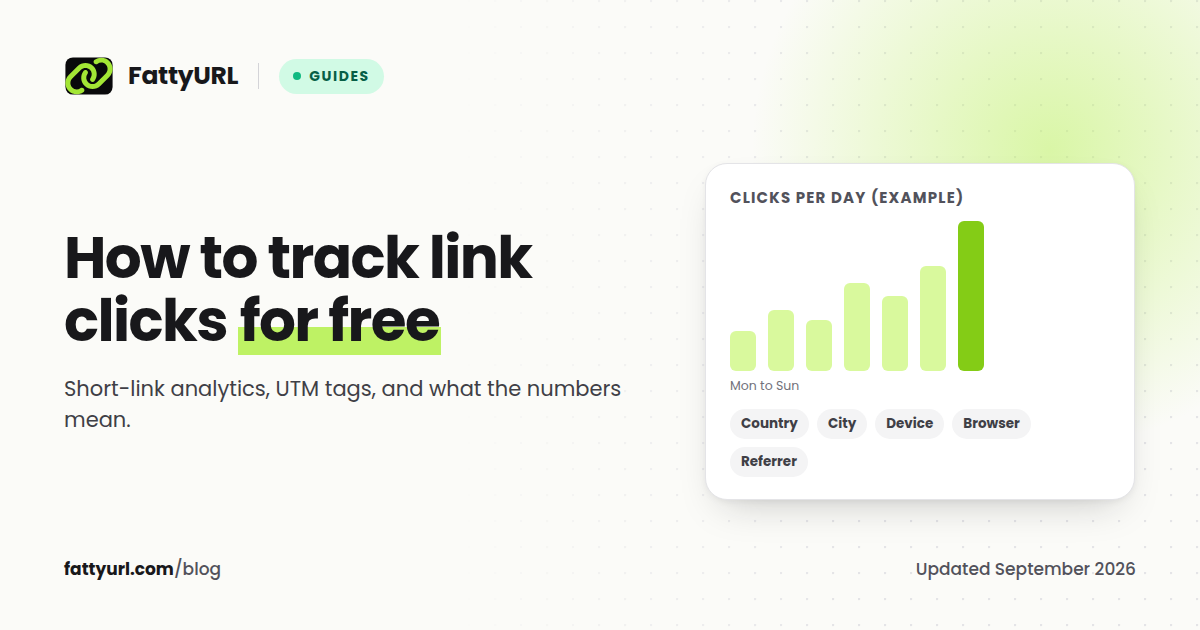
Your dashboard shows clicks over time, countries, devices and the sites people clicked from, and you can change which video the link opens at any time. Links in a free account never expire, as our promise page states.
Disclosure: FattyURL is our product. Any shortener with custom endings and free click data works the same way; see how to make a custom short link.
Where short links help most
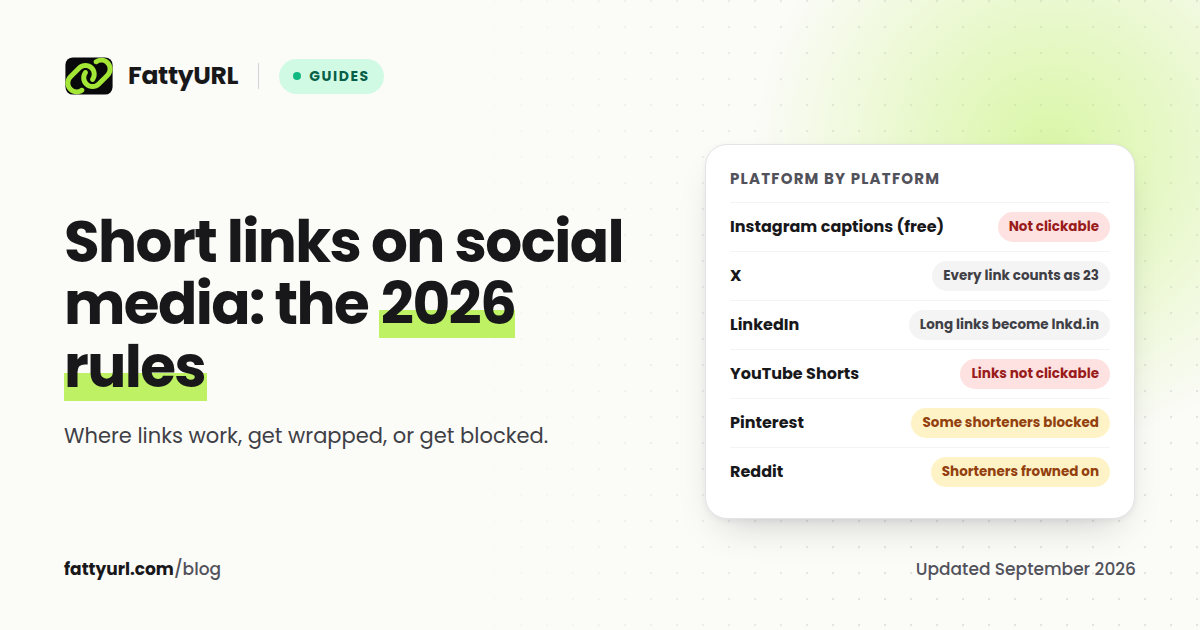
- YouTube Shorts and Instagram captions. Links typed in these places are not clickable, so people have to type them. A short, readable ending is the only kind people will type.
- Talks, podcasts and printed material. Say or print
fattyurl.com/bike-repair-video, or put it in a QR code. See how to make a QR code for a link. - Comparing where clicks come from. Make one short link per place you share the video, such as your newsletter and your bio, and compare their clicks. Our guide to tracking link clicks for free explains how.
FAQ
How do I get a short link for a YouTube video?
Click Share under the video, then Copy. YouTube gives you a short youtu.be link that opens the same video.
How do I make a YouTube link start at a certain time?
Click Share, tick Start at, enter the time, and copy the link. YouTube adds the start time to the link.
What does si mean in a YouTube link?
It is a share identifier that YouTube adds to links copied from Share. YouTube does not document it; independent write-ups say it links a click to the person who shared it. You can remove it before sharing.
Can I see how many people clicked my YouTube link?
Not for a single link in YouTube itself. Share the video through a short link with click data, and the shortener's dashboard counts each click.
Can I customize a YouTube link?
Not the youtu.be link itself. A channel can have a handle, which gives you youtube.com/@yourhandle. For a video, use a URL shortener with custom endings.
Sources
- YouTube Help: share videos and channels
- YouTube Help: learn about handles
- bbaovanc: YouTube URL structures
- FattyURL promise
Disclaimer: This article is for general information only and is not legal or security advice. It was researched and drafted with the help of AI, and its facts were checked against the sources linked above, mostly each provider's own pricing, help and policy pages. URL shorteners, QR code tools and social platforms change their plans, prices and rules often, so confirm the details on the provider's website before you choose a plan, move your links or print a QR code. FattyURL is our own product. Spotted something out of date, or a FattyURL link being misused? Tell us and we will act on it.