How to Track Link Clicks for Free: Short Links, UTM Tags, and What the Numbers Mean
See how many people clicked your link, where they came from and what device they used, for free. Short-link analytics, UTM tags in GA4, and why the numbers never match.
There are two free ways to see how many people clicked a link. The first is a URL shortener with click analytics: every click passes through the short link, so it can count clicks to any destination, including sites you do not own. The second is UTM tags read by Google Analytics 4, which tells you what visitors did after they landed, but only on your own website. Most people should use both, and this guide shows how.
Short answer: Shorten the link with a service that shows click data on its free plan, share the short link, and check its dashboard. If the link goes to your own site, add UTM tags to the long URL first so Google Analytics 4 can attribute the visits too.
Method 1: track clicks with a short link
A short link works like a counter at a door. When someone clicks it, the shortener records the click and sends them on to the real address. Because the counting happens on the shortener's side, it works for any destination: your website, a YouTube video, a Google Form, a PDF, or a product page on Amazon.
Here is how to do it on FattyURL, which shows click data for free with a free account and does not cap clicks:
- Create a free account. Shortening works without one, but analytics are tied to your account. Links you made earlier in the same browser session move into your account when you sign up.
- Paste the long URL on the FattyURL homepage and add a custom slug if you want a readable link, such as
fattyurl.com/spring-sale. - Share the short link wherever you want to measure: a post, a bio, an email, a QR code on a poster.
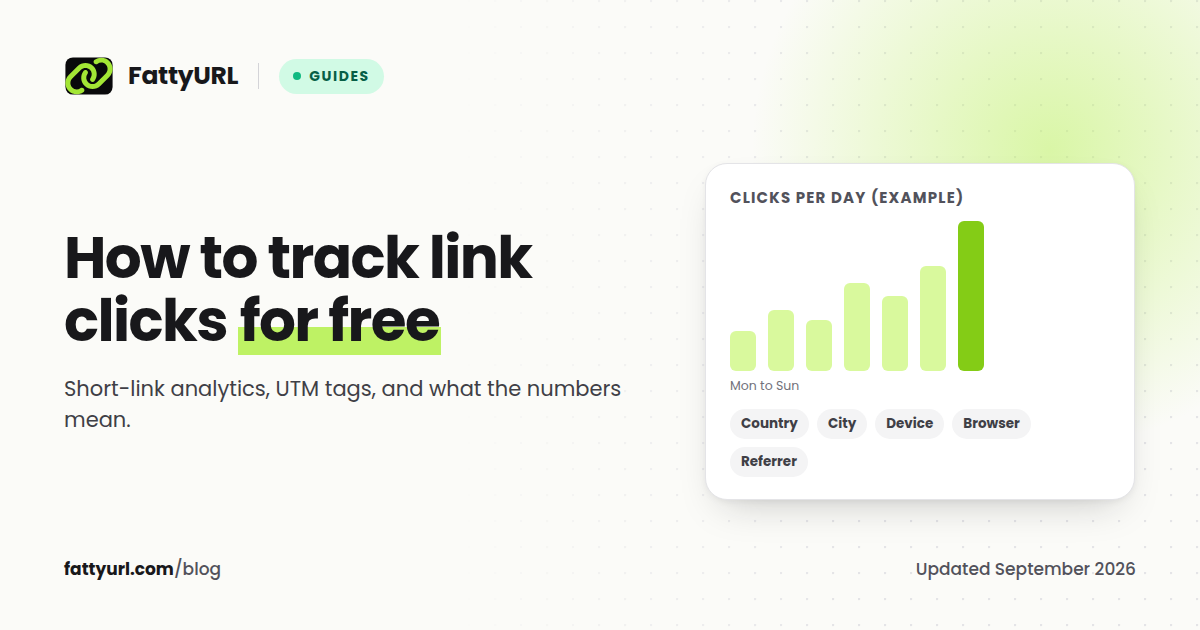
- Open the link in your dashboard to see total clicks, clicks over time for the last 7, 30, 90 or 365 days, unique visitors, top countries and cities, devices, browsers, operating systems and referrers.
One rule matters more than any setting: use one short link per place you share it. If the same link goes in your newsletter and your Instagram bio, you cannot tell which one worked. Make two links to the same destination instead, and compare them.
Which free shorteners actually show click data
Not every free plan lets you see clicks. This is what each one gives you without paying, checked against their own pages on 26 September 2026:
| Shortener | Click data on the free plan | The limit that matters |
|---|---|---|
| FattyURL | Yes, with a free account | No link cap and no click cap |
| Short.io | Yes | The first 50,000 clicks a month; 1,000 links in total |
| Dub | Yes | 1,000 tracked events a month, 30 days of history, 25 links a month |
| Cuttly | Yes | 30 days of history, 30 links a month |
| Rebrandly | Basic reports: total clicks, country and time | 10 links a month |
| Linkly | Yes | 500 tracked clicks a month, and links stop redirecting at the cap |
| T.LY | Public stats with "+" when enabled | Private stats are paid |
| TinyURL | Tracked on free accounts, visible after upgrading | Links made without an account are not tracked |
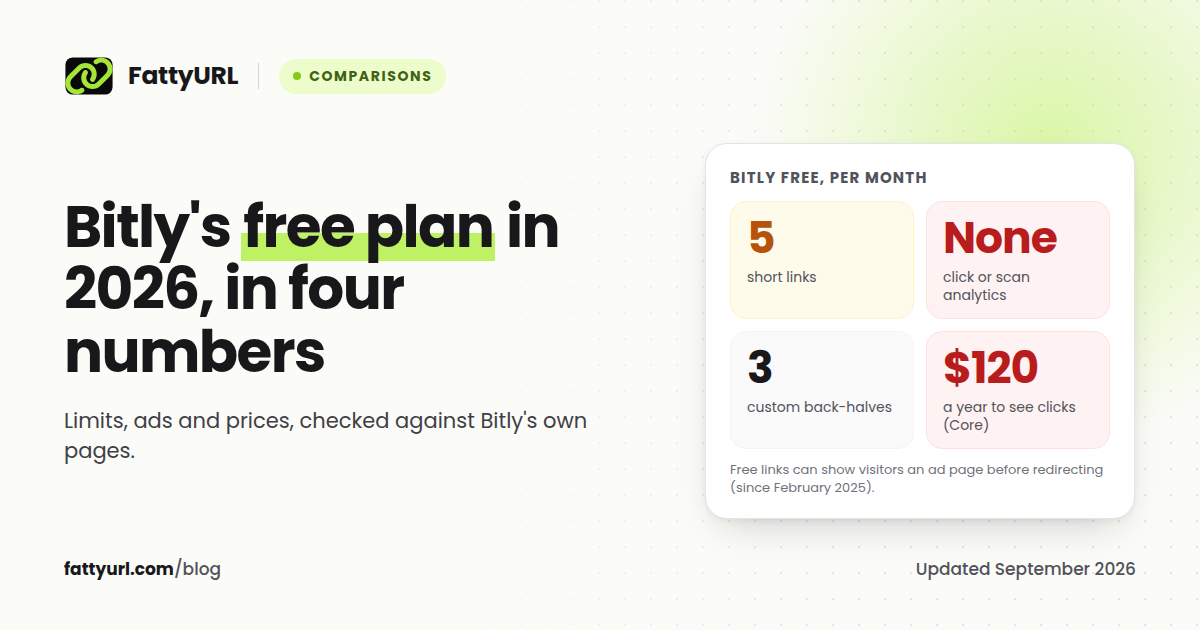
| Bitly | None | Click data starts on Core, $120 a year, with 30 days of history |
Disclosure: FattyURL is our product. Sources for every other row are linked at the end.
The Bitly row surprises people. Its free plan "does not include click or scan analytics for short links or QR Codes," so a free Bitly link tells you nothing about who clicked. We break down the rest of its limits in our Bitly free plan guide.
Method 2: UTM tags in Google Analytics 4
UTM tags are labels you add to the end of a URL so Google Analytics can tell where a visit came from. They only work for links to a website where you have Google Analytics installed, and they measure sessions on your site, not clicks on the link itself.
Google Analytics 4 recognizes these parameters:
| Parameter | What it records | Example |
|---|---|---|
utm_source |
Where the traffic comes from | newsletter, instagram |
utm_medium |
The type of channel | email, social, qr |
utm_campaign |
The campaign or promotion | spring_sale |
utm_term |
The paid keyword | running shoes |
utm_content |
Which creative or link | header_button |
utm_id |
A campaign ID | 2026_q4_01 |
Google's own guidance is to "always use utm_source, utm_medium, and utm_campaign." Values are case sensitive, so Email and email show up as two different mediums. Anything you leave out appears in reports as "(not set)."
A tagged URL looks like this:
https://example.com/sale?utm_source=newsletter&utm_medium=email&utm_campaign=spring_sale
Use both: put the UTM link inside a short link
Tagged URLs are long and ugly, which is where the shortener comes in. Build the tagged URL, then shorten it:
- Build the full URL with your UTM tags.
- Shorten that full URL, for example to
fattyurl.com/spring-news. - Share the short link.
Now you get two views of the same campaign. The short link counts every click, from every device and app. Google Analytics shows what those visitors did after they arrived: pages viewed, sign-ups, purchases. Make one short link per channel, each with its own utm_source, and you can compare channels in both places.
Why click counts and Google Analytics never match
Expect the shortener to show more clicks than Google Analytics shows sessions. That is normal, and the gap has known causes:
- Visitors who leave before the page loads. A click counts the moment it happens. A session only counts once the analytics tag loads on your page.
- Consent banners and ad blockers. Visitors who decline analytics cookies, or block trackers, still clicked the link but may never appear in Google Analytics.
- Bots and link previews. Chat apps and social networks fetch links to build previews, and security scanners check links in email. Google Analytics 4 automatically excludes known bots. Shorteners filter bots with differing success, so treat very large spikes with care.
- Destinations you do not own. If the link goes to YouTube or a marketplace, only the shortener sees it at all.
Treat the shortener as the count of interest and Google Analytics as the count of engagement. Watch the trend in each, rather than trying to make the two agree.
What you can learn from click data
- Which channel works. Separate short links for your newsletter, bio and ads show where attention comes from. Our guide to short links on social media covers each platform's rules.
- When your audience clicks. Clicks over time show the days and hours that matter for your next post.
- Where your audience is. Country and city data tells you which markets respond, which is useful before you translate or advertise.
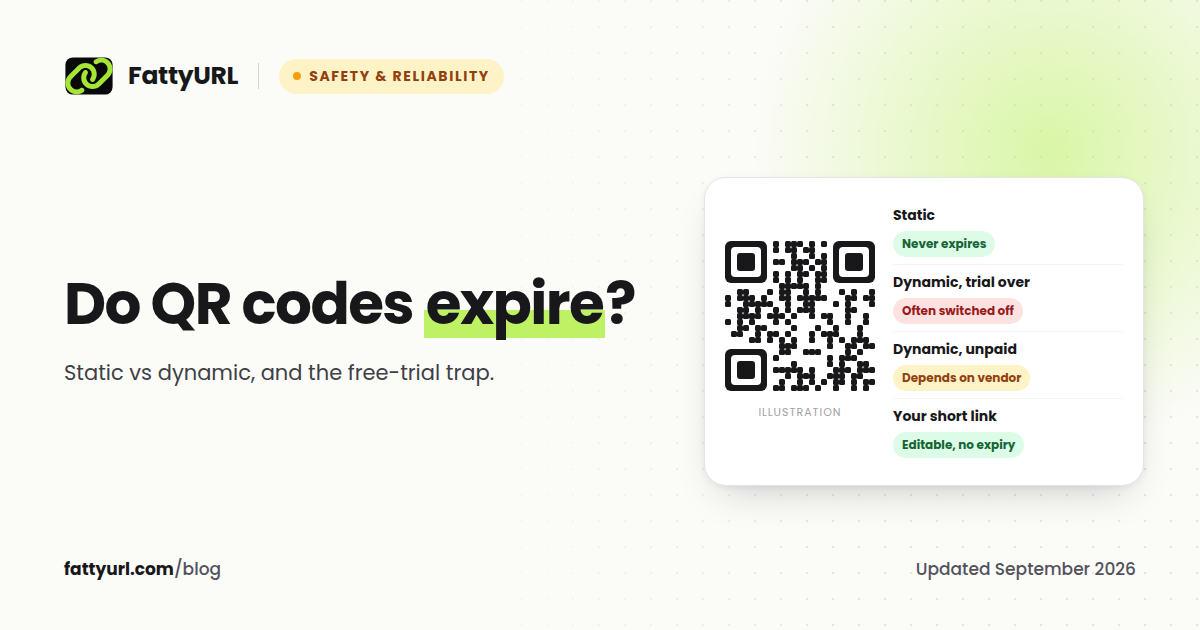
- Whether a printed QR code is being scanned. A QR code that points to a short link counts every scan as a click. See our guide to QR codes that never expire for how to set one up.
- Which version wins. Two links to two versions of a page, shared the same way, is a free A/B test.
A note on privacy
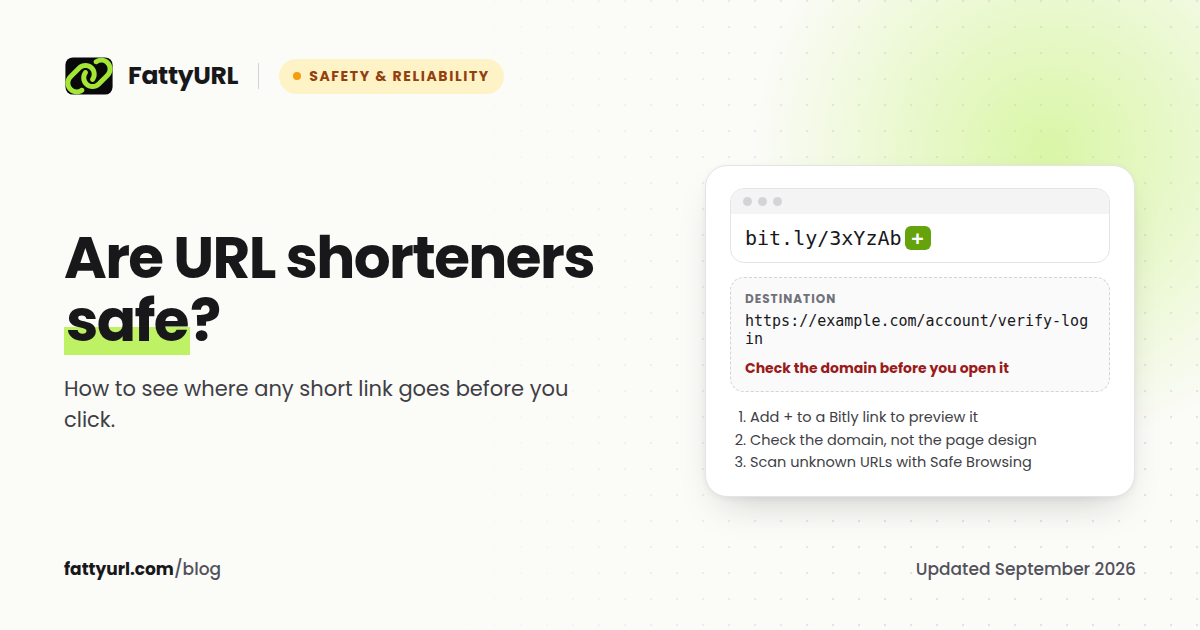
Click tracking records information about the people who click. FattyURL stores the browser, operating system, device type, referring page, country and city, and a hashed IP address rather than the raw address, and never sells the data. If your audience is in the EU or UK, note that data protection regulators treat pseudonymised data, such as hashed identifiers, as personal data rather than anonymous data, so mention link tracking in your own privacy notice. Our guide to whether URL shorteners are safe covers what shorteners can see.
FAQ
Can I see how many people clicked my link?
Yes, if the link is a short link from a service that shows click data. On FattyURL, create a free account, shorten the link, and open it in your dashboard. For links to your own website, Google Analytics 4 with UTM tags also shows visits.
Can I track link clicks without Google Analytics?
Yes. A URL shortener with click analytics counts clicks without any code on the destination, which is also the only way to track clicks to sites you do not own.
Does Bitly show clicks for free?
No. Bitly's free plan does not include click or scan analytics. Click data starts on its Core plan at $10 a month billed annually, with 30 days of history.
How do I track clicks on a link to someone else's website?
Shorten it with a service that shows click data and share the short link. The shortener counts clicks before sending visitors on, so it works for any destination.
What is the difference between clicks and unique visitors?
Clicks count every click, including one person clicking five times. Unique visitors estimate how many different people clicked. FattyURL shows both for each link.
Why does my shortener show more clicks than Google Analytics?
Clicks are counted before the page loads. Google Analytics only counts visitors whose browser loads its tag and who allow it, and it excludes known bots. Some gap is normal.
Sources
- Google Analytics Help: URL builders and UTM parameters
- Google Analytics Help: known bot-traffic exclusion
- Bitly blog: what the free plan includes, Bitly pricing
- Short.io pricing
- Dub pricing
- Cuttly pricing
- Rebrandly analytics
- Linkly free plan
- T.LY
- TinyURL: analytics after upgrading
- EDPB guidelines on pseudonymisation (January 2025 draft), ICO on pseudonymisation
- FattyURL privacy policy
Disclaimer: This article is for general information only and is not legal or security advice. It was researched and drafted with the help of AI, and its facts were checked against the sources linked above, mostly each provider's own pricing, help and policy pages. URL shorteners, QR code tools and social platforms change their plans, prices and rules often, so confirm the details on the provider's website before you choose a plan, move your links or print a QR code. FattyURL is our own product. Spotted something out of date, or a FattyURL link being misused? Tell us and we will act on it.