Do QR Codes Expire? Static vs Dynamic, and How to Avoid the Free-Trial Trap
Why some QR codes stop working after a free trial, how to tell a static code from a dynamic one, what dynamic codes cost, and how to make a QR code that never expires.
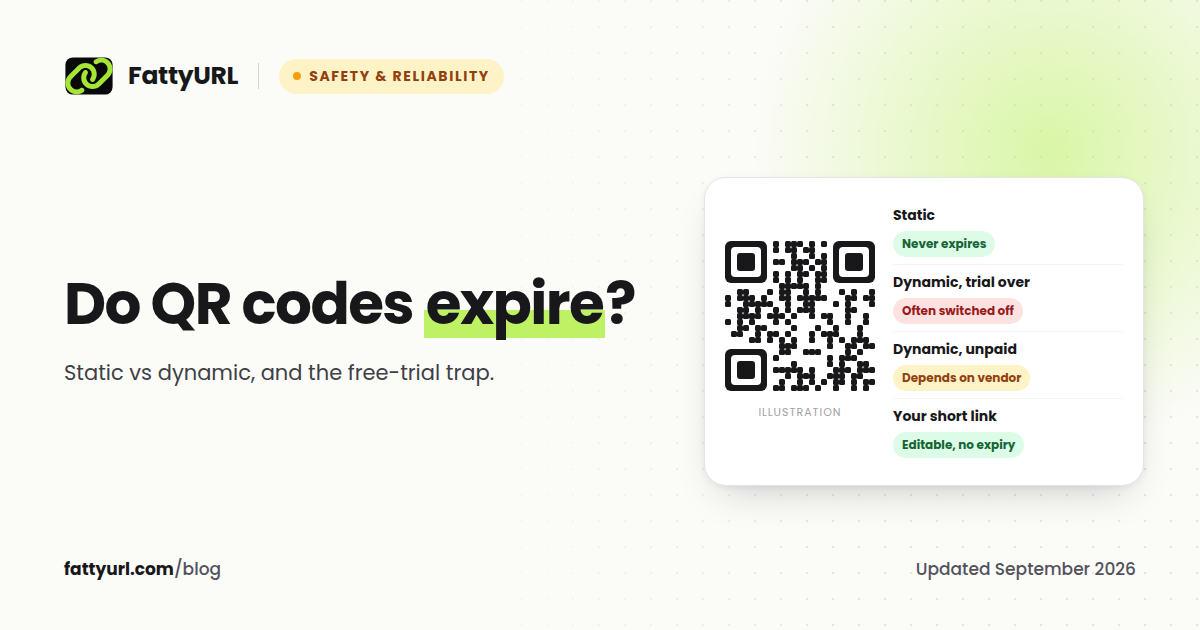
A static QR code never expires. The web address is stored in the pattern itself, so as long as the page it points to exists, the code works. A dynamic QR code can stop working, because it points to a short link on the QR vendor's server, and many vendors switch those links off when a free trial ends or a subscription lapses. That is why a QR code that worked last month can suddenly open the vendor's own service page instead of yours.
Short answer: Static QR codes do not expire. Dynamic QR codes work only while the vendor keeps their redirect running, which often ends with your free trial or subscription. To get an editable, trackable QR code without that risk, point it at a short link on a service whose links never expire.
Static vs dynamic QR codes
| Static QR code | Dynamic QR code | |
|---|---|---|
| What is inside the code | Your actual URL | A short link owned by the QR vendor |
| Does it expire? | No | It works while the vendor keeps the short link running |
| Can you change where it points? | No, you need a new code | Yes, in the vendor's dashboard |
| Can you count scans? | No | Yes |
| Typical cost | Free | Often a monthly subscription |
QR Code Generator, a widely used vendor, explains the difference in its own help center: "Static QR Codes don't expire when your free trial ends," because that type "directly encodes the data you enter," while "Dynamic QR Codes use a short URL instead of embedding data directly into the QR Code."
Why QR codes stop working: the free-trial trap
Many QR generators let you create a dynamic code free during a trial. When the trial ends, the vendor controls what happens to the codes you already printed. Their own help pages are explicit:
- QR Code Generator: when the trial expires, "Dynamic QR Codes are deactivated and point to a service page rather than the original destination."
- QR.io: when the free trial expires, "Dynamic QR codes will be paused."
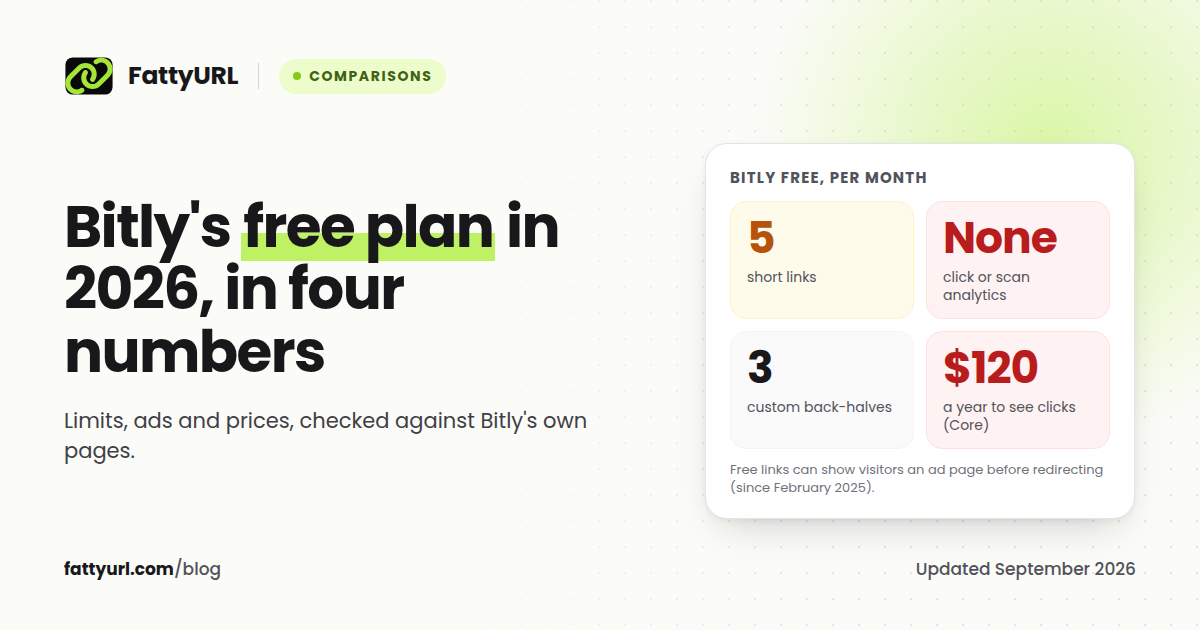
- Bitly: codes on the free plan keep working, but Bitly's notice about ads said links and QR codes "may show a preview page before directing your audience to the destination URL." The free plan allows 2 QR codes a month and does not let you change where they point.
The result shows up in reviews. QR Code Generator's Trustpilot page rated it 1.3 out of 5 from over 9,300 reviews when we checked in September 2026, with one user writing that a code "stops working unless you subscribe." Individual reviews are unverified, but the vendors' own policies above explain the pattern.
The cost falls on whoever printed the code: menus, flyers, product packaging, business cards and signs that now lead nowhere.
How to tell whether your QR code is static or dynamic
Scan it with your phone camera and look at the address it shows before you open it.
- If it shows your own website's address, such as
yourshop.com/menu, the code is static. It will not expire. - If it shows a QR vendor's short domain, a string of random characters on a site you do not recognize as yours, the code is dynamic. It works only while that vendor keeps the link alive.
If the code is dynamic and you are on a trial, find out today what the vendor does when the trial ends, before you print more.
What dynamic QR codes cost
Paying is the other way to keep a dynamic code alive. Published prices, checked on 26 September 2026:
| Vendor | Published price |
|---|---|
| QR TIGER | Regular from $7 a month; Advanced $16 and Premium $37 a month, billed annually only |
| Uniqode | From $9 a month, annual plans only; Core at $49 a month |
| Flowcode | Pro Plus at $25 a month, billed annually |
| Bitly | Core at $10 a month, billed annually: 5 QR codes a month, 5 destination edits and 30 days of scan data |
Over the life of a printed code, a subscription adds up to far more than the printing did.
How to make a QR code that never expires, for free
There are two ways, depending on whether you ever need to change the destination or count scans.
If the destination will never change: a static code
- Open the free QR code generator.
- Paste the full URL, pick your colors, and download the code as PNG or SVG.
No account, no watermark, no expiry. The code contains your URL directly, so no service stands between the scan and your page.
If you want to edit it later and count scans: a short link
- Create a free FattyURL account and shorten your URL, ideally with a readable custom slug such as
fattyurl.com/cafe-menu. - Download the QR code for that short link from the result.
- Print the QR code. Every scan now passes through your short link.
Because the code points to your short link, you can change the destination from your dashboard at any time, and every scan shows up in the link's analytics with the country, city and device. FattyURL links never expire, which is written on our promise page, so there is no trial to run out.
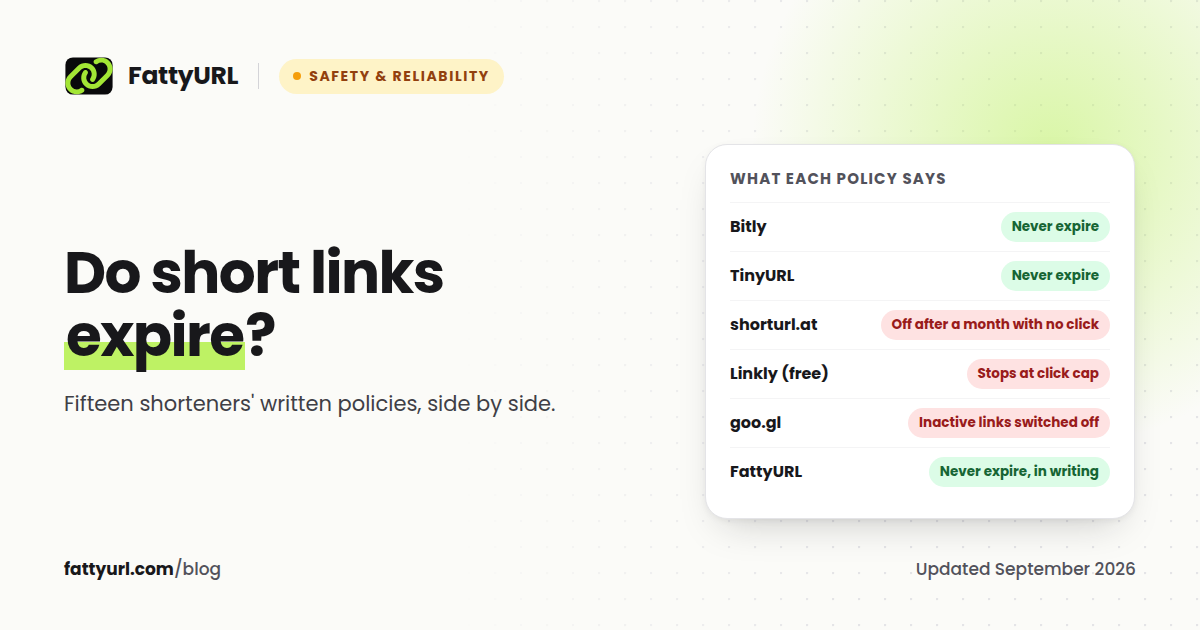
Disclosure: FattyURL is our product. The same method works with any shortener that lets you edit destinations and does not expire links, so check its policy before you print. We compare fifteen policies in do short links expire.
Before you print: a checklist
- Scan the proof with two different phones before ordering the print run.
- Keep strong contrast: a dark code on a light background scans most reliably.
- Leave a quiet margin of empty space around the code. The QR standard calls this the quiet zone, and cropping it is a common reason codes fail.
- Print it big enough for the scanning distance. A code on a poster across a room needs to be far larger than one on a business card.
- Point it at a URL you control, your own site or a short link you can edit, never at a trial account.
QR code safety
Because people cannot read a QR code before scanning it, scammers use them too, often through short links that hide the destination. Palo Alto Networks' Unit 42 found that traffic through QR-code link-shortening services grew 55% from the first half of 2023 to the first half of 2024, and another 44% by the first half of 2025. Anti-phishing researchers at the APWG have reported criminals pointing QR codes to URL shorteners that then redirect to different destinations.
Before you open a scanned link, read the address your phone shows. If it is unexpected, check it first. Our guide on whether URL shorteners are safe shows how to preview where a short link goes.
FAQ
Do QR codes expire?
Static QR codes do not expire, because the URL is stored in the code itself. Dynamic QR codes can stop working if the vendor deactivates them, which often happens when a free trial or subscription ends.
Why did my QR code stop working?
The most common reason is a dynamic code from a vendor whose trial or subscription ended. Other causes are a deleted destination page, a damaged print, or a code printed too small or without a margin.
Can I change where my QR code goes?
Only if the code is dynamic or points to a short link you can edit. A static code always opens the URL printed into it, so a new destination needs a new code.
Do Bitly QR codes expire?
Bitly says "Bitly Links never expire," and a Bitly QR code keeps working as long as its link does, unless you set an expiry or delete it. On the free plan you cannot change a code's destination, and free links and codes may show a preview page before redirecting.
Is there a free dynamic QR code that never expires?
Yes. Point the QR code at a short link from a shortener that lets you edit destinations for free and does not expire links. On FattyURL this works with a free account, including scan counts.
Are QR codes safe to scan?
The code itself cannot harm your phone, but it can send you to a harmful page. Read the address your phone shows before opening it, and be wary of codes stuck over other codes in public places.
Sources
- QR Code Generator: will static QR codes expire at the end of the free trial
- QR Code Generator: what happens when the trial expires
- QR.io: what happens when the free trial expires
- Trustpilot: QR Code Generator reviews
- Bitly pricing, Bitly link expiry, Coywolf on Bitly's preview pages
- QR TIGER pricing, QR TIGER billing terms, Uniqode pricing, Flowcode pricing
- ISO/IEC 18004:2024, the QR code standard
- Unit 42: QR codes as an attack vector (February 2026)
- APWG Phishing Activity Trends Report, Q1 2025
Disclaimer: This article is for general information only and is not legal or security advice. It was researched and drafted with the help of AI, and its facts were checked against the sources linked above, mostly each provider's own pricing, help and policy pages. URL shorteners, QR code tools and social platforms change their plans, prices and rules often, so confirm the details on the provider's website before you choose a plan, move your links or print a QR code. FattyURL is our own product. Spotted something out of date, or a FattyURL link being misused? Tell us and we will act on it.