Why Did My QR Code Stop Working? 10 Causes and How to Fix Each
Whether your QR code won't scan at all or opens the wrong page, here is how to find the cause, fix it, and stop it happening to the next code you print.
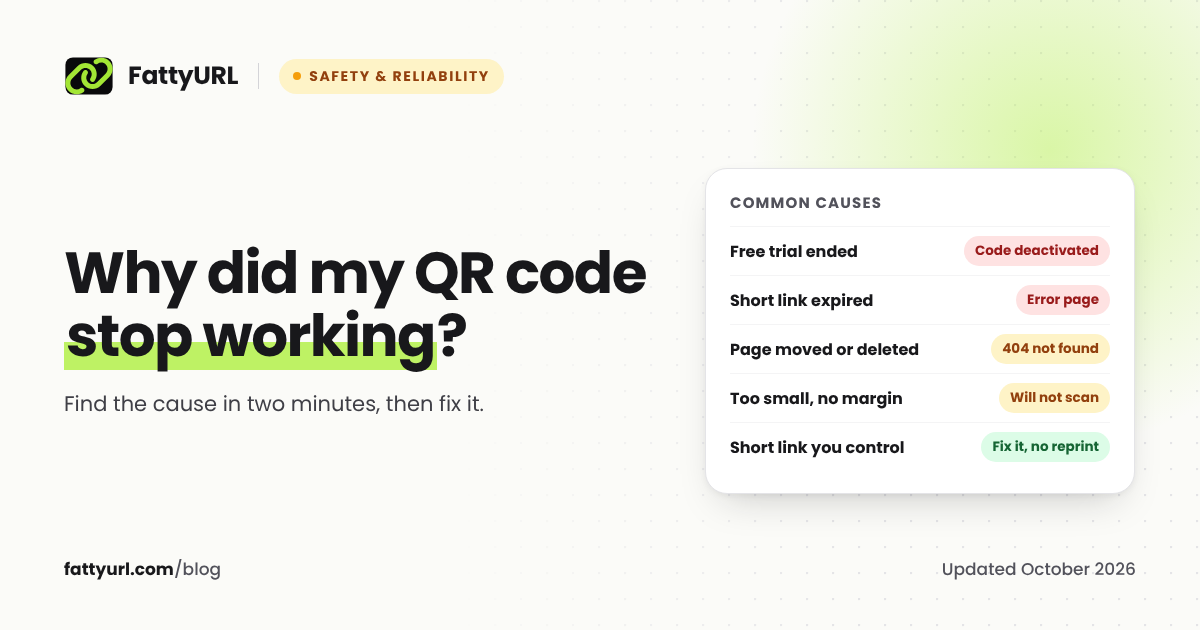
A QR code stops working for one of two kinds of reasons. Either the phone cannot read the code at all, which is a printing problem, or it reads the code and the link inside goes nowhere useful, which is a link problem. The quickest way to tell them apart takes ten seconds, and the fix depends on which one you have.
Short answer: If the camera does not react, the code is too small, too low in contrast, damaged, or missing its white margin. If it scans but opens an error, a sales page or the wrong page, the link inside has expired, moved or been switched off, most often because a QR vendor's free trial ended. Codes that point to a short link you control can be fixed without reprinting; static codes need a new code.
Step 1: find out which kind of problem you have
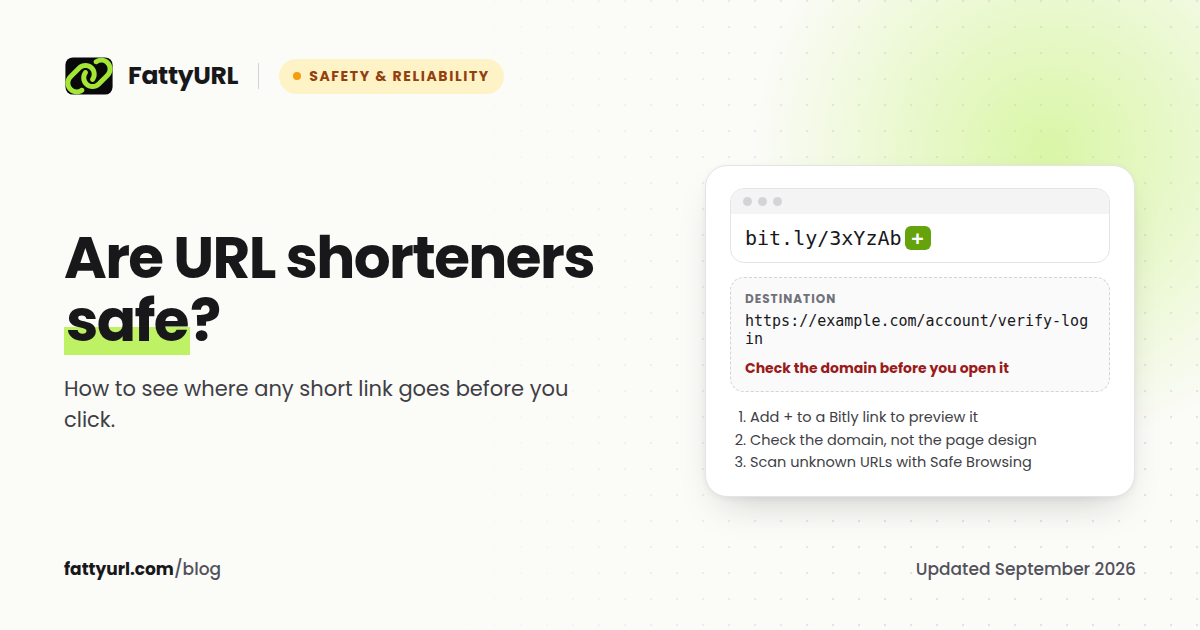
Point your phone camera at the code and watch for the link preview that appears on screen.
- No preview appears, even close up and in good light: the phone cannot read the code. Start with the scanning problems below.
- A preview appears, but tapping it opens an error, a vendor's page or the wrong site: the code reads fine and the link inside is the problem. Skip to the link problems.
Read the address in the preview before you tap it. It tells you which service the code depends on.
Scanning problems: the phone cannot read the code
1. It is too small for the distance
Scanning distance decides the size. A common rule of thumb from QR vendors is a minimum of 2 cm (0.8 in) across, and about one tenth of the scanning distance for posters, so a poster read from 2 meters needs a code around 20 cm wide. It is guidance rather than a standard, so test at full size. Fix: reprint larger.
2. The white margin was cropped
Scanners need empty space around the code to find it. DENSO WAVE, which invented the QR code, says "a white space worth 4 modules is needed around it," a module being one small square of the pattern. Designers often crop it to fit a layout. Fix: reprint with the margin, and keep other graphics out of it.
3. Low contrast or the wrong colors
DENSO WAVE advises printing "black on a white background" and warns that a red code on a white background cannot be read. Pale colors, busy photo backgrounds and light codes on dark backgrounds all fail on some phones. Fix: dark code, light background, strong contrast.
4. The code is too dense
The longer the text inside a QR code, the more squares it needs, and a crowded code printed small is hard to scan. A long tracking URL is a common culprit. Fix: put a short link inside instead of the long URL. The code gets simpler, and you gain the ability to change its destination.
5. Damage, glare or a curved surface
Scratches, folds, a glossy laminate catching the light, or a code wrapped around a bottle or cup all distort the pattern. QR codes carry error correction that lets a scanner recover part of a damaged code: DENSO WAVE says Level M, which restores about 15%, is the one "most frequently selected." Heavy damage still breaks it. Fix: a matte finish, a flat surface, and a fresh print.
6. The code is on your own screen
You cannot point your phone's camera at its own screen. If someone sent you a QR code as an image, see how to scan a QR code from a screenshot.
Link problems: the code scans, the link fails
7. A free trial or subscription ended
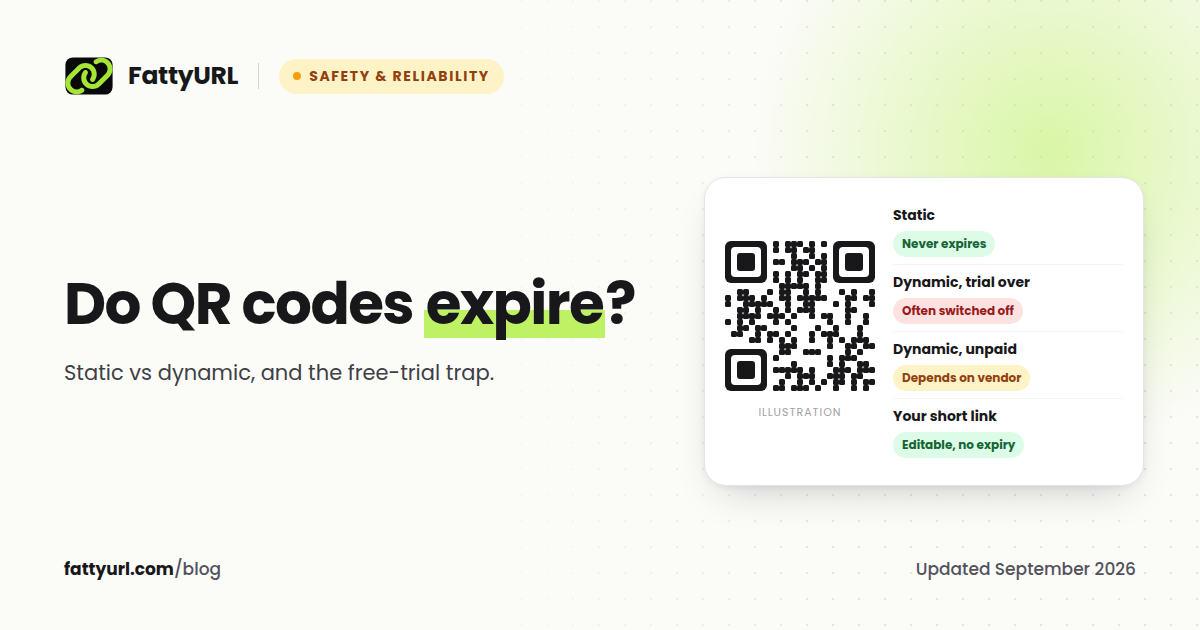
This is the most common reason a printed code stops working. Many QR generators make "dynamic" codes that point to a short link on the vendor's servers, and the vendor decides what happens when you stop paying. In their own words:
- QR Code Generator: when the free trial expires, "Dynamic QR Codes are deactivated and point to a service page rather than the original destination." Static codes "continue to work."
- QR TIGER: its free plan gives three dynamic codes with "a 500 scan limit each," and its help center says that at the limit "the QR code will stop working."
- Uniqode: "Once your free trial expires, any dynamic QR Codes you created will become inactive."
How to tell: the preview shows the vendor's domain, not yours, and the page asks you to log in, upgrade or pay. Fix: either pay the vendor to reactivate the code, or reprint it pointing at a link you control. Our guide to whether QR codes expire explains static and dynamic codes in detail.
8. The short link inside expired
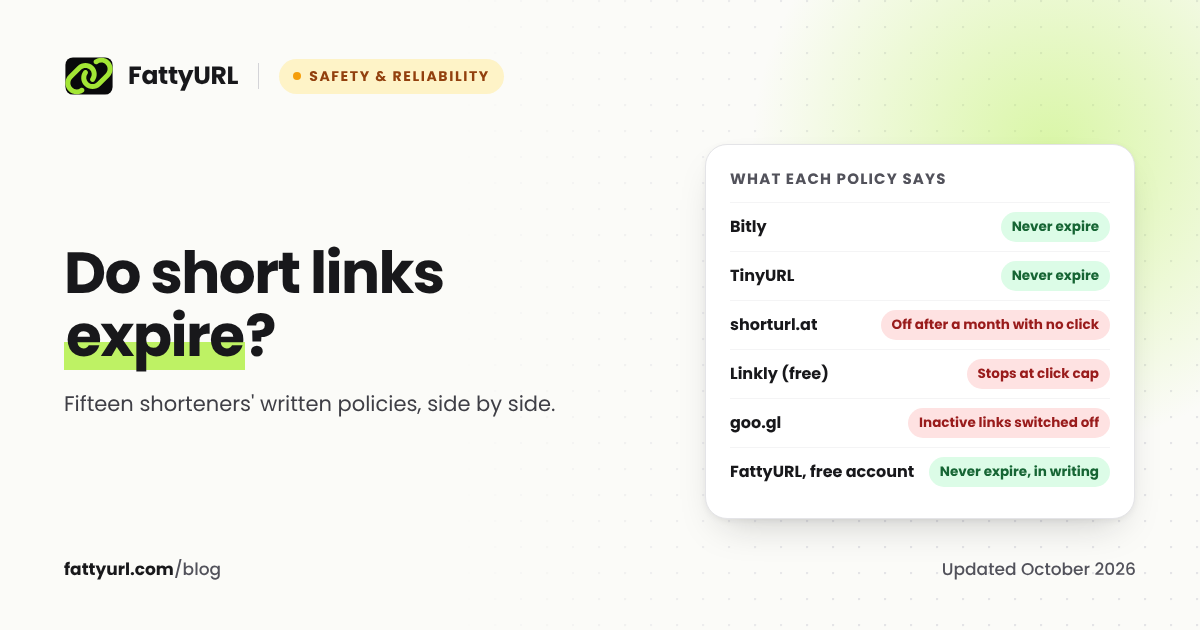
If the code contains a short link, that link has to stay alive. Most big shorteners say their links never expire, but some disable quiet links: shorturl.at, for example, disables links with no clicks in a month, and FattyURL links made without an account from 7 October 2026 expire after 30 days with no click. Fix: recreate the short link in an account whose links do not expire, then reprint, or, if you control the old link, reactivate it. Our comparison of whether short links expire lists fifteen services' policies.
9. The page it opens moved or was deleted
The code works and the link redirects, but the destination shows "page not found." Website redesigns and ended campaigns are the usual cause. Fix: if the code points to a short link you can edit, change its destination to the new page and the printed code follows. If the code is static, ask the site owner to redirect the old address to the new one, or reprint.
10. The link was switched off for safety
Shorteners and QR services switch off links that lead to phishing or malware, and sometimes switch off a clean link by mistake. You usually see a warning page from the service instead of the destination. Fix: contact the service. On FattyURL, a link that our safety check flags is paused, never deleted, and we restore it if a re-check finds it clean.
How to stop it happening again
- Point printed codes at a link you control, your own website or a short link in an account whose links do not expire. A free FattyURL account works: shorten the link, use the QR button, and you can change the destination later without reprinting. Links in a free account never expire, as our promise page states.
- Never print a trial account's dynamic code unless you plan to pay for as long as the code is in use.
- Test before every print run with two different phones, at the real size and distance.
- Keep a list of every printed code, where it is, and the link inside it.
Disclosure: FattyURL is our product. The same approach works with any shortener that lets you edit destinations and does not expire links.
FAQ
Why did my QR code suddenly stop working?
Usually because the link inside it stopped working, not the code. The most common case is a dynamic code from a QR vendor whose free trial or subscription ended. Scan it and read the address: if it is the vendor's domain, contact the vendor or reprint the code with a link you control.
Can I fix a QR code without reprinting it?
Only if it points to a link you can still edit, such as a short link in your own account or an active paid dynamic code. Change the destination there and the printed code follows. A static code, or a vendor link you no longer control, needs a new code.
Do QR codes expire?
The code itself never expires. What expires is the link inside: a vendor's trial link, a short link with an inactivity rule, or a page that was deleted.
Why does my QR code open a page asking me to upgrade?
The code is a dynamic code from a QR vendor, and the account that made it is on an expired trial or plan. The vendor now shows its own page instead of yours.
Why won't my phone scan a QR code?
Check the code first: size, margin, contrast and damage cause most failures. Then check the phone: clean the camera lens, make sure the code is in focus, and try another scanner app or Google Lens.
Sources
- QR Code Generator: what happens when the trial expires, static codes after the trial
- QR TIGER FAQ, QR TIGER: is using QR TIGER free?
- Uniqode pricing and trial
- DENSO WAVE QR code FAQ, error correction
- QRStuff: QR code size guidance
- shorturl.at terms
- FattyURL promise
Disclaimer: This article is for general information only and is not legal or security advice. It was researched and drafted with the help of AI, and its facts were checked against the sources linked above, mostly each provider's own pricing, help and policy pages. URL shorteners, QR code tools and social platforms change their plans, prices and rules often, so confirm the details on the provider's website before you choose a plan, move your links or print a QR code. FattyURL is our own product. Spotted something out of date, or a FattyURL link being misused? Tell us and we will act on it.