Bitly Free Plan in 2026: 5 Links a Month, No Click Data, and an Ad Page
What Bitly's free plan includes in 2026, what each paid tier costs, what happens to your links if you leave, and which free alternatives give you more.
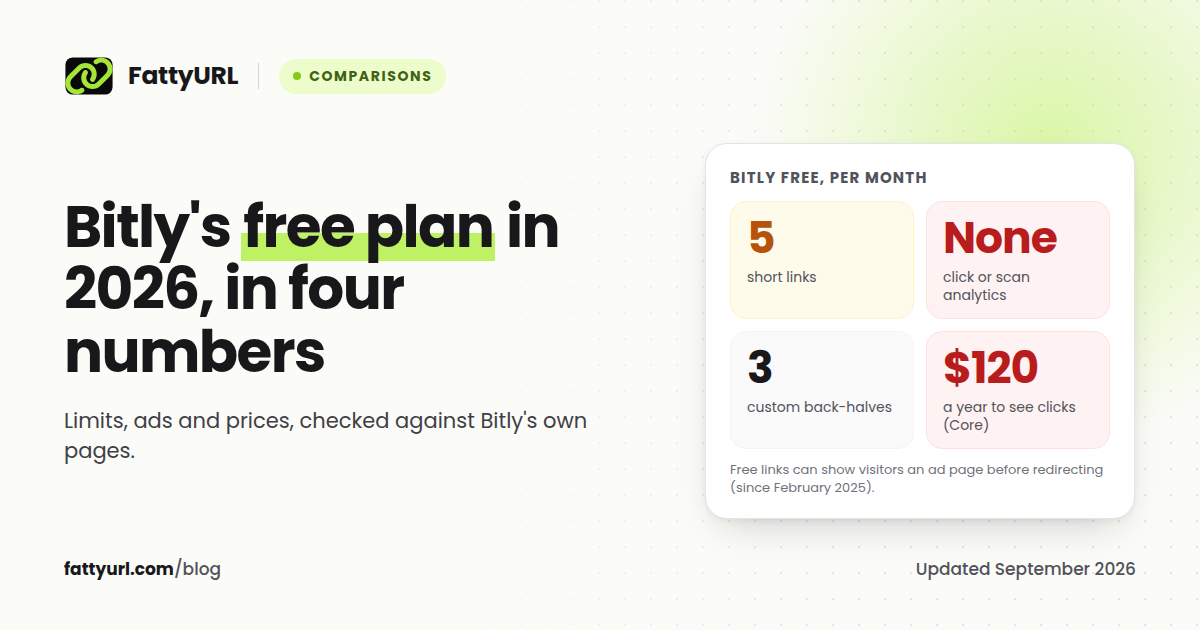
Bitly still has a free plan in 2026, but at 5 links a month, anyone who shares links weekly will outgrow it quickly. You get 5 short links a month, 2 QR codes, 3 custom back-halves, and no click analytics at all. Since February 2025, free links can also show your visitors an ad page before they reach your destination.
This guide covers exactly what the free plan includes, what each paid tier costs, what happens to your links if you downgrade or leave, and which free alternatives give you more. Every number comes from Bitly's own pricing page and help center, checked on 26 September 2026, with links so you can verify it yourself.
Short answer: Bitly Free gives you 5 links and 2 QR codes a month with no click data, and free links may show an ad page first. The cheapest plan that shows clicks is Core at $10 a month, billed annually ($120 a year), and it keeps 30 days of data.
What Bitly's free plan includes in 2026
| What you get | Bitly Free |
|---|---|
| Account required | Yes. Bitly retired its old no-account shortener |
| Short links | 5 per month |
| QR codes | 2 per month |
| Custom back-halves | 3 per month |
| Click and scan analytics | None |
| Change where a link points later | Not included |
| Custom domain | Not included (starts on Growth) |
| Export your links to CSV | Not included (starts on Growth) |
| API | 1,000 requests per month |
| Ads shown to your visitors | Yes, a preview page with an ad |
| Link expiry | Links never expire |
The free plan does allow unlimited clicks and QR code scans, so a link that takes off keeps working. The limits are on creating and measuring links, not on traffic.
If you have read elsewhere that Bitly's free plan allows 10 links a month, that figure is out of date. Several 2026 guides still repeat it, but Bitly's own pricing page says 5.
The analytics catch: you cannot see who clicked
Bitly's own guide to the free plan says it "does not include click or scan analytics for short links or QR Codes." That line matters more than the 5-link cap.
A short link without click data is just a shorter URL. You cannot tell whether a post worked, which channel sent the traffic, or whether anyone is scanning the QR code you printed on a flyer. To see clicks on Bitly you need a paid plan, and the history is capped even then:
- Core: 30 days of data history
- Growth: 4 months
- Premium: 1 year
- Enterprise: 2 years
If you would rather not pay for click data, there are free ways to track link clicks that work with any destination.
The free plan also cannot change a link's destination after you create it. Bitly calls this feature redirects, and on the free plan, redirects "require a paid plan." If you print a QR code and the page it points to moves, you need a new code.
Why free Bitly links show an ad page
Bitly started showing ads on free accounts in February 2025. Its help center describes what your visitors see as "an interstitial page that includes a preview of the link destination and an ad," and says that "if you prefer an ad-free experience, you can upgrade to one of our paid plans." Links made with Bitly's retired no-account tool also "display a preview of the destination along with advertisements." When Bitly announced the change, its notice said links and QR codes "may show a preview page before directing your audience to the destination URL."
That extra page costs you in three ways:
- An extra step. Every screen between a tap and the destination loses some visitors, especially on mobile.
- Someone else's ad next to your link. You do not choose the ad your customer sees.
- Trust. An unexpected page between a link and its destination is exactly what people are taught to be suspicious of.
Bitly does offer an ad-free free plan to eligible educational institutions. Everyone else removes the ads by paying.
What Bitly's paid plans cost in 2026
| Plan | Price | Links per month | Click data history | Destination edits per month | Custom domain |
|---|---|---|---|---|---|
| Free | $0 | 5 | None | None | No |
| Core | $10 a month, billed annually only ($120 a year) | 100 | 30 days | 5 | No |
| Growth | $29 a month billed annually, or $35 monthly | 500 | 4 months | 20 | Yes, one included |
| Premium | $199 a month billed annually, or $300 monthly | 3,000 | 1 year | 110 | Yes |
| Enterprise | Custom | Custom | 2 years | Custom | Yes |
QR codes follow the same ladder: 2 a month on Free, 5 on Core, 10 on Growth and 200 on Premium.
Two things stand out. First, Core costs $120 a year and still caps you at 100 links a month with 30 days of history. Second, fixing a link after you have shared it is rationed even when you pay: 5 edits a month on Core.
What happens to your links if you downgrade or leave
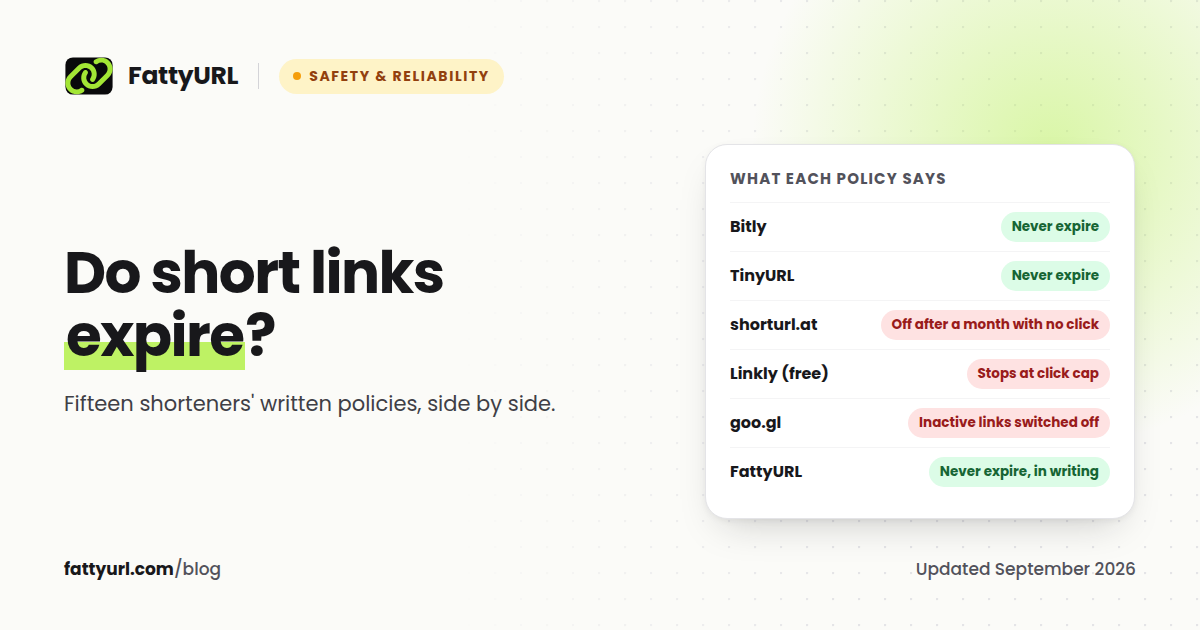
The good news first. Bitly's help center says "Bitly Links never expire," and "your bit.ly links continue to work after you downgrade your account." You do not have to keep paying to keep old links alive.
There are three catches worth knowing before you downgrade:
- Branded domains. If you use your own domain on Bitly, the help center says "we won't renew your domain's SSL certificate" after a downgrade, so links on that domain become insecure when the certificate expires. If you use the complimentary domain that comes with Growth or Premium, Bitly says "any links using that domain will stop working" when its registration expires. Move the domain before you downgrade.
- Ads after downgrading. Bitly shows ads on free accounts, and its help center does not say whether links made on a paid plan are exempt after a downgrade. Open one in a private window afterwards to check.
- Exports. Exporting your links to CSV is "available with some paid plans," and Bitly's pricing table lists data export from Growth up. On the free plan, copy the destinations you still need by hand.
- The links stay on Bitly. A bit.ly short link lives on Bitly's domain. No other service can take it over, so the old link keeps running on Bitly and any new link you create elsewhere is a new URL.
Is Bitly's free plan enough for you?
Bitly Free is enough if you need a handful of links a month, you do not need to know whether anyone clicked, and you are comfortable with visitors seeing an ad page.
It is not enough if:
- You post links every week on social media, in newsletters or in bios
- You need to measure clicks to know what works
- You print QR codes (2 a month, and you cannot change where they point)
- You send links to customers or clients, where an ad page in between hurts trust
Free alternatives that give you more
Disclosure: FattyURL is our product. Every competitor fact below comes from that company's own pricing or help pages, checked on 26 September 2026 and linked in the sources.
| Tool | Account to shorten | Free links | Free click data | Ads on free links |
|---|---|---|---|---|
| FattyURL | No | Unlimited | Yes, with a free account | No |
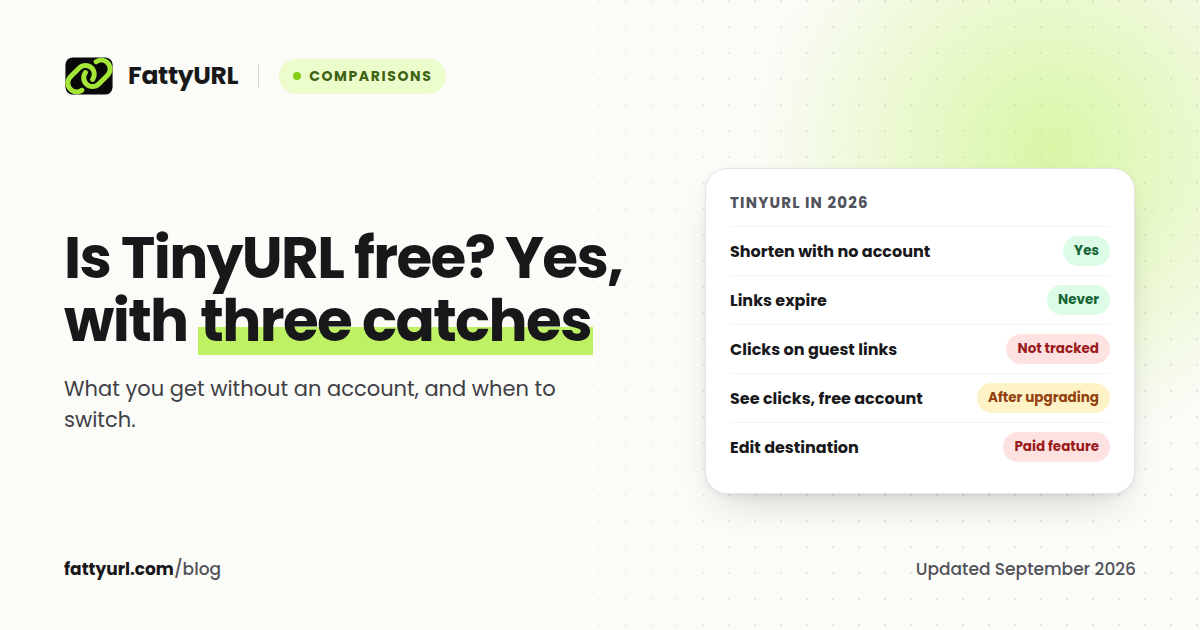
| TinyURL | No | Not stated officially | Tracked on free accounts, visible after upgrading | Not stated; links from its deprecated API show a countdown notice |
| Short.io | Yes | 1,000 in total | First 50,000 clicks a month | Not stated |
| Dub | Yes | 25 a month | Yes, 30 days | Not stated |
| Cuttly | Yes | 30 a month | Yes, 30 days | No |
| Rebrandly | No for rb.gy links, yes for Rebrandly links | 10 a month | Basic reports | Not stated |
If you want Bitly without the limits, that is what FattyURL is built for. You can shorten a link with no sign up, make as many links as you like, pick your own custom slug, and your links never expire. There are no ads. A free account adds click analytics (clicks over time, unique visitors, country, city, device, browser and referrer) and lets you change where a link points whenever you need to.
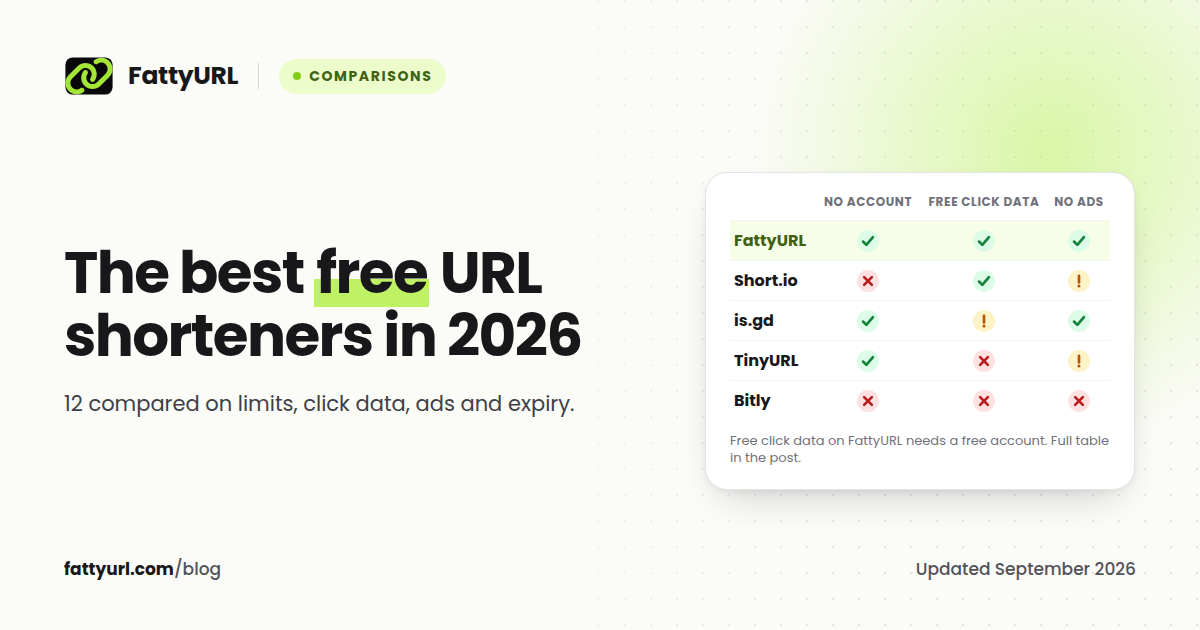
Where Bitly still wins: integrations, team features, enterprise support and a long track record. If your company already runs on Bitly's paid plans, those are real reasons to stay. For everyone else, our comparison of the best free URL shorteners in 2026 covers twelve options side by side, and our free Bitly alternative page shows how FattyURL compares feature by feature.
How to move off Bitly without breaking anything
- Leave your existing bit.ly links alone. bit.ly links keep working after you downgrade, so there is no need to replace links that are already printed or shared.
- Move a branded domain first. If you use one, point it to its new home before downgrading, because Bitly stops renewing its SSL certificate, and links on a complimentary domain stop when its registration expires.
- Save your destinations. Export your links if your plan allows it, or copy the ones you still use.
- Recreate the links you will keep promoting. On FattyURL, create a free account and import a CSV with columns for url, slug and title. Your custom slugs are kept when they are available and valid on FattyURL (6 to 100 letters, numbers or hyphens).
- Update the places people find you. Social bios, email signatures, templates and pinned posts. Leave printed QR codes as they are, since the old links still resolve.
FAQ
Is Bitly still free in 2026?
Yes. Bitly's free plan gives you 5 short links and 2 QR codes a month, with 3 custom back-halves. It does not include click analytics, and free links can show visitors an ad page before redirecting.
How many links can you make on Bitly for free?
Five per month. Of those, up to three can have a custom back-half.
Can you see link clicks on Bitly's free plan?
No. Bitly's free plan "does not include click or scan analytics for short links or QR Codes." Click data starts on Core, which keeps 30 days of history.
Why does my Bitly link show an ad?
Since February 2025, Bitly shows an interstitial page with a destination preview and an ad on links from free accounts. Upgrading to a paid plan removes it.
Do Bitly links expire?
No, unless you set an expiry yourself. Bitly says its links never expire, and bit.ly links keep working after you downgrade. The exception is branded domains: after a downgrade Bitly stops renewing your own domain's SSL certificate, and complimentary-domain links stop working when the registration expires, so move the domain first.
How much does Bitly cost per month?
Core is $10 a month billed annually ($120 a year). Growth is $29 a month billed annually or $35 monthly. Premium is $199 a month billed annually or $300 monthly. Enterprise is custom priced.
Sources
- Bitly pricing, plan limits and prices, checked 26 September 2026
- Bitly blog: what the free plan includes
- Bitly support: why are there ads on my links
- Bitly support: links created without an account
- Bitly support: do Bitly links expire
- Bitly support: what happens when you downgrade
- Bitly support: exporting link data
- Coywolf: Bitly adds interstitial ads to shortened URLs
- Bitly support: ad-free free plan for educational institutions
- rb.gy by Rebrandly, Short.io pricing, Dub pricing, Cuttly pricing, Rebrandly pricing, TinyURL free plan, TinyURL deprecated API
Disclaimer: This article is for general information only and is not legal or security advice. It was researched and drafted with the help of AI, and its facts were checked against the sources linked above, mostly each provider's own pricing, help and policy pages. URL shorteners, QR code tools and social platforms change their plans, prices and rules often, so confirm the details on the provider's website before you choose a plan, move your links or print a QR code. FattyURL is our own product. Spotted something out of date, or a FattyURL link being misused? Tell us and we will act on it.