Is TinyURL Free? What You Get in 2026, the Catches, and Better Alternatives
What TinyURL gives you with no account, with a free account and on paid plans, how it compares with Bitly, and the alternatives if you need free click data or editing.
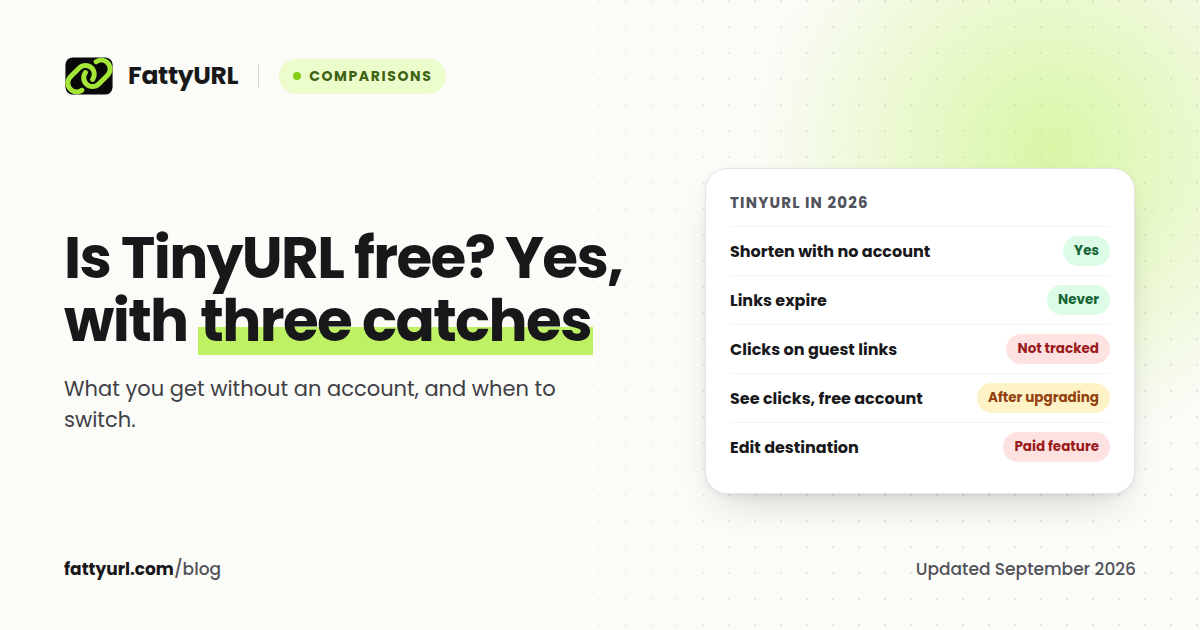
Yes, TinyURL is free. You can shorten a link on tinyurl.com without an account, add a custom alias, get a QR code, and TinyURL says its links never expire. For a one-off link you will never need to measure or change, it does the job.
The catches start the moment you want more than a shorter address. Links made without an account are not tracked and cannot be edited. On a free account, clicks are recorded but TinyURL describes seeing them after you upgrade. And changing where a link points is a paid feature.
Short answer: TinyURL is free to use with or without an account, and its links never expire. It does not show you click data for free, and editing a link's destination requires a paid plan. If you need either for free, use a different shortener.
What TinyURL gives you in 2026
| Without an account | Free account | Paid plans | |
|---|---|---|---|
| Shorten links | Yes | Yes | Yes |
| Custom alias | Yes | Yes | Yes |
| QR code for each link | Yes | Yes | Yes |
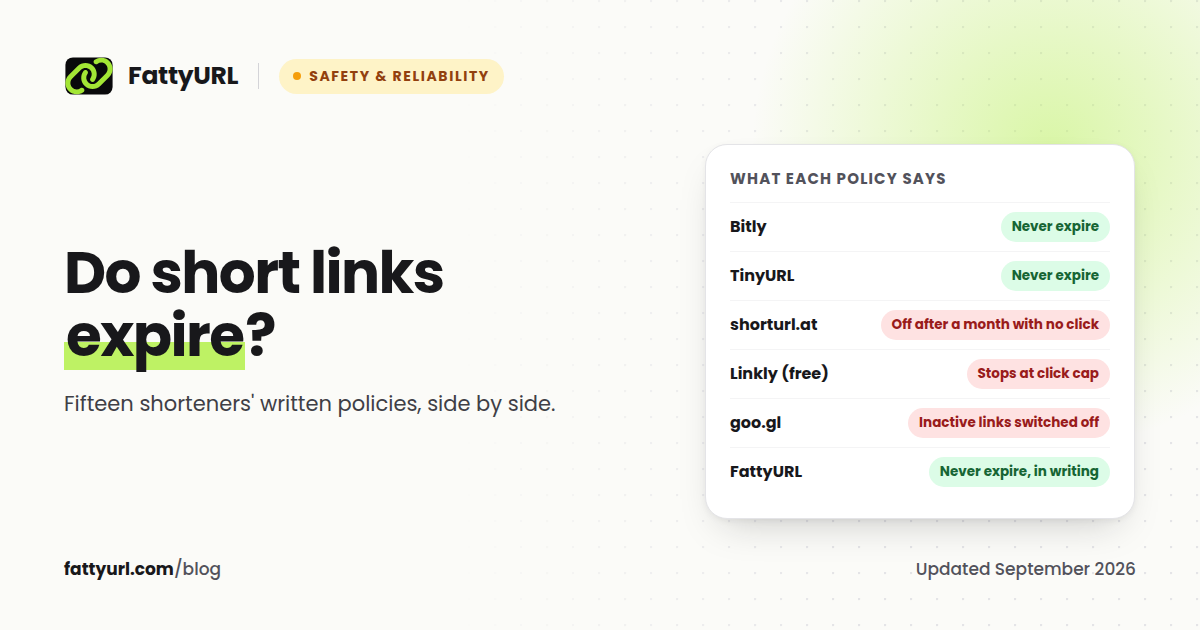
| Links expire? | Never | Never | Never |
| Click tracking | Not tracked | Tracked, visible after upgrading | Yes |
| Edit the destination later | No | No | Yes |
| See your links later | Only in the same browser (Recent Links) | Yes | Yes |
| Delete a link | No | No, Pro plan needed | Yes |
| Your own domain | No | No | Yes |
All of this comes from TinyURL's own help articles, checked on 26 September 2026 and linked below. TinyURL does not state a monthly link limit for free accounts in its help center. Most third-party comparisons in 2026 report 30 links a month.
The three catches
1. Guest links are invisible and permanent
TinyURL says plainly that "analytics are not tracked for guest-created TinyURL links." A link you make without an account will never show a click count, not even later. It also cannot be changed: "only the link creator can modify a link," and once it no longer appears in your recent links, TinyURL says it "cannot be associated with an account, edited, or deleted." If you sign up in the same browser, your recent links carry over, but fixing or deleting one still needs a Pro plan. In practice, a typo in a guest link is permanent unless you pay.
2. Free-account analytics are behind the upgrade
With a free account, TinyURL records clicks. Its help center explains that "analytics are tracked from the time your free account was created, so once you upgrade, you'll still be able to access the historical data." In other words, the data exists, and paying is how you see it.
3. Editing a destination is paid
"Editing the destination URL is a premium feature," available on plans "such as the Pro-250 plan." That matters most for QR codes. Every TinyURL link comes with one, but if the page moves, the printed code cannot follow it on the free plan.
There is also a smaller catch for developers. Since September 2025, links created through TinyURL's deprecated API endpoint show a preview page with a countdown before redirecting.
What TinyURL's paid plans cost
TinyURL's pricing page loads its prices with JavaScript, and its help center does not list them, so we could not confirm them from TinyURL directly. Third-party listings checked in September 2026 disagree: some put Pro at $9 a month for 125 links, others at $16 a month for 250 links. Check tinyurl.com's pricing page before you buy.
TinyURL vs Bitly
People usually compare these two first, so here they are side by side on their free plans:
| Free plan | TinyURL | Bitly |
|---|---|---|
| Account needed | No | Yes |
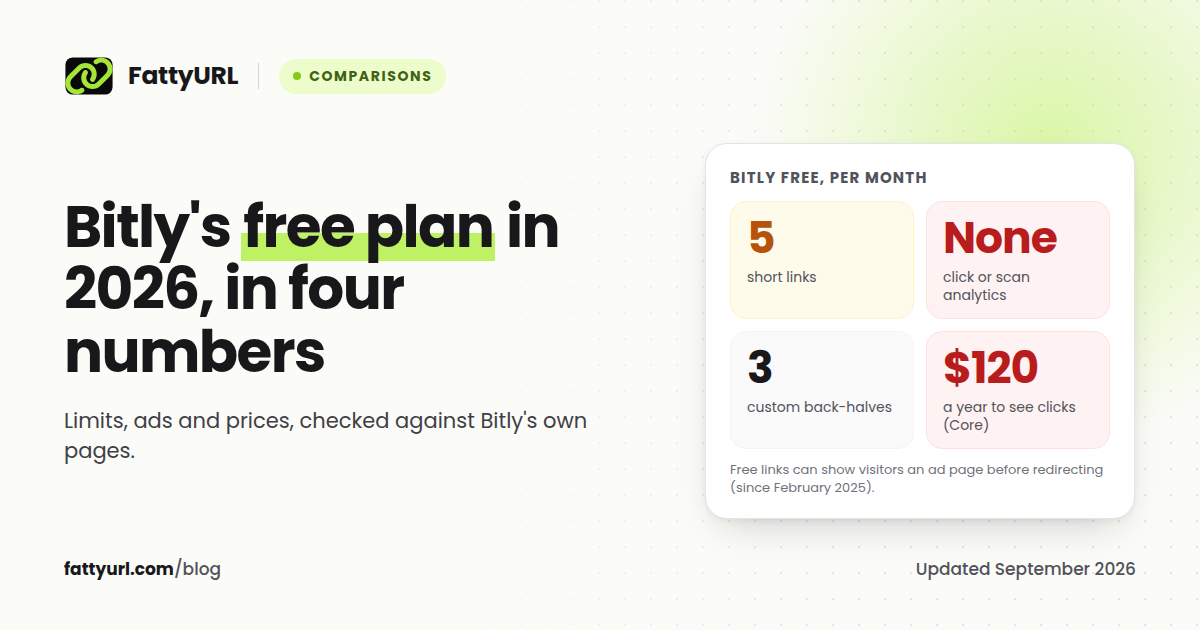
| Links | Not stated officially | 5 a month |
| Custom alias or back-half | Yes | 3 a month |
| QR codes | One per link | 2 a month |
| Click data | Not visible without upgrading | None |
| Ads on your links | None stated; links from its deprecated API show a countdown notice | Yes, an ad page on free accounts |
| Edit destination | Paid | Paid |
| Links expire | Never | Never |
For free use, TinyURL gives you more: no account, no monthly cap written into its help center, and no interstitial page on links made on its site. Bitly's free plan is smaller and puts an ad in front of your links, which we cover in our Bitly free plan breakdown. Neither shows you click data for free.
TinyURL alternatives
If the catches above matter to you, these alternatives remove them. Disclosure: FattyURL is our product.
| If you need | Consider | Why |
|---|---|---|
| No account, plus free click data | FattyURL | Shorten with no sign up; a free account shows clicks, unique visitors, country, city, device, browser and referrer |
| To fix a link after printing it, free | FattyURL | Edit the destination of any link in your free account, so QR codes stay useful |
| Free branded domains | Short.io | 5 custom domains and 1,000 links on the free plan |
| An API and modern analytics | Dub | Free plan with API access, 25 links a month |
| The most minimal no-account option | is.gd | No account, no ads, optional stats |
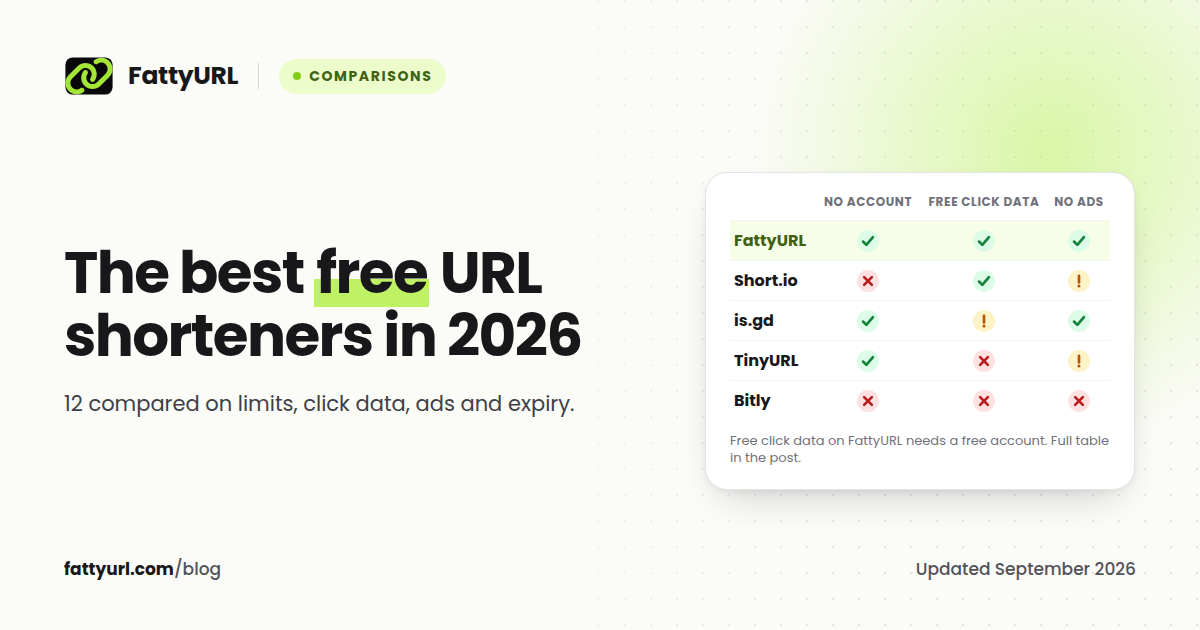
FattyURL was designed around TinyURL's biggest gaps. You can shorten a link with no account and a custom slug, just as on TinyURL. When you want more, a free account gives you click analytics for every link and lets you change where a link points, with no paid tier needed for either. Links never expire and there are no ads. What TinyURL still has over us is age and recognition, since it has been running since 2002, plus paid extras we do not offer yet, such as using your own domain.
For the wider field, see our comparison of the best free URL shorteners in 2026.
How to get the most out of TinyURL if you stay
- Create an account before you shorten anything important. Guest links cannot be tracked or edited later.
- If you made guest links, sign up in the same browser so your recent links carry over.
- Use an alias that describes the destination, so people can trust the link before they click.
- Do not print a TinyURL QR code for a page that might move unless you are on a plan that allows editing.
FAQ
Is TinyURL free?
Yes. You can shorten links on TinyURL without an account or with a free account. Click analytics and editing a link's destination require a paid plan.
Do TinyURL links expire?
No. TinyURL states that links created on TinyURL never expire, including links made without an account.
Can I edit a TinyURL link?
Only on a paid plan. TinyURL describes editing the destination URL as a premium feature. Links made without an account cannot be changed once the browser session is gone.
Can I see clicks on TinyURL for free?
Not directly. Guest links are not tracked. On a free account clicks are tracked, and TinyURL describes accessing that history after upgrading.
Is TinyURL better than Bitly?
For free use, TinyURL gives more: no account, no small monthly cap in its help center, and no interstitial page on links made on its site. If you need integrations or team features, compare both companies' paid plans.
What is the best free alternative to TinyURL?
For no-account shortening, plus free click analytics and link editing with a free account, FattyURL. For free branded domains, Short.io. For the most minimal option, is.gd.
Sources
- TinyURL: what's included in the free plan
- TinyURL: seeing analytics after upgrading
- TinyURL: editing a destination URL
- TinyURL: links created without an account
- TinyURL: retiring the old API endpoint
- Wikipedia: TinyURL history
- TinyURL: using your own domain
- T.LY: TinyURL comparison (September 2026), LinkShortener.io: Bitly vs TinyURL, G2: TinyURL pricing
- Bitly pricing, Bitly free plan
- Short.io pricing, Dub pricing, is.gd FAQ
Disclaimer: This article is for general information only and is not legal or security advice. It was researched and drafted with the help of AI, and its facts were checked against the sources linked above, mostly each provider's own pricing, help and policy pages. URL shorteners, QR code tools and social platforms change their plans, prices and rules often, so confirm the details on the provider's website before you choose a plan, move your links or print a QR code. FattyURL is our own product. Spotted something out of date, or a FattyURL link being misused? Tell us and we will act on it.