Bitly vs Short.io in 2026: Pricing, Limits and Who Should Pick Which
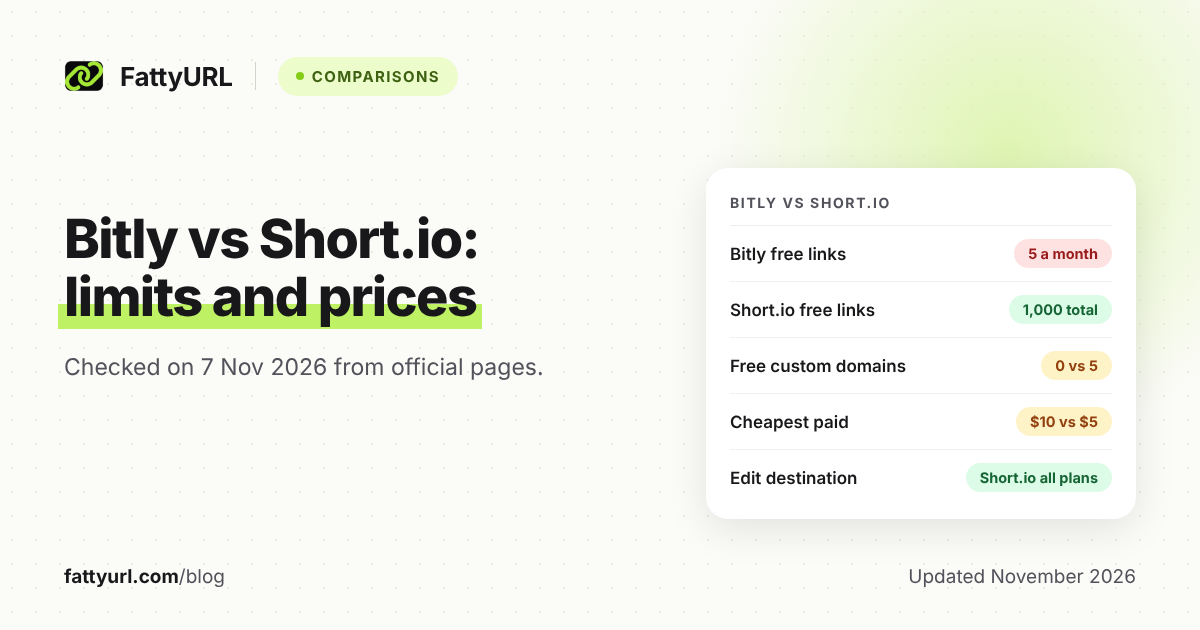
Short.io's free plan lists 1,000 branded links and 5 custom domains; Bitly Free allows 5 links a month and no custom domain. Paid plans start at $5 a month on Short.io and $10 a month, billed annually, on Bitly. Checked 7 November 2026.
Bitly and Short.io both shorten links, show click analytics and support branded domains. They price very differently. Bitly's free plan is tight and its cheapest paid plan has no custom domain, while Short.io's free plan allows custom domains.
This page compares them using only each vendor's own pricing and help pages, as read on 7 November 2026. Anything a page did not show is marked as not stated.
Short answer: Pick Short.io if you want custom domains, many links and link editing on a low budget. Pick Bitly if you need its published analytics history, such as 1 year on Premium, or you already run on Bitly. On the pages read, Bitly's free plan has no custom domain, while Short.io's free plan lists 5.
How do Bitly and Short.io compare side by side?
Bitly's free plan allows 5 links and 2 QR codes a month with no custom domain. Short.io's free plan lists 1,000 branded links in total and 5 custom domains. Short.io's cheapest paid plan is listed at $5 a month; Bitly's is $10 a month, billed annually only.
Checked 7 November 2026. Figures are from each vendor's pricing page. Short.io's plan table lists prices per month but does not say which billing period they belong to.
| Item | Bitly | Short.io |
|---|---|---|
| Free plan price label | $0 a month, listed with ads | Free, no billing label shown |
| Free plan links | 5 links a month | 1,000 branded links in total |
| Free plan custom domains | None listed | 5 |
| Free plan QR codes | 2 a month | Included in every plan |
| Free plan analytics history | Not shown (a dash) | Not stated; plan table lists 50,000 tracked clicks a month |
| Cheapest paid plan | Core: $10 a month, "Annual Only", annual charge of $120 | Hobby: $5/mo |
| What the cheapest paid plan adds | 100 links and 5 QR codes a month, 30 days of analytics, 5 redirects a month. No custom domain | 2,500 branded links, 7 custom domains, 100,000 tracked clicks a month |
| Next plan up | Growth: $29 a month, annual charge of $348, one complimentary custom domain | Pro: $18/mo, unlimited branded links, 10 custom domains |
| Analytics retention | 30 days on Core, 120 days on Growth (4 months on its plan card), 1 year on Premium | Not stated on the pricing page |
| API access | 1,000 requests a month on Free, 5,000 on Core, 25,000 on Growth | Included in every plan, 50 requests a second |
| Edit a link's destination | Not on Free; 5 redirects a month on Core, 20 on Growth | Included in every plan |
Short.io's page has a monthly and annual toggle marked "SAVE 17%"; annual amounts did not appear in the text read, so none are quoted. Its FAQ says free-plan detailed stats cover the first 50,000 clicks. Bitly's paid prices here are annual-billing figures; its page says annual plans save up to 34%.
Which has the better free plan?
Short.io's free plan is far larger on the pages read. It lists 1,000 branded links, 5 custom domains and 50,000 tracked clicks a month. Bitly's free plan lists 5 links a month, 2 QR codes and no custom domain, with ads.
For Bitly's plan in depth, see the Bitly free plan guide. For Short.io's, see the Short.io free plan guide.
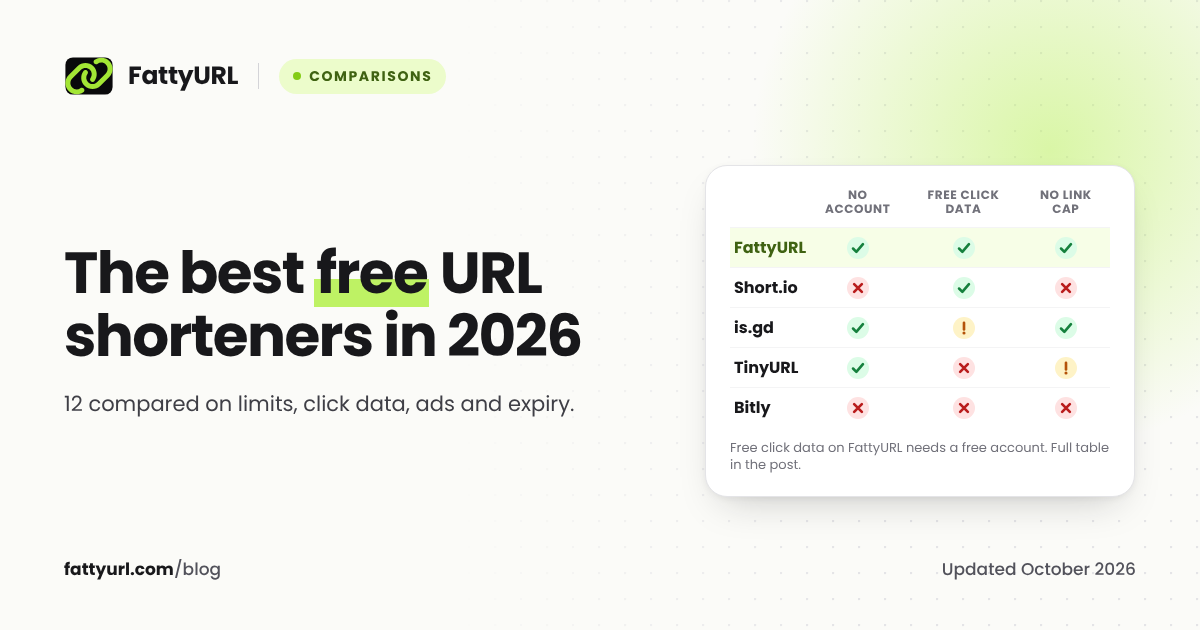
For a wider view, the best free URL shorteners compared covers more tools.
Which is cheaper for custom domains?
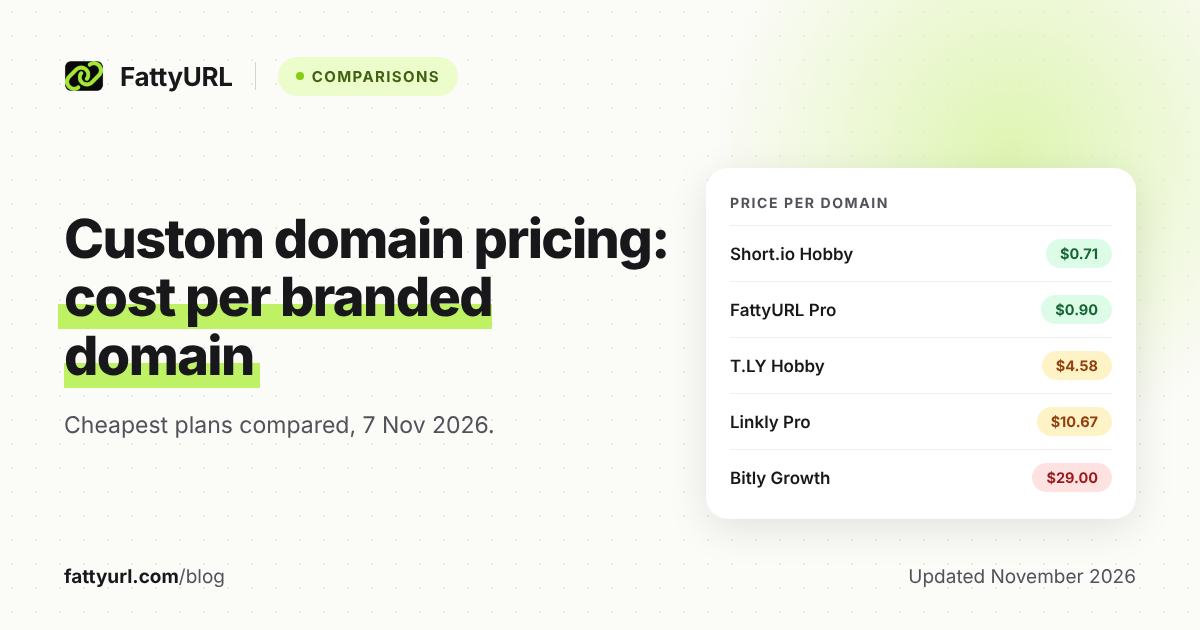
Short.io is cheaper. It offers custom domains on its free plan, then 7 at $5 a month and 10 at $18 a month in its plan table. On Bitly, the first plan with a custom domain listed is Growth at $29 a month billed annually, with one complimentary domain.
Bitly's footnote says custom domain registration is included with the subscription. Premium's domain allowance was not stated directly on the page read, so this page does not give a number.
To compare price per branded domain across many tools, use the custom domain pricing comparison. If you are new to vanity links, this custom short link guide explains the basics.
What does the analytics difference mean in practice?
Bitly publishes how far back its analytics go: 30 days on Core, 120 days on Growth and one year on Premium. Short.io's pricing page does not state a retention period. It limits tracked clicks instead.
If you must look back a year or more on a given plan, Bitly's published numbers are easier to plan around. With Short.io, ask support or check its docs before you rely on a long history.
Can you edit a link's destination on each?
On Short.io, yes, on every plan. Its docs say you can change the original URL for free an unlimited number of times, and the short slug stays the same. On Bitly, editing is limited by plan and monthly redirect counts.
Bitly's pricing page shows no redirects on Free, 5 a month on Core and 20 on Growth. Its help page adds that after a downgrade to a plan without a custom domain, links on that domain cannot be edited or redirected.
What do you lose if you switch?
Each vendor's help pages state a few things. Read them before you move, because short links usually stay tied to the domain they were made on.
- Links on bit.ly: the pages read do not describe a way to move existing bit.ly links to another service. Treat them as staying on Bitly.
- Bitly custom domain links: Bitly's help says that if you remove or replace the domain, links made with it cannot be changed until you add it back.
- Bitly downgrades: plans without a custom domain cannot edit or redirect links on that domain, and upgrading to a plan with one restores access.
- Bitly custom domain links and QR codes work as long as DNS points to Bitly and the domain is attached to a Bitly account.
- Short.io domain moves: to move a domain to another registrar or shortener, you contact Short.io support, who give a transfer number. The page does not say what happens to existing links.
The practical rule: if a link is printed or published, keep the domain you own and control it. QR codes make this stricter. Our short link expiry guide shows how policies differ.
Who should pick which?
Choose Short.io if you want branded links on a small budget or need to edit destinations freely. Choose Bitly if long, published analytics windows matter or your team already works inside it. Both include API access on their free plans.
- Up to 5 links a month, no custom domain: Bitly Free works, with ads.
- Need your own domain and hundreds or thousands of links: Short.io.
- Need a year of analytics on a published plan: Bitly Premium, at $199 a month billed annually ($2,388 a year).
- Need frequent destination edits on a budget: Short.io.
FattyURL is another option: no account is needed to shorten a link or make a QR code, and its Pro plan has 10 custom domains for $9 a month. Free links may show ads; links on a paid plan never do. Shorten a link on FattyURL.
FAQ
Is Short.io better than Bitly?
On price and free limits, Short.io is stronger in the pages read. Bitly publishes analytics retention for each paid plan; Short.io's pricing page states no retention period. The better one depends on whether you need custom domains or deep history.
Does Bitly's free plan include a custom domain?
No. Bitly's pricing page lists no custom domain on Free or Core. One complimentary custom domain appears on Growth, at $29 a month billed annually.
Does Short.io have a free plan?
Yes. Its pricing page lists 1,000 branded links, 5 custom domains and 50,000 tracked clicks a month on the free plan.
Can I move my Bitly links to Short.io?
The pages read do not describe a transfer of bit.ly links. You can recreate links on a new domain, but links already shared on bit.ly keep pointing to Bitly.
Which has an API on the free plan?
Both. Bitly lists 1,000 API requests a month on Free. Short.io lists API access in every plan.
Sources
- Bitly pricing page, read 7 November 2026
- Short.io pricing page, read 7 November 2026
- Bitly Help: Why can't I edit or redirect my link, read 7 November 2026
- Bitly Help: custom domain links and QR codes, read 7 November 2026
- Short.io docs: How to edit destination (original) URL, read 7 November 2026
- Short.io docs: How to transfer a domain from Short.io, read 7 November 2026
Disclaimer: This article is for general information only and is not legal or security advice. It was researched and drafted with the help of AI, and its facts were checked against the sources linked above, mostly each provider's own pricing, help and policy pages. URL shorteners, QR code tools and social platforms change their plans, prices and rules often, so confirm the details on the provider's website before you choose a plan, move your links or print a QR code. FattyURL is our own product. Spotted something out of date, or a FattyURL link being misused? Tell us and we will act on it.