How to Turn a PDF Into a Shareable Link (Free Hosts Compared, 2026)
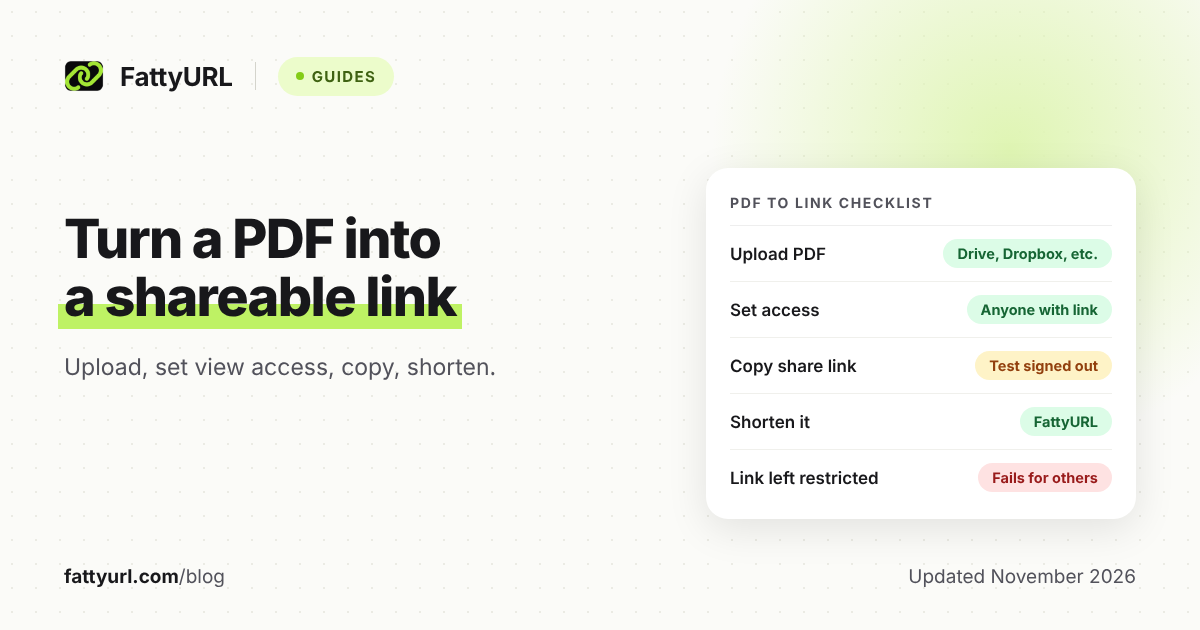
Upload your PDF to Google Drive, Dropbox, OneDrive or Adobe Acrobat online, set it so anyone with the link can view, copy the link, then shorten …
Every post tagged with this topic.
Upload your PDF to Google Drive, Dropbox, OneDrive or Adobe Acrobat online, set it so anyone with the link can view, copy the link, then shorten …
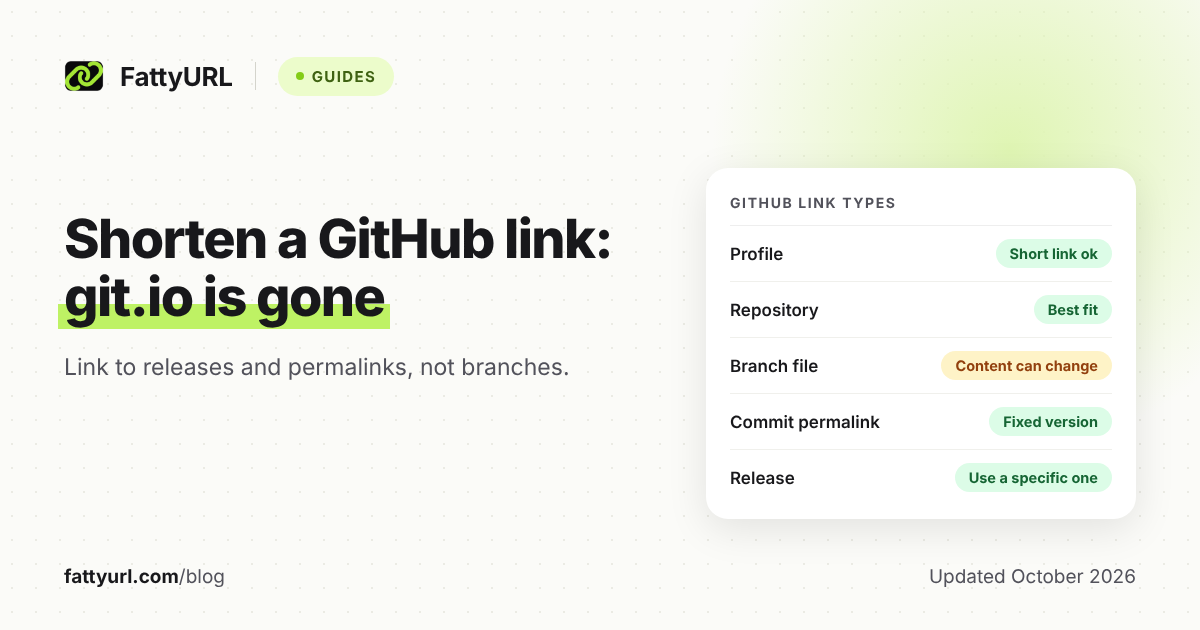
git.io stopped accepting new links in January 2022. Here is how to shorten a GitHub repo, file, release or profile link now, and which link types …
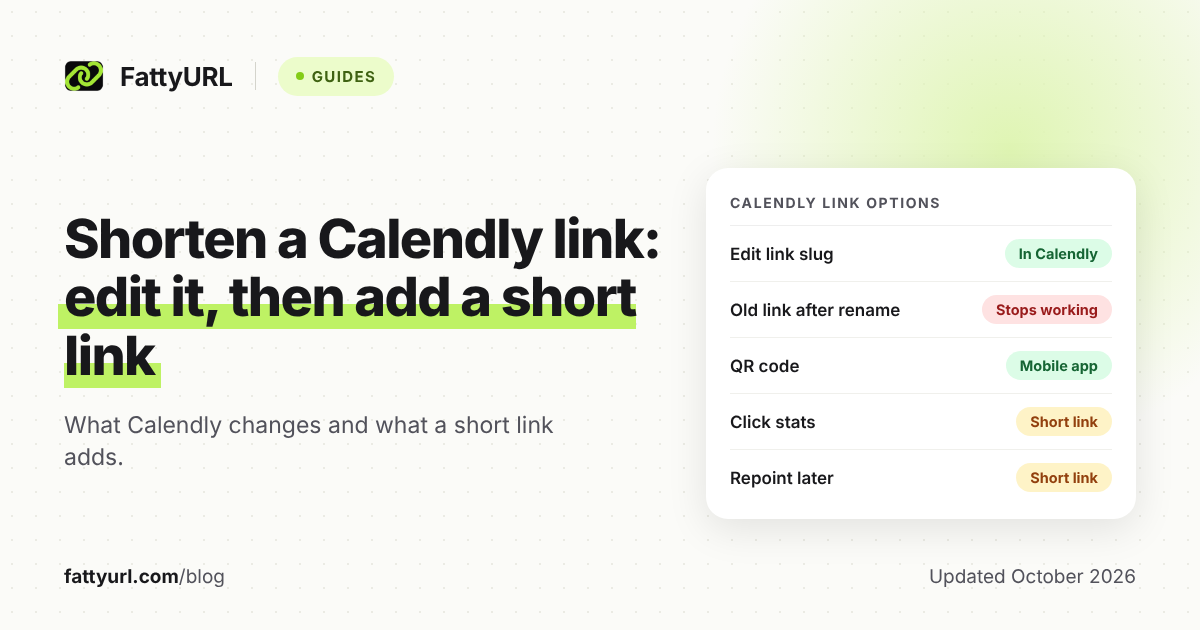
Shorten a Calendly link by editing your link and event slug in Calendly. Add a short link when you need click stats, a QR code, or …
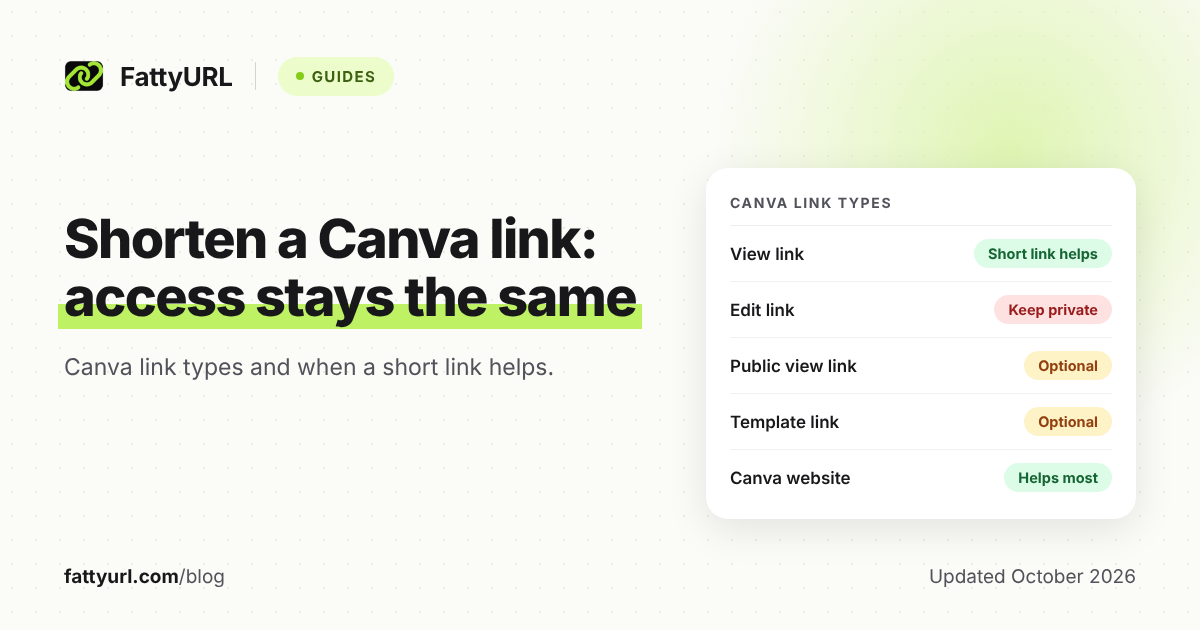
Canva already makes a short canva.link when you share a design. Here is how to share, rename or shorten it for a bio, email or QR …
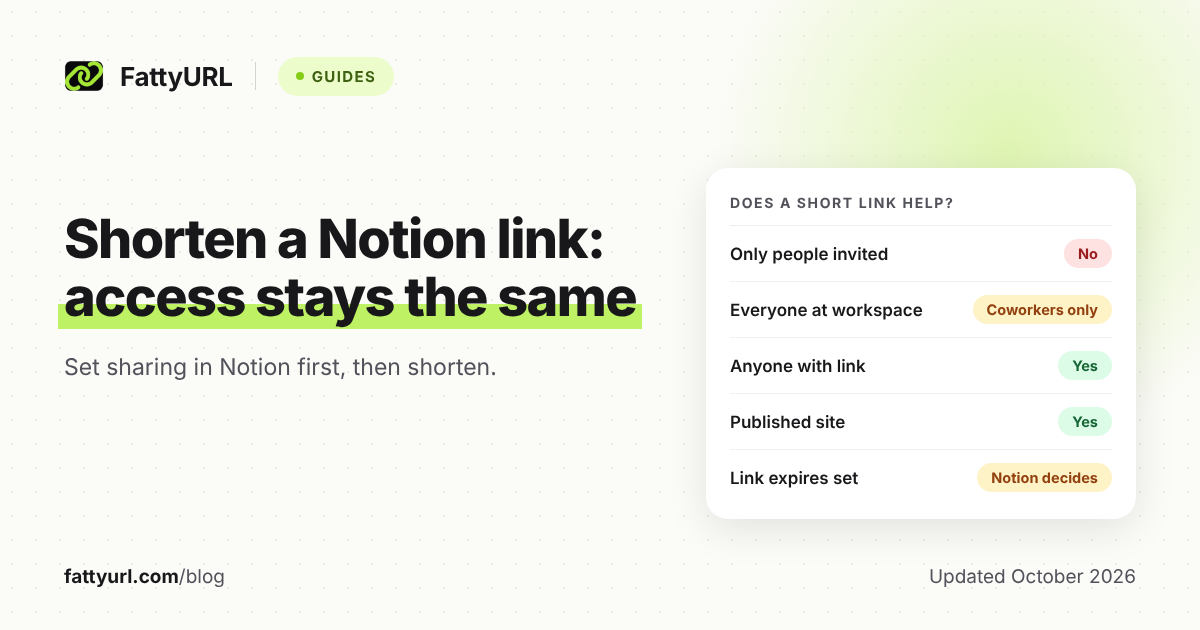
Shortening a Notion link never changes who can open the page. Set access in Notion first, then use a short link for your bio, email or …
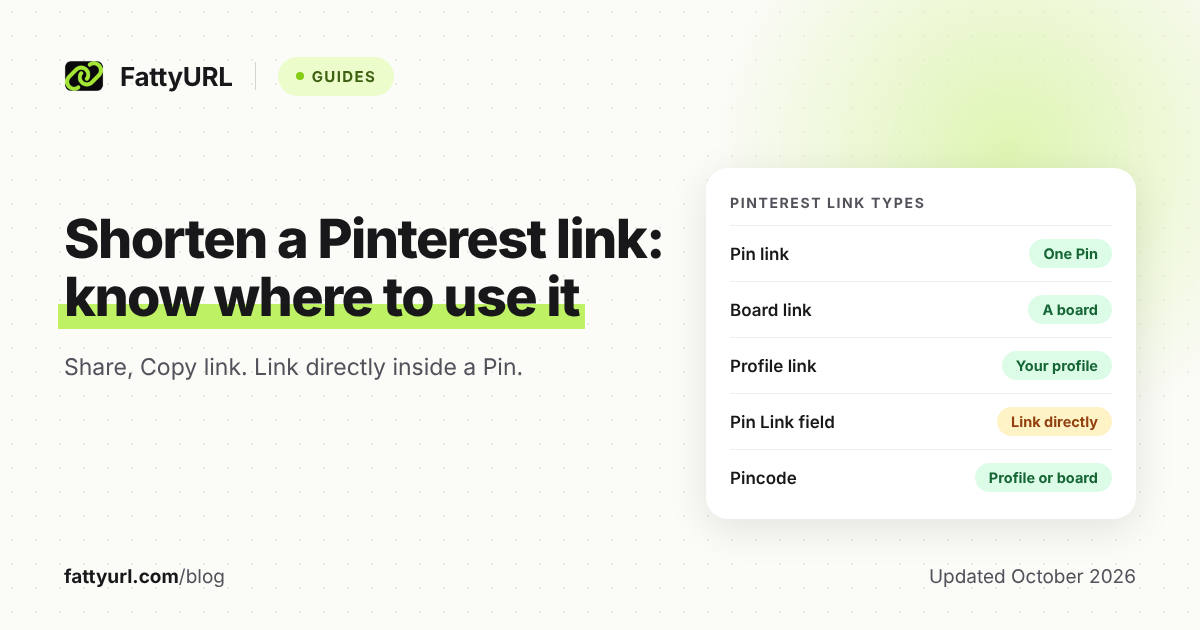
Copy a Pin, board or profile link with the share icon in Pinterest. Pinterest says it does not allow certain URL shorteners, so use short links …
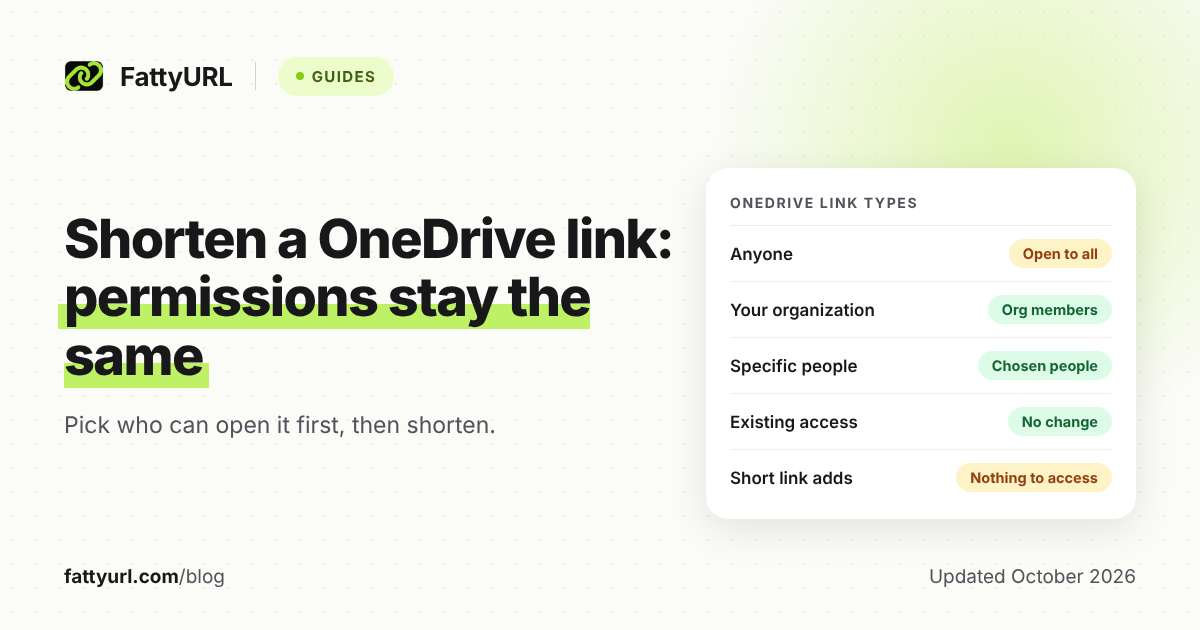
Copy the share link from OneDrive or SharePoint, then shorten it. A short link does not change who can open the file, so pick the link …
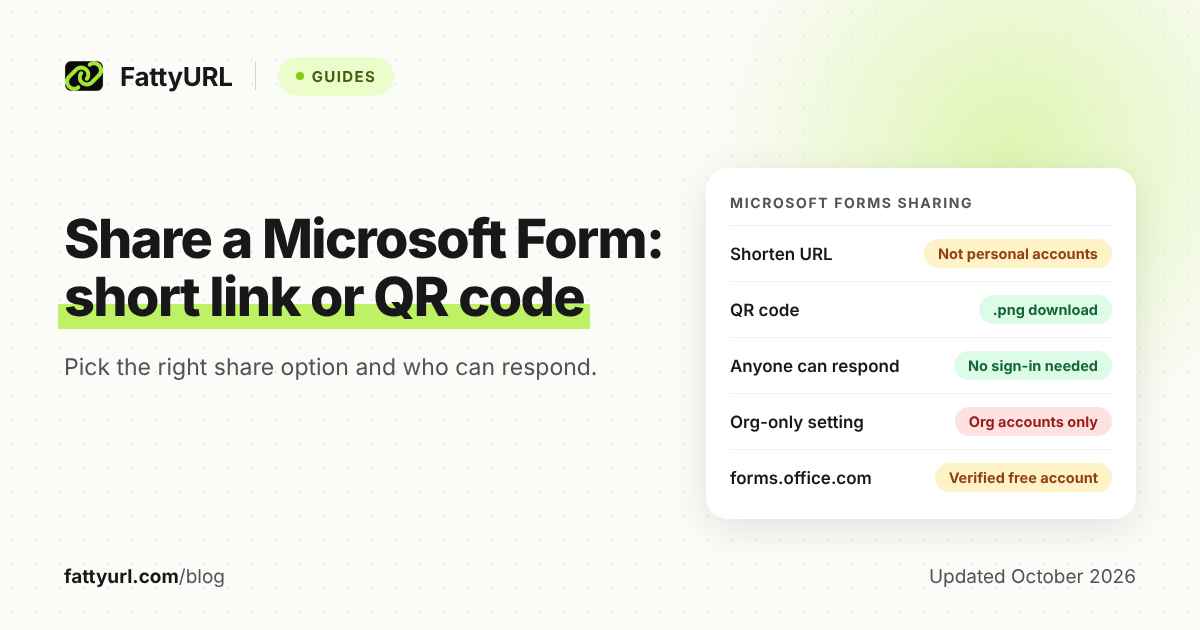
To shorten a Microsoft Forms link, select Collect responses, choose who can respond, tick Shorten URL and copy the link. Here is when to use the …
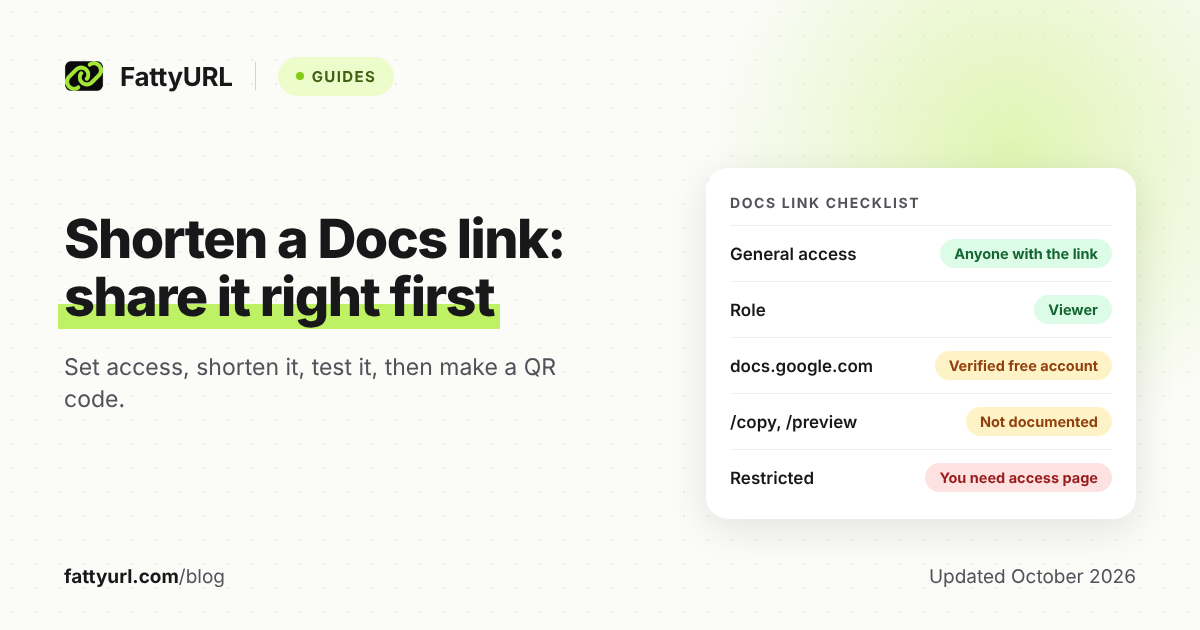
To shorten a Google Docs, Sheets or Slides link, set General access to Anyone with the link, click Copy link and paste it into a shortener. …
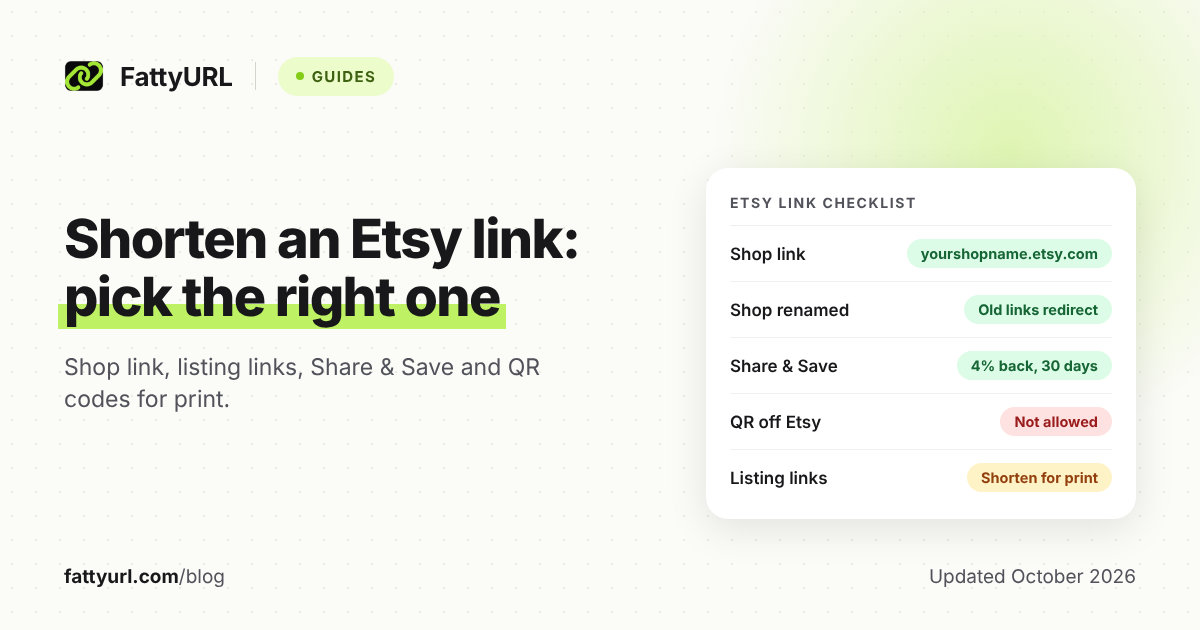
Your Etsy shop already has a short link, yourshopname.etsy.com. Shorten long listing links, and use an editable short link for QR codes on packaging, per-channel click …
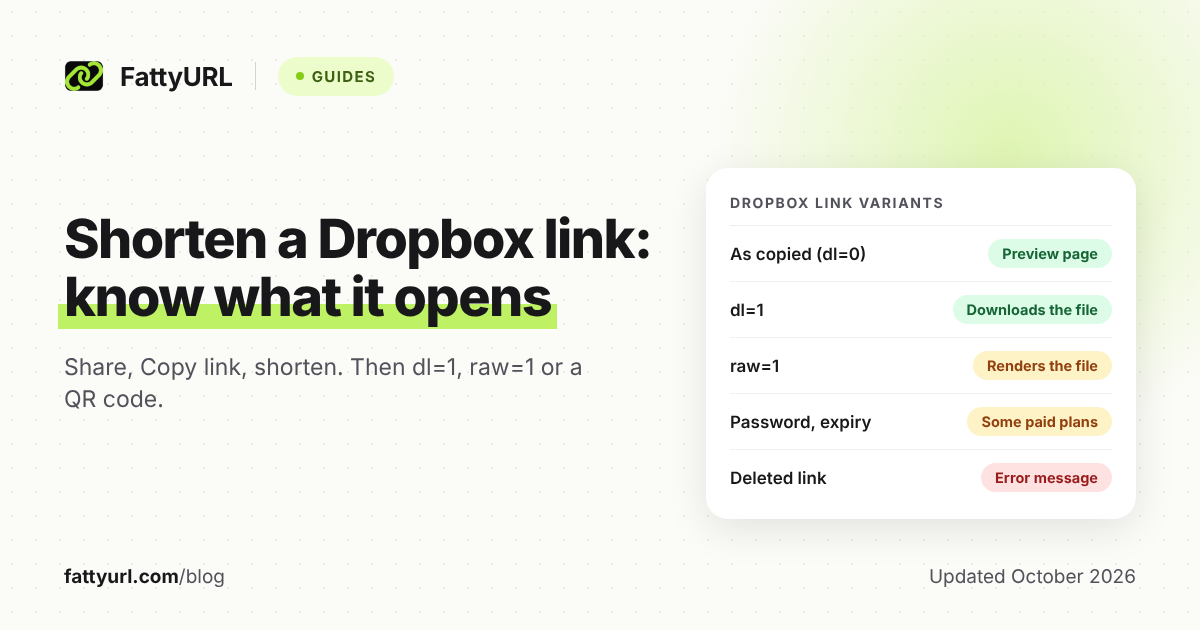
To shorten a Dropbox link, click Share, then Copy link, and paste the whole link into a URL shortener. Here is what dl=1 and raw=1 do, …
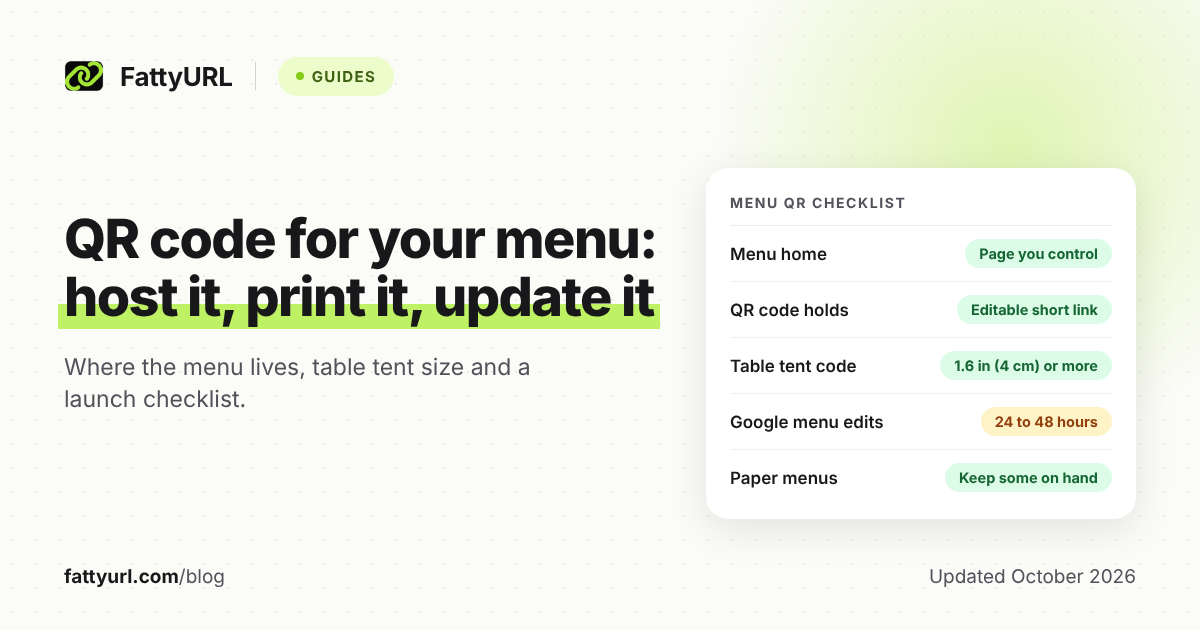
Host your menu on a web page you control, add it as the Menu link in Google Business Profile, and make the QR code from an …