How to Shorten a Dropbox Link, Force a Download and Make a QR Code (2026)
To shorten a Dropbox link, click Share, then Copy link, and paste the whole link into a URL shortener. Here is what dl=1 and raw=1 do, which plans add passwords and expiry dates, and how to make a QR code.
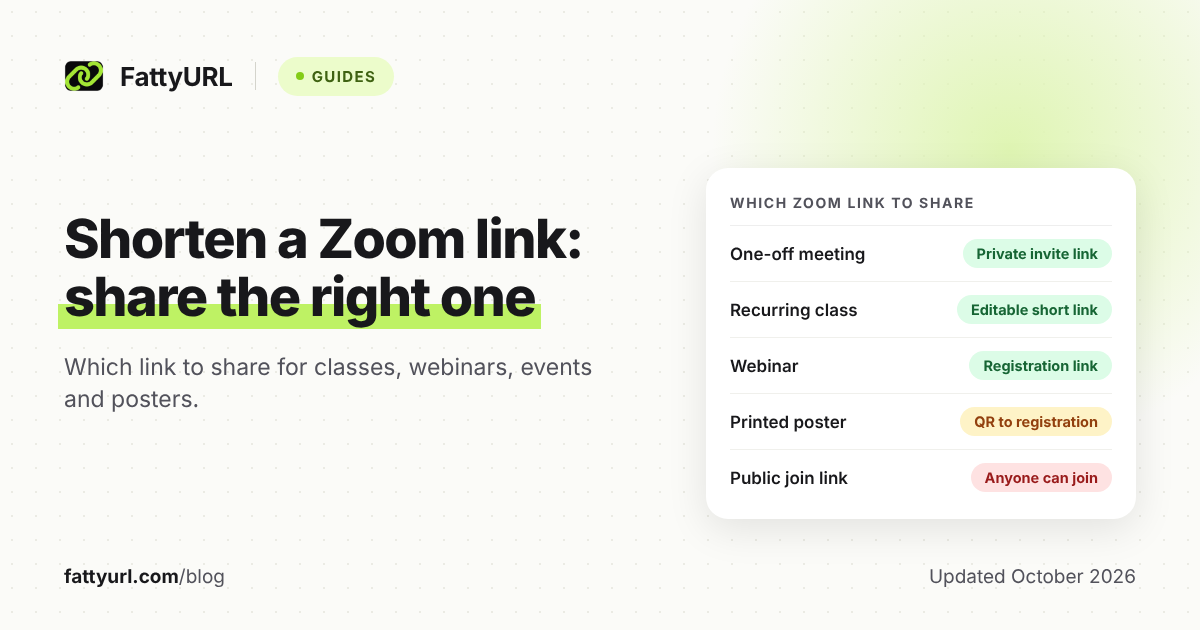
To shorten a Dropbox link, make a share link in Dropbox first: hover over the file, click Share, then Copy link. Paste that whole link into a URL shortener. The short link only forwards people to Dropbox, so Dropbox's own link settings still decide who can open the file.
Need the file to download as soon as the link opens? Change the dl=0 in the Dropbox link to dl=1 before you shorten it.
Short answer: In Dropbox, click Share, then Copy link, and choose Link for viewing for clients. Paste the whole link, including any rlkey part, into a shortener such as FattyURL. Sign in to a free account first, so the short link never expires and you can repoint it later.
How do you create a Dropbox share link?
On dropbox.com, hover over the file or folder, click Share, then click Copy link. Choose Link for viewing for clients, so they can open the file but not change it. The desktop and mobile apps have a Share option too, and people don't need a Dropbox account to open a view-only link.
- Sign in at dropbox.com, hover over the file or folder, and click Share.
- Click Copy link.
- To set the access level, click Manage, then choose Link for viewing or Link for editing.
- Click Copy link again.
Desktop app: in File Explorer or Finder, right-click the item in your Dropbox folder, choose Share… and open the settings. Select Link for viewing, then click Copy link, clicking Create link first if Dropbox shows it.
Mobile app: tap the more options icon next to the item, tap Share, select Link for viewing, then tap Copy link. On Android, files default to view-only, but for a folder you pick Link for viewing from the dropdown.
How do you shorten a Dropbox link?
Copy the share link from Dropbox, paste the entire link into a URL shortener, and create the short link. Keep everything after the question mark: Dropbox's own example link carries an rlkey value there. Then open the short link in a private window to see exactly what a client sees.
- In Dropbox, set any password, expiry date or download setting first, then click Copy link.
- Sign in to a free FattyURL account and paste the whole Dropbox link into the shortener on the FattyURL home page.
- Optionally, add a custom ending of 6 to 100 characters, such as smith-wedding-photos, that's easy to read out or print.
Why sign in? On FattyURL, links made without an account expire after 30 days without a click, and a client link can easily sit unopened that long. Other shorteners have their own rules, compared in our guide to short link expiry.
A free account keeps links from expiring, lets you change where they point, and adds click analytics. Free links may show ads; links on a paid plan never do.
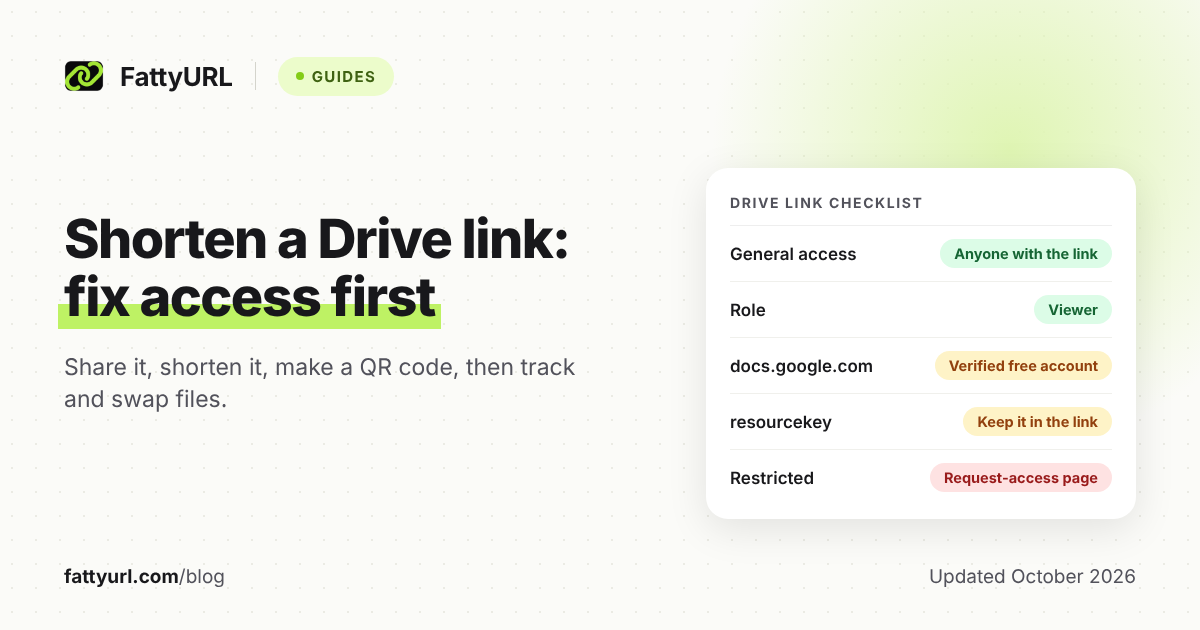
New to shorteners? Start with our step-by-step guide to shortening any link. For Google Drive, whose access rules differ, use our Google Drive link guide.
Which Dropbox plans can add a password, expiry date or turn off downloads?
Only some paid plans. Dropbox's link-settings help lists passwords, expiration dates and Disable downloads for Professional, Essentials, Standard, Advanced, Business, Business Plus and Enterprise customers. The free Basic plan, Plus and Family aren't on that list, and Dropbox's plans page marks all three settings as not included in Plus.
Checked 28 October 2026.
On dropbox.com, hover over the file, click Share, then click the settings icon at the bottom right of the Share window. Pick the link type, switch on Require password, Expiration or Disable downloads, and click Save. The Android app puts these under Modify settings, and the iPhone and iPad app under Manage access.
- Expiry: the link stops at 11:59 pm on the date you pick, in your time zone, and visitors don't see the date beforehand. Dropbox's help says you can re-enable an expired link by editing the date, or create a new link.
- Disable downloads: visitors get a preview with the Download button grayed out. It works only on view links, and only for files Dropbox can preview. Dropbox also warns it doesn't stop people saving the content by other means.
What do dl=0, dl=1 and raw=1 mean in a Dropbox link?
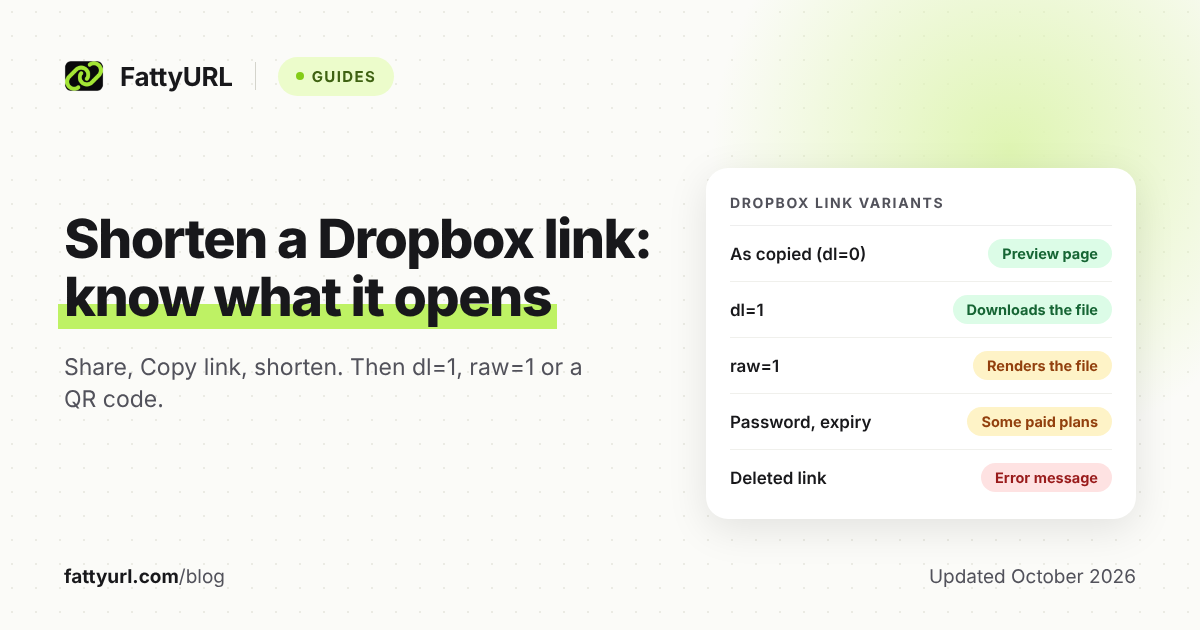
They tell the browser what to do with the file. Dropbox says dl=1 makes the browser download the file instead of displaying it, while raw=1 skips the preview page and renders the file directly. A copied link may already contain dl=0, so change that value rather than adding a second one.
So a Dropbox direct download link is simply your share link with dl=1. Dropbox's help shows two link styles:
https://www.dropbox.com/s/a1b2c3d4ef5gh6/example.docx?dl=1https://www.dropbox.com/scl/fi/<token.a>/file.jpg?rlkey=<token.b>&dl=1
Checked 28 October 2026.
| Link variant | What the person who opens it gets | Plans |
|---|---|---|
| Link for viewing, as copied (may contain dl=0) | Dropbox's preview page, with no account needed | Any plan (no limit stated) |
| Same link with dl=1 | The browser downloads the file instead of displaying it | Any plan (no limit stated) |
| Same link with raw=1 | No preview page; the browser renders the file itself, except HTML | Any plan (no limit stated) |
| Require password on | A password prompt before the contents show | The paid plans listed above |
| Expiration date set | Works until 11:59 pm that day in your time zone, then "This link is expired." | The paid plans listed above |
| Disable downloads on (view links only) | A preview with the Download button grayed out | The paid plans listed above |
| Dropbox's own QR code | A view-only version of the file or folder | Any plan (no limit stated) |
Dropbox notes that switching to raw=1 triggers a redirect, so apps must follow redirects. If an app or script fetches the file itself, give it the full Dropbox link. A short link adds another redirect, and free links may show ads.
Does a Dropbox link still work after you rename or replace the file?
Dropbox doesn't say: its help on renaming, moving, versions and broken links never states whether a shared link follows a renamed or replaced file. It does say a link stops working if the file is deleted, and works again once you restore it. So test the link after every change.
Use this rule for client files:
- Renamed or moved it: open the short link in a private window. If it fails, create a new Dropbox link and point the short link at it.
- Saved a new version over it: check which version the link shows. Dropbox keeps earlier versions you can roll back to, for 30 days on Basic, Plus and Family and longer on other plans.
- Uploaded the update as a separate file: that file needs its own link. Edit your short link's destination to it, and the email you sent and any QR code made from the short link keep working.
- Deleted it: the link breaks until you restore the file.
How do you make a QR code for a Dropbox link?
Dropbox can make one on dropbox.com: hover over the file, click Share, open the more options menu, click Create QR code, then Save. You get a PNG that opens a view-only version of the file or folder when scanned. Make the code from a short link instead when you want scan counts or might change the file later.
Dropbox's help gives these steps for dropbox.com only, lists no plan requirement, and doesn't mention scan counts or repointing the code.
To make a code you can count and repoint:
- Shorten the Dropbox link while signed in to a free FattyURL account.
- Make the QR code from the short link. FattyURL exports PNG or SVG in any colors, with no watermark.
- Scan it with a phone that isn't signed in to Dropbox, then print.
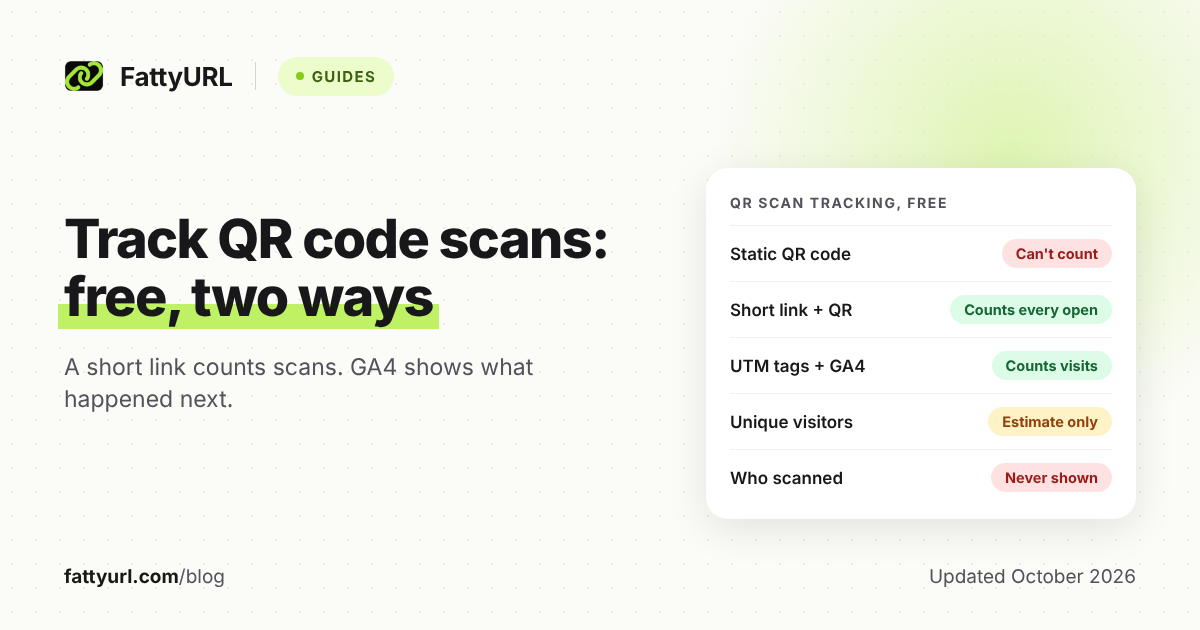
Each scan then counts as a click in that link's analytics, and you can change the destination without reprinting. Short links also keep codes simple: DENSO WAVE's QR code reference says more data needs more modules, so the symbol grows.
Printing a PDF menu or price list? See our guide to QR codes for PDFs. To read the numbers later, see how to track QR code scans.
When does a short link help, and what can't it do?
A short link earns its place when the link must outlast the file, be counted, or be read aloud and printed. It can't change who may open the file. A short link to a password-protected Dropbox link still asks for the password, and one to a public link stays public.
- A link you can repoint: when the file changes or a Dropbox link expires, edit where the short link points. The link in your old email still works.
- Click counts: a free FattyURL account shows total clicks, unique visitors and clicks over time, plus country, city, device, browser, operating system and referrer. It counts clicks that start a download, which Dropbox's viewer info misses when people download without viewing.
- Print and speech: a custom ending is easy to read out on a call or print on an invoice.
Dropbox does better in one place. Its viewer info shows invited people and teammates with their avatars, and some paid plans add last-viewed times. Anyone else who opens a shared link appears only as "Guest."
A short link can't take access away: deleting it leaves the Dropbox link working for anyone who saved that address. Dropbox says it plainly: "The shared link remains active unless the owner turns it off." To cut access, delete the Dropbox link itself, or set an expiry date if your plan allows it.
Why did my Dropbox link stop working?
Match what you or your visitors see to the table below, built from Dropbox's help pages. If the short link reaches any Dropbox page, the redirect worked and the fix lies in Dropbox. One cause is easy to miss: Dropbox pauses your sharing for 24 hours the first time you pass its daily bandwidth limit.
Checked 28 October 2026.
| What you see | Likely cause | Fix |
|---|---|---|
| An error or 404 page | The file or the Dropbox link was deleted | Restore the file, or make a new link and repoint the short link |
| A message that the link has expired | Its expiration date passed | Edit the date, or make a new link |
| A password box | Require password is on | Send the password separately, or switch it off |
| "Link temporarily disabled" | The link was shared or downloaded too many times in 24 hours | Wait 24 hours |
| An email saying your sharing is paused | Your shared files passed the daily bandwidth limit | Wait 24 hours; repeat cases can mean longer suspensions |
| A grayed-out Download button | Disable downloads is on | Switch it off in the link settings |
| The old version of your file | The update was uploaded as a separate file | Link the new file and repoint the short link |
Dropbox's daily bandwidth limits count both views and downloads of your shared files:
- Basic and Simple: 20 GB and up to 100,000 downloads a day.
- Plus, Family, Professional, Essentials, Standard and Business: 1 TB a day.
- Advanced, Business Plus and Enterprise: 4 TB a day.
On Basic, a 2 GB video downloaded 10 times uses the day's 20 GB, so a busy QR code can pause your sharing.
FAQ
Do people need a Dropbox account to open my link?
Not for a view-only link. Dropbox says recipients can open it and preview files without creating an account or signing in. To edit, they need a Dropbox account, even with a Link for editing.
How do I turn off a Dropbox link?
On dropbox.com, click Shared in the left sidebar, click the more options icon next to the item, and choose Share. Click the settings icon, pick Link for viewing or Link for editing, then click Delete link and confirm with Delete. Anyone who opens it afterward gets an error message.
Does dl=1 get around Disable downloads?
Dropbox's force-download page doesn't say how dl=1 behaves on a link with downloads disabled. Dropbox already warns that disabling downloads doesn't stop every way of saving a file. Test your own link in a private window, and don't rely on the setting for anything sensitive.
Do Dropbox links expire on their own?
Only if someone sets a date. That's you, on one of the paid plans above, or a team admin, who can set a default expiry for team links. Otherwise a link can still stop if the file or link is deleted, or Dropbox pauses your sharing.
Should I send a shared link or a Dropbox Transfer?
Dropbox describes Transfer as being for files you don't need to collaborate on, and recipients don't need an account. On Basic, Plus and Family, transfers expire after 7 days, so they suit one-off deliveries rather than printed codes. Transfers can be up to 2 GB on Basic and 50 GB on Plus and Family.
Sources
- Dropbox Help: How to share in Dropbox (links, view-only QR codes; updated 13 October 2026), read 28 October 2026
- Dropbox Help: How to share a Dropbox file or folder with someone who doesn't have a Dropbox account (updated 19 October 2026), read 28 October 2026
- Dropbox Help: How to set or change shared link permissions (passwords, expiry, Disable downloads; updated 20 February 2026), read 28 October 2026
- Dropbox plans and feature comparison, read 28 October 2026
- Dropbox Help: How to force a shared link to download or render (dl=1, raw=1; updated 30 June 2025), read 28 October 2026
- Dropbox Help: Troubleshoot shared links (updated 10 October 2023), read 28 October 2026
- Dropbox Help: Why has my sharing activity been interrupted? (bandwidth limits; updated 13 October 2026), read 28 October 2026
- Dropbox Help: How to remove members from a shared folder and unshare folders (section: How to delete a link to a file or folder; updated 30 June 2025), read 28 October 2026
- Dropbox Help: Remove your access from shared files and folders (updated 2 July 2026), read 28 October 2026
- Dropbox Help: How to see who's viewing your files (updated 10 October 2023), read 28 October 2026
- Dropbox Help: How to share files or folders in Dropbox (updated 25 September 2024), read 28 October 2026
- Dropbox Help: How to rename a file or folder (updated 8 May 2026), plus How to move files and folders and Rename or move a shared folder, read 28 October 2026
- Dropbox Help: Version history overview (updated 20 February 2025), plus How to recover older versions of files, read 28 October 2026
- Dropbox Help: What is Dropbox Transfer? (updated 24 September 2026), read 28 October 2026
- DENSO WAVE: Information capacity and versions of the QR Code, read 28 October 2026
- FattyURL pricing (ads on free and paid links), read 28 October 2026
Disclaimer: This article is for general information only and is not legal or security advice. It was researched and drafted with the help of AI, and its facts were checked against the sources linked above, mostly each provider's own pricing, help and policy pages. URL shorteners, QR code tools and social platforms change their plans, prices and rules often, so confirm the details on the provider's website before you choose a plan, move your links or print a QR code. FattyURL is our own product. Spotted something out of date, or a FattyURL link being misused? Tell us and we will act on it.