How to Shorten a Link for Free: 4 Ways, With or Without an Account
Four free ways to make a long link short, when each one is the right choice, and how to keep a short link working, readable and trackable.
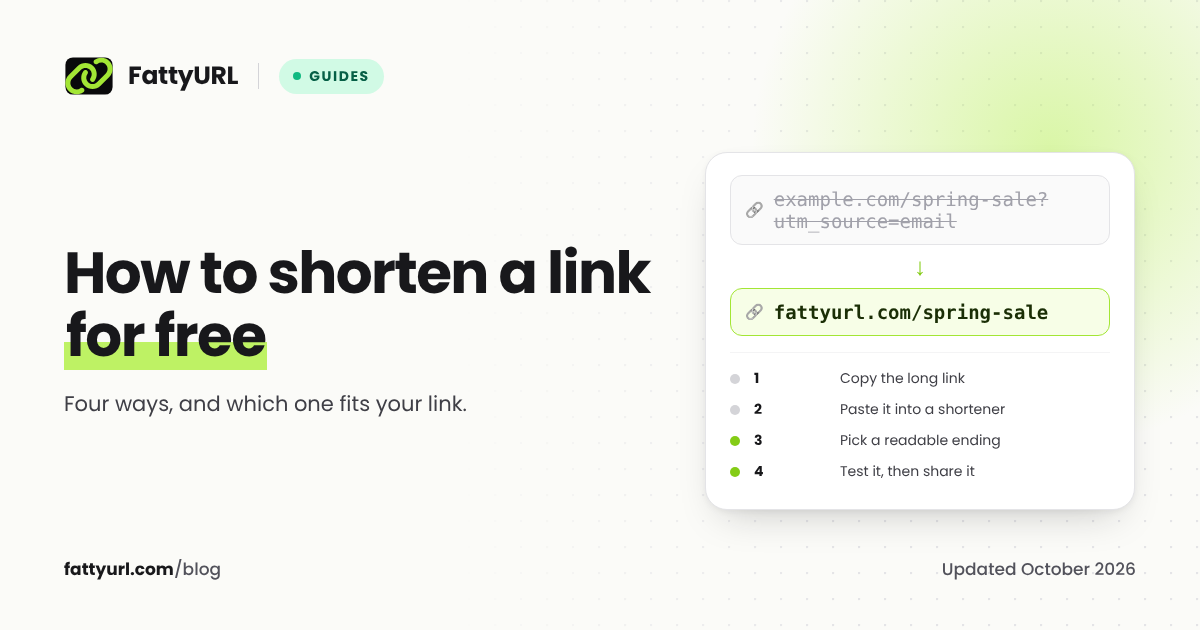
To shorten a link, copy it, paste it into a URL shortener, and copy the short link it gives you back. That takes about ten seconds and works on a phone or a computer. Which shortener you use, and whether you make an account, decides what happens next: whether the link can be edited, whether you can see who clicked, and whether it keeps working.
Short answer: Paste the long link into a free URL shortener such as FattyURL, is.gd or TinyURL and copy the result. For a link you will print, track or keep, use a free account so you can choose a readable ending, see clicks and edit the destination. Sites like YouTube, Google Forms and X also make short links for you.
Way 1: a URL shortener, no account needed
Fastest for a link you need right now, such as one you are pasting into a chat or an email.
- Copy the long link from your browser's address bar or the app's share button.
- Open a shortener, for example the FattyURL homepage, and paste the link into the box.
- Create the short link and copy it.
- Open it once to check it goes where you expect, then share it.
Several services let you shorten without an account, including FattyURL, is.gd and TinyURL. The trade-offs show up later. You cannot see who clicked a no-account link on most services, you usually cannot change where it points, and some services expire quiet links. On FattyURL, links made without an account from 7 October 2026 expire after 30 days with no click, so use a free account for anything you will keep. Our guide to whether short links expire compares fifteen services' written policies.
Way 2: a free account, for links you will print, track or keep
A free account adds the things a link needs once it lives on a poster, in a bio, or in a campaign:
- A readable ending, such as
fattyurl.com/spring-saleinstead of random characters. See our guide to custom short links. - Click data: how many people clicked, when, from which countries, devices and apps.
- Editing: change where the link points without changing the link itself, which saves a reprint.
- Links that keep working. On FattyURL, links in a free account never expire, which is written on our promise page.
On FattyURL, create a free account, paste your link on the homepage, type the ending you want, and create it. FattyURL checks that the ending is free as you type. Links you made earlier in the same browser move into your account when you sign up.
Disclosure: FattyURL is our product. For a side-by-side look at what other free plans include, see the best free URL shorteners in 2026.
Way 3: use the short link a site already gives you
Many sites make their own short links. They are free, need no extra service, and come from a domain people recognize.
| Where | How to get the short link | Good to know |
|---|---|---|
| YouTube | Under the video, click Share, then Copy | The copied link is already short. See how to shorten a YouTube link for timestamps and tracking |
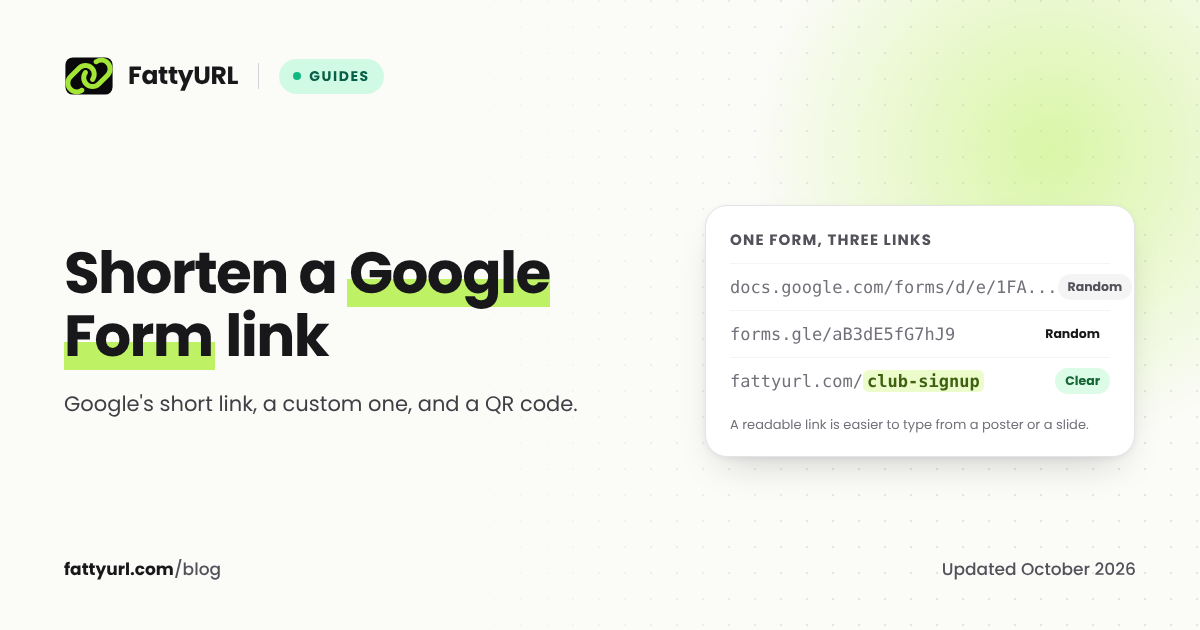
| Google Forms | Publish the form, then tick Shorten URL and click Copy | Share the responder link, never the editor's address. See how to shorten a Google Form link |
| X | Nothing to do: X wraps every link in its own t.co short link | "All URLs are wrapped with t.co shortener and count as 23 characters" |
| Amazon | The Share button in Amazon's app, or SiteStripe for Associates | Affiliate links have rules. See how to shorten an Amazon link |
These links have limits: you cannot choose the ending, and they often do not tell you how many people clicked.
Way 4: make the link itself shorter
Long links are often long because of extra text that the page does not need:
- Tracking tags such as
utm_source=orfbclid=after a?can usually be removed when you share a page with friends. Keep them if you are measuring a campaign. - Product pages often work with just the product ID. On Amazon, a product page opens at
amazon.com/dp/followed by the product's 10-character ASIN. - Search and session text in a URL, after the page's own address, is often unnecessary.
Test the trimmed link before sharing it. If the page breaks, put the removed part back.
Which way should you use?
| You want to | Use |
|---|---|
| Share a link in a chat right now | Way 1, no account |
| Print a link or QR code | Way 2, a free account, so you can fix the destination later |
| Know how many people clicked | Way 2, a free account |
| Share a video, form or post | Way 3, the site's own short link |
| Share a clean product or article link | Way 4, trimmed, or Way 1 |
How to make a TinyURL
TinyURL works the same way as Way 1: go to tinyurl.com, paste your long link, optionally type an alias for the ending, and create the link. Links made without logging in are tied only to your browser session, so TinyURL recommends creating links while logged in to its free account. Editing a destination and seeing analytics are on its paid plans. Our guide to TinyURL's free plan covers what you get.
Tips for short links that work
- One link per place you share it. Separate links for your newsletter and your Instagram bio tell you which one people clicked. Our guide to tracking link clicks for free shows how.
- Pick a trusted short domain. People are rightly wary of unknown short links, so a readable ending helps them trust it. Our guide on whether URL shorteners are safe explains why.
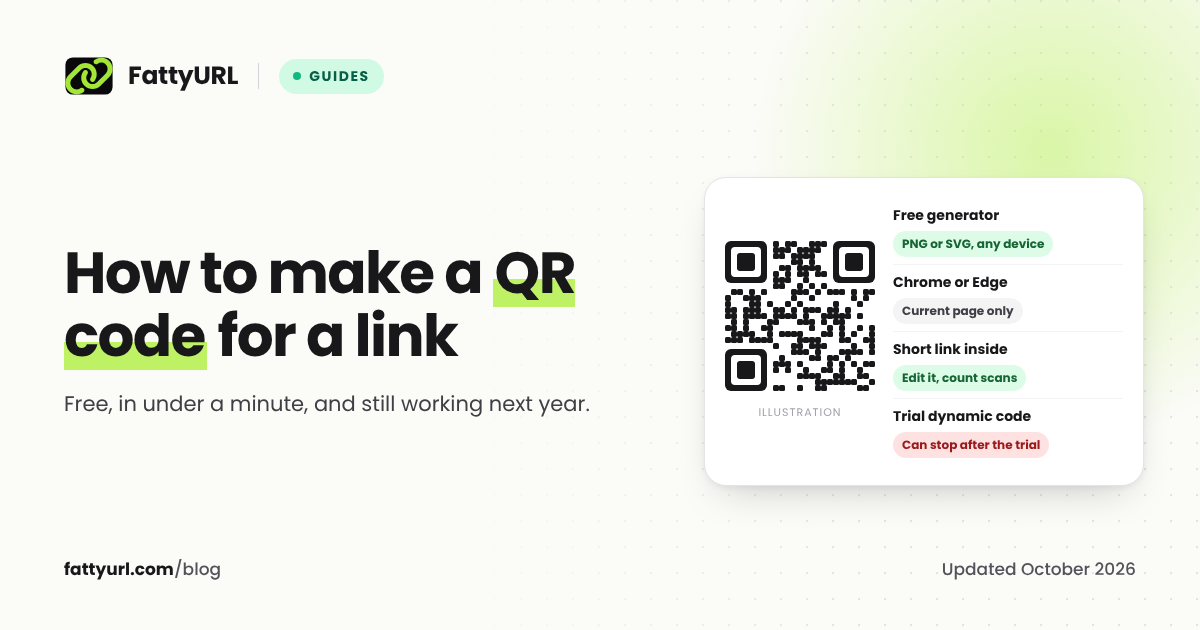
- Make a QR code from the short link, not the long one. The code is simpler and you can change its destination later. See how to make a QR code for a link.
FAQ
How do I shorten a link for free?
Paste the link into a free URL shortener, such as FattyURL, is.gd or TinyURL, and copy the short link it gives you. No account is needed on any of the three.
Can I shorten a link without an account?
Yes. FattyURL, is.gd and TinyURL all shorten links without an account. A free account adds click data, editing and a readable ending, and on FattyURL it also keeps links from expiring.
Can I choose what my short link says?
Yes, on most shorteners. The part after the slash is called a custom slug, back-half or alias. FattyURL allows 6 to 100 letters, numbers and hyphens with a free account, and is.gd allows 5 to 30 characters.
Do short links expire?
Most major shorteners say their links never expire, but the fine print varies. FattyURL links made without an account expire after 30 days with no click; links in a free account never expire.
Is it safe to use a link shortener?
Yes. A short link is just a redirect to the original address. Use a shortener with a written policy, and check where unknown short links go before you open them.
Sources
- YouTube Help: share videos and channels
- Google Forms Help: publish and share your form
- X Developer docs: counting characters, X Help: link service
- Amazon Associates: building a simple text link
- TinyURL: links made before you registered, TinyURL free plan
- is.gd FAQ
- FattyURL promise
Disclaimer: This article is for general information only and is not legal or security advice. It was researched and drafted with the help of AI, and its facts were checked against the sources linked above, mostly each provider's own pricing, help and policy pages. URL shorteners, QR code tools and social platforms change their plans, prices and rules often, so confirm the details on the provider's website before you choose a plan, move your links or print a QR code. FattyURL is our own product. Spotted something out of date, or a FattyURL link being misused? Tell us and we will act on it.