How to Shorten a Shopify Link: Handle, Redirect, Short Link or QR (2026)
Shorten a Shopify product link by trimming its URL handle, adding a redirect only if old links break, or sharing a short link or QR code you can edit later.
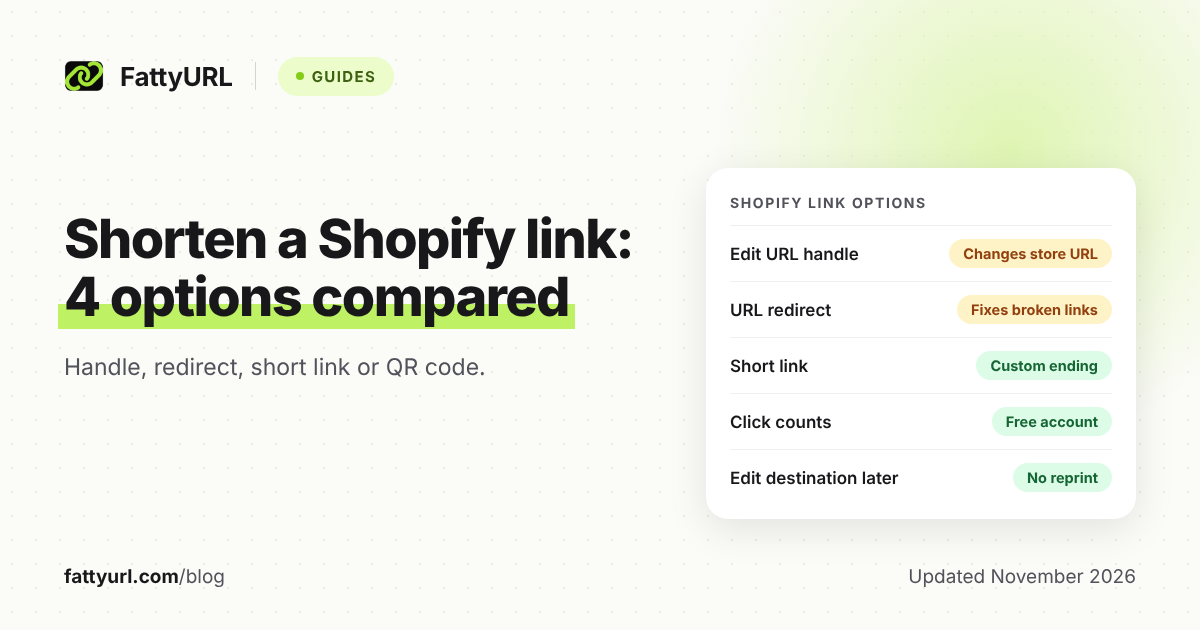
A long Shopify link is hard to read in a text, a caption or a printed flyer. You have four ways to deal with it: edit the product's URL handle, add a URL redirect, share a short link, or print a QR code.
Each one changes something different. Editing the handle or adding a redirect works on your store's own addresses. A short link or QR code only changes the link you hand out.
Short answer: To shorten a Shopify product link, first trim the URL handle in the product's Search engine listing, then add a redirect only if old links break. For links you share or print, make a short link with a custom ending. Choose one whose destination you can change later, so printed material stays valid.
How do I shorten a Shopify product link?
Start with what Shopify controls: the product's URL handle, the part of the web address you can change. The /products part before it is a fixed Shopify path. For everything else, a separate short link wraps your existing address without touching the store.
Shopify's redirect page lists /products and /collections among fixed paths that cannot be redirected. So you can shorten the handle, but not remove those path words from your store's URLs.
Can I edit a product's URL handle?
Yes. Shopify generates a product's handle automatically when you create it, and you can edit it. The address cannot contain spaces. Shopify advises against editing it often, because the product might not display in search engine results.
- In your Shopify admin, go to Products and click the product.
- In the Search engine listing section, click the pencil icon.
- Change the URL handle field to something shorter, with no spaces.
- Click Save.
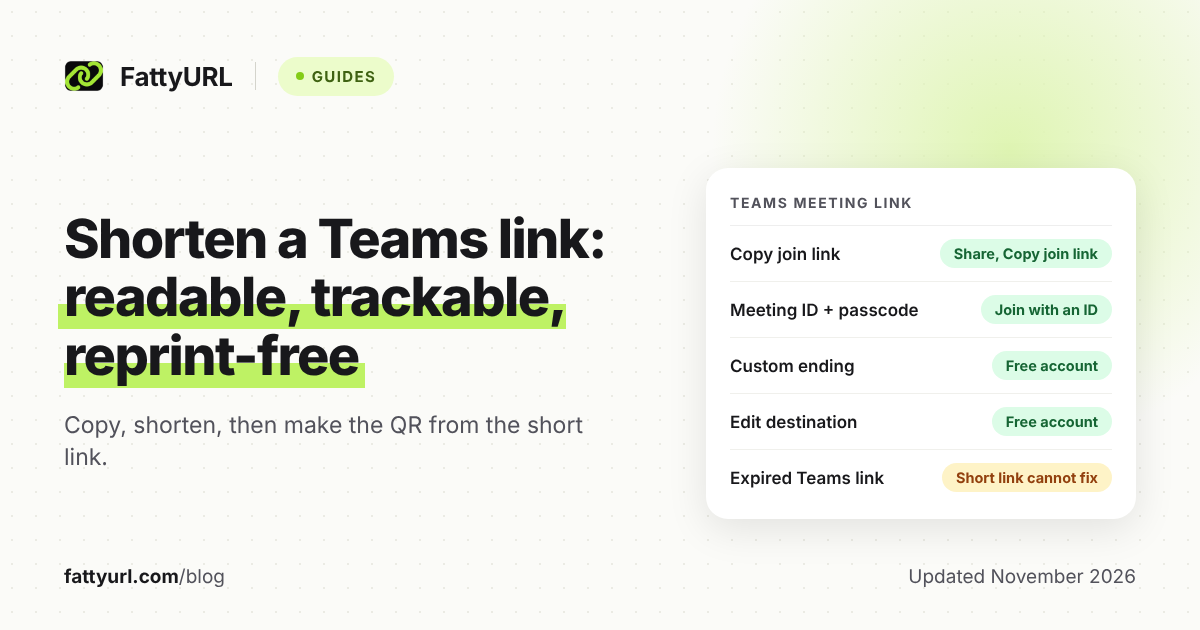
Shopify's product page does not say whether a redirect from the old address is created. For collections, Shopify's page says you can choose to create a redirect from the old URL to the new one. Without it, visitors to the old URL land on a 404 page.
Do I need a URL redirect?
Add a redirect when an old address that people already have would otherwise show "Page not found". Shopify says redirects only work on broken URLs. If the old URL still loads a valid page, the redirect will not fire.
- In the Shopify admin, go to Content, then Menus.
- Click View URL Redirects, then Create URL redirect.
- Enter the old address in Redirect from and the new one in Redirect to.
- Click Save redirect.
Use a relative address such as /collections/shirts for pages on your primary domain, and a full URL for anywhere else. Redirects take effect immediately. Stores can create up to 100,000 redirects, or 20,000,000 on the Plus plan.
Shopify also notes that 301 redirects are cached by browsers and search engines. If you remove one after visitors have used it, it may keep working for them until the cache expires.
How do I share a Shopify discount link?
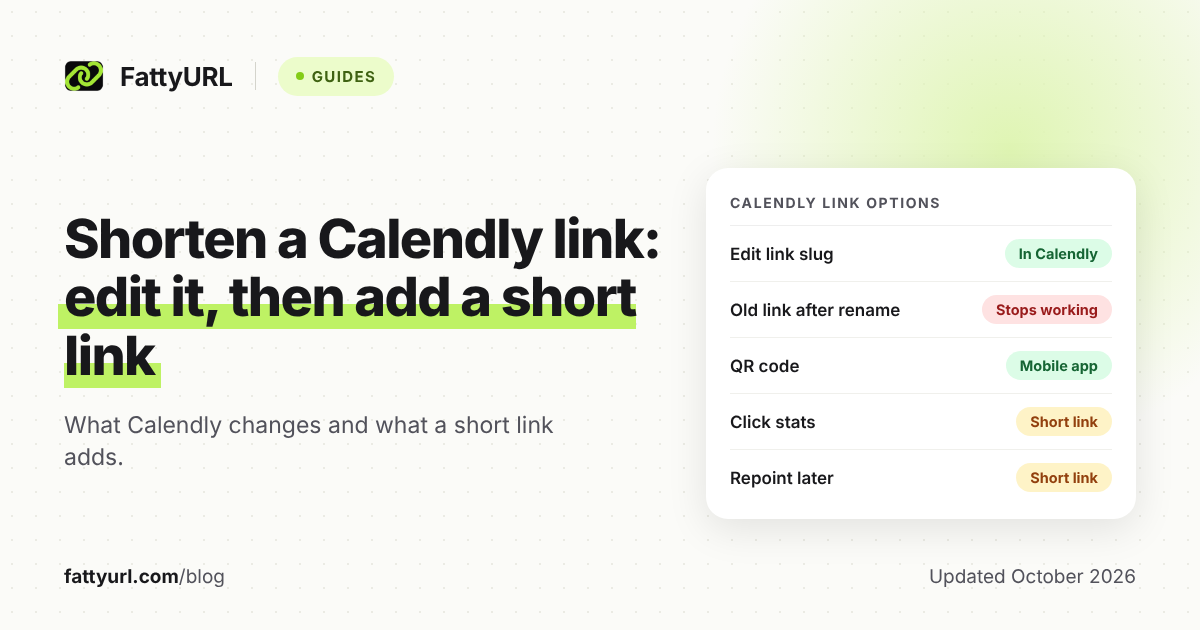
Create and save the discount code first, then open it in Discounts and click Promote. Choose Get a shareable link, pick the destination page, and copy the link. Shopify says the discount then applies automatically to the customer's next checkout cart.
Shopify documents some limits. Each link or QR code can carry a single discount, and it works only while the discount is active. You cannot get a link from your admin for discounts created by a third-party app.
The default shareable link can open your home page, a collection or a product page. To send customers elsewhere, Shopify says to change the extension from /discount/code to /discount/code?redirect=/new-path. Shopify also notes that reopening the link reapplies the discount, so a shopper who wants to skip it must visit your store directly.
Because discount links sit close to checkout, tell customers to check where any link goes before paying. Our guide on how to check where a short link goes shows how.
Does Shopify have a QR code option?
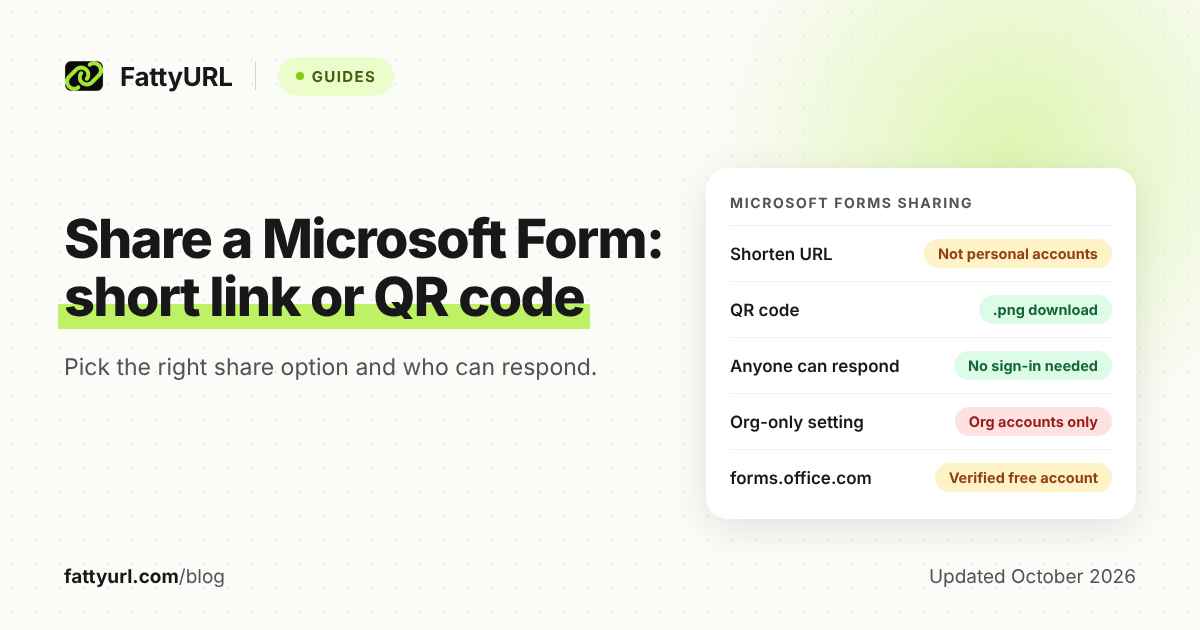
Yes, at least two. Shopify's discount pages let you download a QR code for a shareable discount link. Shopify's Shopcodes app, which Shopify describes on its own help page, makes a QR code for one product.
With Shopcodes, a scan can open the product page or go to checkout with the product in the cart. A discount code can be attached only with the checkout option. You create a code from Apps, then Shopcodes, or from a product's More actions menu.
Shopify says that if you change a Shopcode's link, printed codes redirect to the new link. Downloads include a PNG for sharing online and an SVG for print. Shopify's analytics report scans and conversions per code.
For general QR code advice, see how to make a QR code for a link and whether QR codes expire.
When does a FattyURL short link help a Shopify store?
A short link helps when you hand the address to people outside your store: captions, texts, packaging inserts and flyers. FattyURL is not connected to Shopify. You paste your Shopify address into FattyURL's link shortener and use the result anywhere.
With a free account you also get:
- A custom ending of 6 to 100 characters, so the link reads like your brand. See how to make a custom short link.
- Click analytics: total clicks, unique visitors, clicks over time, country, city, device, browser, operating system and referrer.
- A destination you can edit later, so a printed link can point to a new product, collection or sale page without reprinting.
Links made without an account expire after 30 days without a click, so use an account for anything printed. Free links may show ads. Links on a paid plan never do.
To count scans of a printed QR code, make the QR code from a FattyURL short link on a free account. Each scan is counted as a click on that link. See how to track QR code scans and how to track link clicks. How platforms treat short links is covered in short links on social media.
Selling on another marketplace? See shorten an Etsy link or shorten an Amazon link.
Which option should I pick?
Pick by what you need to change. Edit the handle if the store's own address is the problem. Add a redirect if an old address now breaks. Use a short link or QR code for what you share or print.
Checked 7 November 2026, from Shopify's help pages and FattyURL's own features.
| Option | What it changes | Tracking |
|---|---|---|
| Edit the URL handle | The store's own product address. Shopify advises against frequent edits, since the product might not show in search results. | None stated on Shopify's page |
| URL redirect | Sends visitors from a broken old address to a new one. Works only on broken URLs. | None stated on Shopify's page |
| Short link (FattyURL) | Only the link you share. Your store's URLs stay as they are, and Shopify's pages do not discuss SEO for it. | Click analytics on a free account |
| QR code from Shopcodes | Only the printed code. You can change the link without reprinting. | Scans and conversions in the app |
| QR code from a short link | Only the printed code. On a free account, you can change the destination later. | Each scan counts as a click |
FAQ
Can I remove /products from a Shopify URL?
Shopify's redirect page lists /products and /collections as fixed paths that cannot be redirected. You can shorten the handle after them, but the page does not describe a way to remove those words.
Will a short link hurt my store's SEO?
Shopify's pages do not say. A short link does not edit your store's URLs, so the store's own handle and redirects stay as you set them.
What happens to my old product link if I change the handle?
For collections, Shopify says that without a redirect, visitors to the old URL land on a 404 page. Check your product after saving, and add a redirect if the old address breaks.
Can I track clicks on a Shopify product link?
Shopify's discount and Shopcodes pages describe attribution for their own links and codes. For any other link, a short link with click analytics counts clicks. A free FattyURL account is needed.
Can I change where a printed QR code points?
Only if the code points to a link you can edit. A Shopcode and a code made from a FattyURL short link on a free account both allow it. A QR code that holds the store address directly cannot be changed.
Sources
- Shopify Help Center: Add and update products (read 7 November 2026)
- Shopify Help Center: Collection settings (read 7 November 2026)
- Shopify Help Center: URL redirects (read 7 November 2026)
- Shopify Help Center: Managing and editing your discounts (read 7 November 2026)
- Shopify Help Center: Creating QR codes with Shopcodes (read 7 November 2026)
- FattyURL pricing and features (read 7 November 2026)
Disclaimer: This article is for general information only and is not legal or security advice. It was researched and drafted with the help of AI, and its facts were checked against the sources linked above, mostly each provider's own pricing, help and policy pages. URL shorteners, QR code tools and social platforms change their plans, prices and rules often, so confirm the details on the provider's website before you choose a plan, move your links or print a QR code. FattyURL is our own product. Spotted something out of date, or a FattyURL link being misused? Tell us and we will act on it.