Is Bitly Safe in 2026? Ads, Previews, and the November Reports
Bitly is a legitimate shortener, not a trust signal on its own. Here is what the November 2026 reports said, whether free links show ads, and how to preview a bit.ly URL.
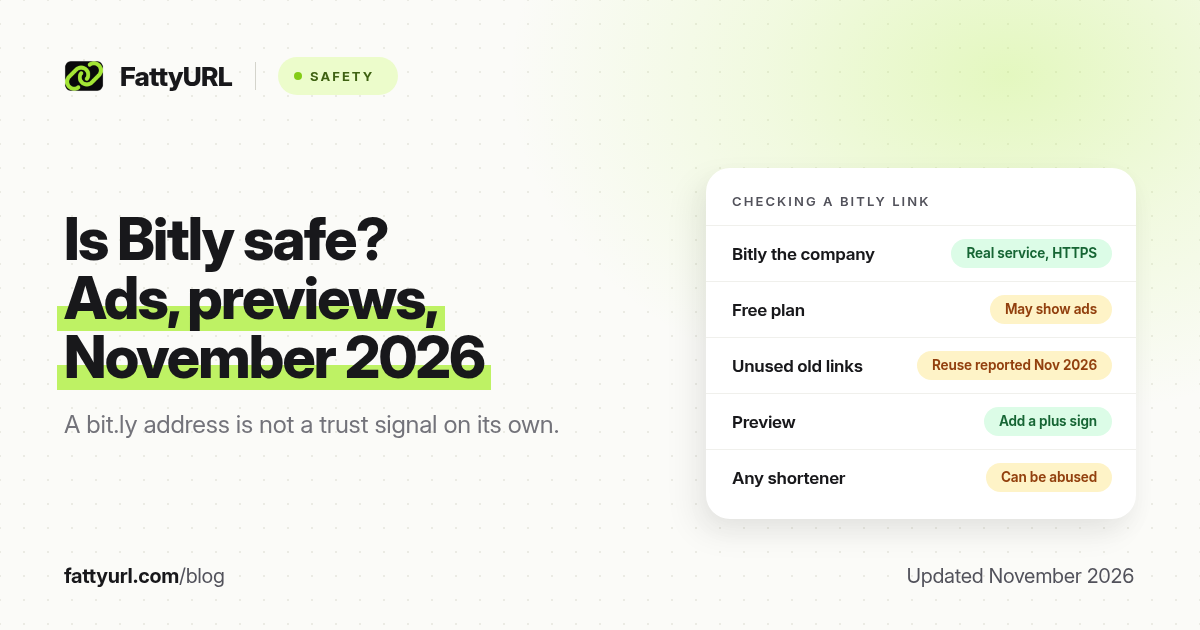
Short answer: Bitly is a long-running, legitimate URL shortener that uses HTTPS, but a short bit.ly link can still hide a destination you did not expect. Free-plan links may show ads, and in November 2026 researchers reported that some old, unused Bitly back-halves had been re-created by other people. Preview a Bitly link (add a plus sign) before you open it.
"Is Bitly safe?" is a fair question. Bitly is one of the most recognised short domains on the internet, which is exactly why scammers like to borrow it, and why a news cycle about reused links travels quickly. This page is about Bitly as a service in 2026: what is legitimate, what the November reports actually said, how ads and click logs fit in, and how to check a bit.ly link. For the general method that works on any shortener, use Are URL Shorteners Safe?. FattyURL is a free URL shortener at fattyurl.com; this is not a Bitly support page.
Is Bitly a real, legitimate company?
Yes. Bitly has operated a public URL shortener for many years, sells paid plans, and publishes help documentation. Links on bit.ly and related Bitly domains are served over HTTPS. That means the path between the click and Bitly's servers is encrypted. It does not mean the destination is harmless, and it does not mean Bitly checked the page for you.
A shortener can be a real company and still be used in phishing or malware campaigns. Security firms have repeatedly found popular shorteners, including Bitly and TinyURL, among the domains that show up in phishing and malware feeds. The shortener is useful cover because the link looks familiar. The company is not "the scammer" in those cases; the person who created the short link is. Size is the reason Bitly appears in those reports more often than a tiny unknown tool.
What did the November 2026 Bitly reports say?
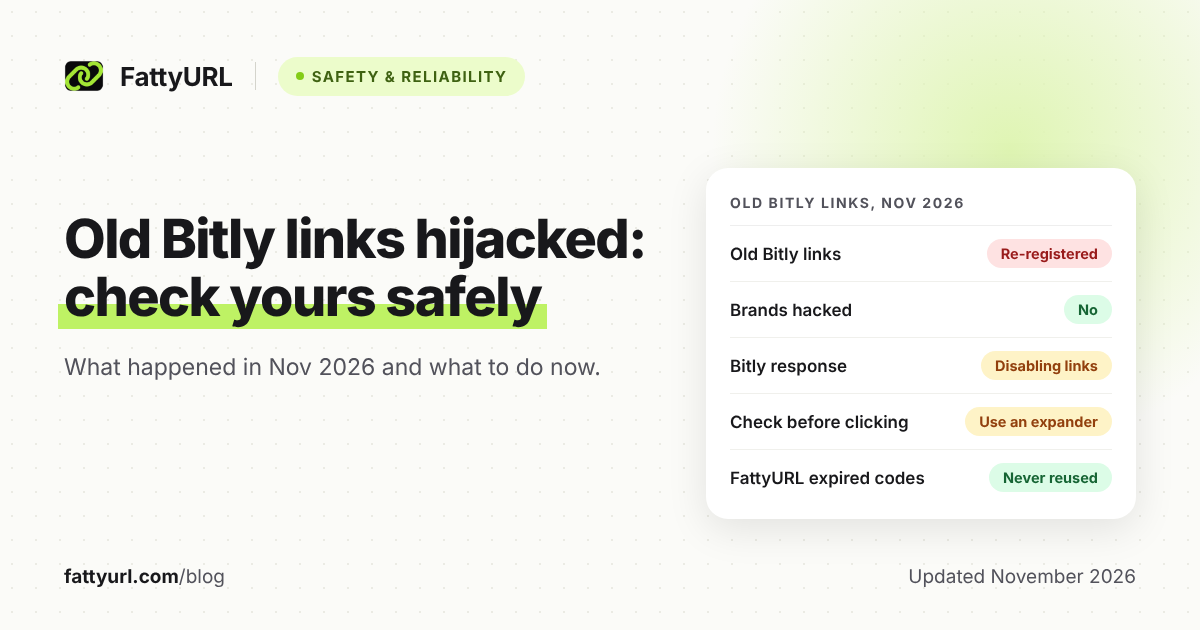
In mid-November 2026, security writers reported that some old bit.ly links in social posts from roughly 2009 to 2014 no longer went where the original post suggested. The posts themselves were not edited. The short addresses had been re-created so they pointed somewhere new. Coverage named well-known brands and public figures among the examples. Bitly said on X on 15 November 2026 that it had identified an issue that let bad actors "repurpose certain old, inactive" links, and that it was working on it.
The reports agreed on an important point: the brands' social accounts were not hacked. Passwords were not taken. Only the unused short link was reused. Our separate recap is in old Bitly links hijacked in November 2026. If you still share bit.ly links from many years ago, open a preview and confirm the destination, or replace them with links you still control.
Does the Bitly free plan show ads?
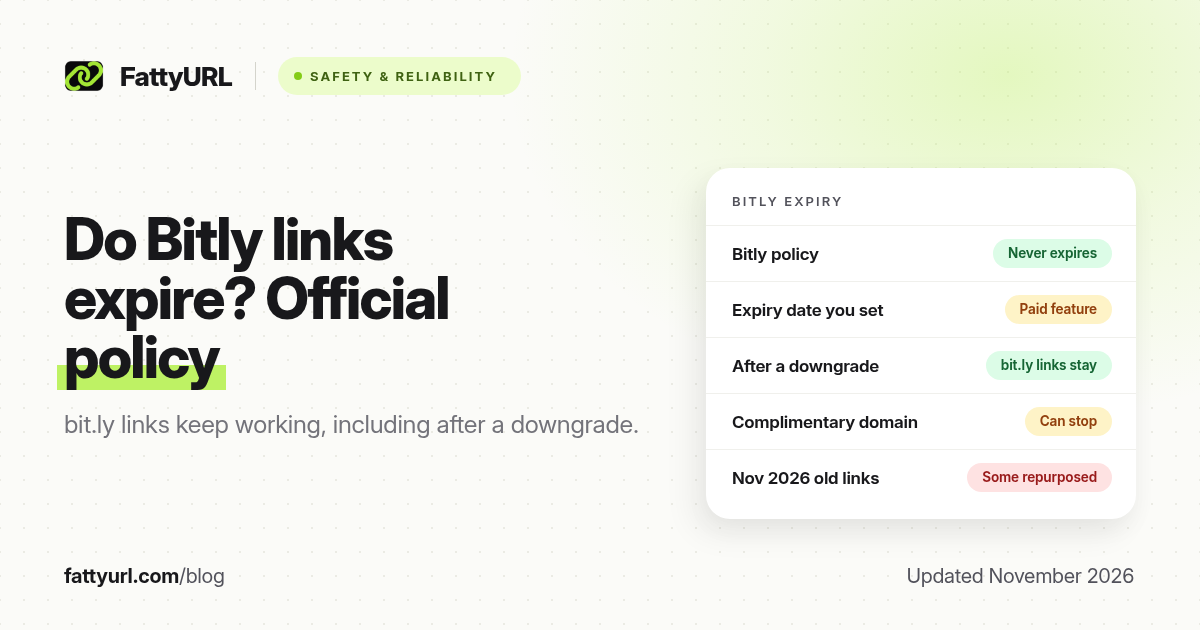
Bitly's free plan, as listed on its pricing page in our earlier 2026 checks, allows 5 new links a month and 2 QR codes, and the free experience can include ads. Paid plans start at Core, which Bitly has listed at $10 a month billed annually, with tighter history than the higher tiers. Always re-check Bitly's own pricing page before you buy, because plans change. Ads on a redirect are annoying, but they are not the same thing as malware. They are a reason to know whether the link in front of you is on a free plan you do not control.
How do I check a bit.ly link without opening the destination?
Bitly documents a preview trick: add a plus sign to the end of the short link, for example a link like bit.ly/yourcode becoming bit.ly/yourcode+ . Bitly says this "will display a preview page that shows you the destination URL without taking you there." Read the destination domain letter by letter. paypal.com.account-verify.example is not PayPal.
If you want a fuller walkthrough of expanders, official previews on TinyURL and is.gd, and privacy caveats for third-party checkers, see how a URL expander works. If the destination looks like a login page you did not ask for, or the message around the link is urgent, do not open it. Go to the company the long way, by typing the address or using its app.
What data does Bitly collect when someone clicks?
Like other shorteners, Bitly can record that a click happened and attach standard request data such as time, approximate location, referrer and device. That is how link analytics work. It is not "Bitly is reading your messages." It is a reason not to put secrets in a URL, and a reason to read Bitly's own privacy policy if you are shortening links for other people. A free-plan click history is limited; paid plans keep more of it. Our snapshot of plan limits is in the Bitly free plan guide and should be confirmed on Bitly's site.
Is it safer to use a different shortener?
Switching tools does not, by itself, make a link safe. Any public shortener can be abused, and any short domain hides the destination until you preview it. What does improve safety is:
- Previewing before you click, especially on links from people you do not know.
- Using a branded domain you control (go.yourcompany.com) so unused slugs are yours to retire, not a shared public namespace. See branded short links.
- Editing or replacing a link if the destination is wrong, which requires a tool that lets you change the destination after you create the link.
FattyURL is a free URL shortener at fattyurl.com. A free account includes click analytics, destination edits and custom slugs, with no monthly link cap, and those links do not expire. Free links may show ads; paid plans from $9 a month do not. Guest links created from 7 October 2026 expire after 30 days. FattyURL is not "safer than Bitly" in some absolute sense. It is a tool you can use if you want an editable free account. You still need to preview strange links, including ours.
Key takeaways
- Bitly is a legitimate HTTPS service. A bit.ly address is not, on its own, a trust signal.
- Free Bitly links can include ads. Check Bitly's current plan page for limits.
- In November 2026, some old unused Bitly back-halves were reported as reused. Preview old links.
- Add a plus sign to a Bitly link to see the destination before you go there.
- Any popular shortener can appear in phishing reports because attackers use familiar domains.
FAQ
Is bit.ly safe to click?
Only if you are comfortable with the destination. Use the + preview, read the domain, and skip the link if anything is off.
Did Bitly get hacked in November 2026?
The reports were about unused short links being re-created, not about Bitly's customer logins being stolen en masse, and not about brands' social accounts being taken over. Bitly acknowledged an issue with certain old, inactive links. Read the detailed recap linked above.
Can a Bitly link change after I share it?
If the creator can edit the destination, or if a previously unused custom back-half is later taken by someone else, the same short address can lead somewhere new. That is why previews and branded domains matter.
Does Bitly have a virus?
Bitly the service is not a virus. A destination behind a Bitly link could be malicious. Preview first, and use a checker such as Google Safe Browsing or VirusTotal on the destination if you still have doubts, without pasting private URLs into public tools.
Is TinyURL safer than Bitly?
Not automatically. Both are well-known, both appear in abuse reports, and both have official preview methods. Judge the destination, not the logo.
Does FattyURL reuse old slugs the way the November reports described?
FattyURL free-account links do not expire, and a slug you created stays yours to edit. We still recommend unique, hard-to-guess slugs for anything sensitive, and you should report misuse through our contact form.
How do I report a malicious Bitly link?
Use Bitly's official abuse or report path, and see how to report a phishing short link for Bitly, TinyURL, Google and 7726.
Sources
- Bitly preview behaviour as quoted in Bitly's own help, cited in our safety guide: adding + "will display a preview page that shows you the destination URL without taking you there."
- Bitly's 15 November 2026 statement on X about certain old, inactive links, and contemporaneous reporting recapped in Old Bitly Links Hijacked in November 2026.
- Bitly free-plan limits: FattyURL's earlier reads of Bitly's pricing page in 2026. Re-check Bitly pricing before you buy.
Disclaimer: This article is for general information only and is not legal or security advice. It was researched and drafted with the help of AI, and its facts were checked against the sources linked above, mostly each provider's own pricing, help and policy pages. URL shorteners, QR code tools and social platforms change their plans, prices and rules often, so confirm the details on the provider's website before you choose a plan, move your links or print a QR code. FattyURL is our own product. Spotted something out of date, or a FattyURL link being misused? Tell us and we will act on it.