Do Bitly Links Expire? Official Policy, Downgrades and Old Links
Bitly says its links never expire, and bit.ly links keep working after a downgrade. Here are the written exceptions, and what changed for some old links in November 2026.
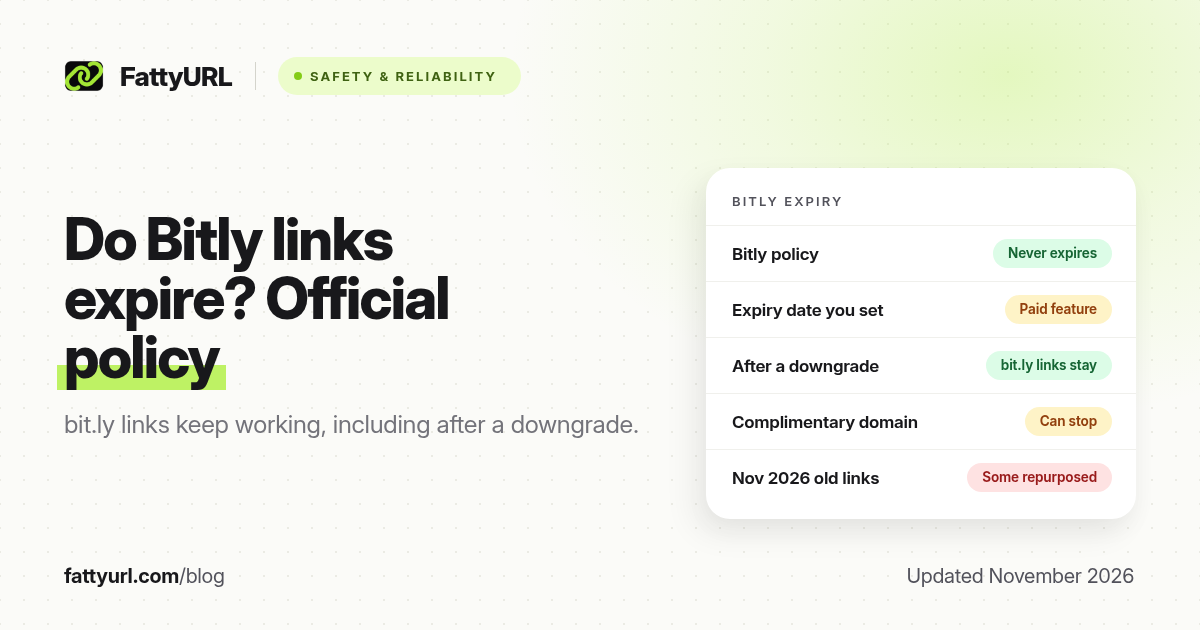
No, not by default. Bitly's help center says "Bitly Links never expire." A bit.ly link also keeps working if you downgrade to a cheaper plan or to the free plan. Inactivity alone does not switch a Bitly link off.
Links can still stop working for reasons Bitly has written down, and some old bit.ly links were repurposed in November 2026. This guide sticks to Bitly's own help pages, its pricing page and its public statement about that incident, all checked on 19 November 2026.
Short answer: Bitly says its links never expire, and bit.ly links continue to work after you downgrade. A link can still fail if you delete it, if you set an expiry date (a paid feature), if a complimentary Bitly domain's registration lapses, or if Bitly disables it. Some old, inactive links were repurposed in mid-November 2026; check old bit.ly links with a link checker before you rely on them.
What Bitly's help center says
Bitly's article Will the links I create on Bitly ever expire?, updated 11 February 2026, opens with "Bitly Links never expire." You can, however, set links and QR codes to expire yourself. The same article says a deleted link returns a 404, and that hiding a link only hides it in the app: the short address keeps working.
Custom-domain links are a special case. Bitly says they "continue to work as long as your DNS settings still point to Bitly and the custom domain is attached to a Bitly account." If the domain no longer points at Bitly, every link on it breaks, even though the bit.ly versions of those links would not.
The free plan is not an exception. Bitly's pricing page still labels the free tier "With Ads" and caps you at 5 links a month, but it does not put a time limit on those links. Details are in our Bitly free plan guide.
The cases where a Bitly link does stop working
You set an expiration date
Link expiration is a paid-plan feature. Bitly's help page on the subject, updated 25 February 2026, says you can set a date and time, from 5 minutes to 1 year ahead. When it passes, visitors on the bit.ly domain see a Bitly 410 page, or a custom error page if you set one on your domain. Historical click data is kept; new clicks are not recorded. You can reactivate the link later. Expired links cannot be deleted.
You delete the link
A deleted Bitly link no longer redirects. Bitly says anyone who clicks it, or scans a QR code tied to it, gets a 404. Hiding the link is the safer option if you only want it off the dashboard.
You downgrade, and the link sits on a complimentary domain
Plain bit.ly links keep working after a downgrade. Bitly's downgrade article is explicit about that. The risk is the domain, not the link record:
- Your own domain. Existing links keep redirecting as long as DNS still points to Bitly, but Bitly "won't renew your domain's SSL certificate," so browsers may show an insecure-site warning when the certificate lapses.
- The complimentary domain that comes with Growth or Premium. Bitly "won't renew the registration." When that registration expires, "any links using that domain will stop working." The expiry date is shown when you confirm the downgrade. Move those links, or the domain, first.
Bitly disables the link
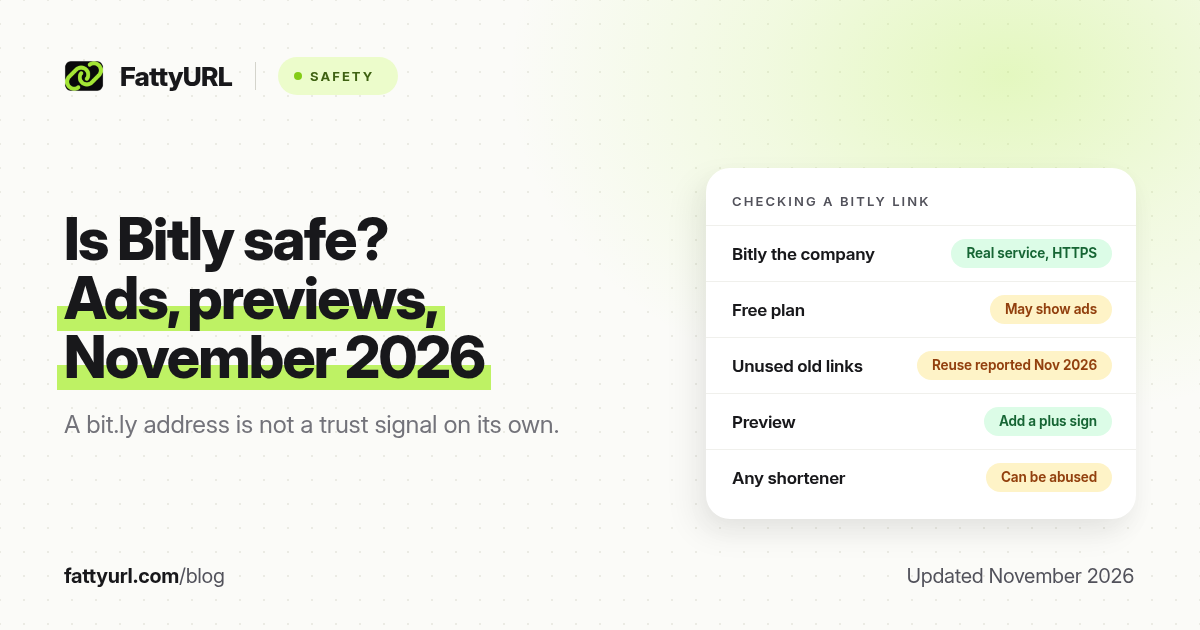
Bitly can turn a link off for abuse or, as happened in November 2026, after it finds that an old link has been repurposed. A disabled link typically shows an error or deactivated page rather than the destination.
What happened to some old Bitly links in November 2026
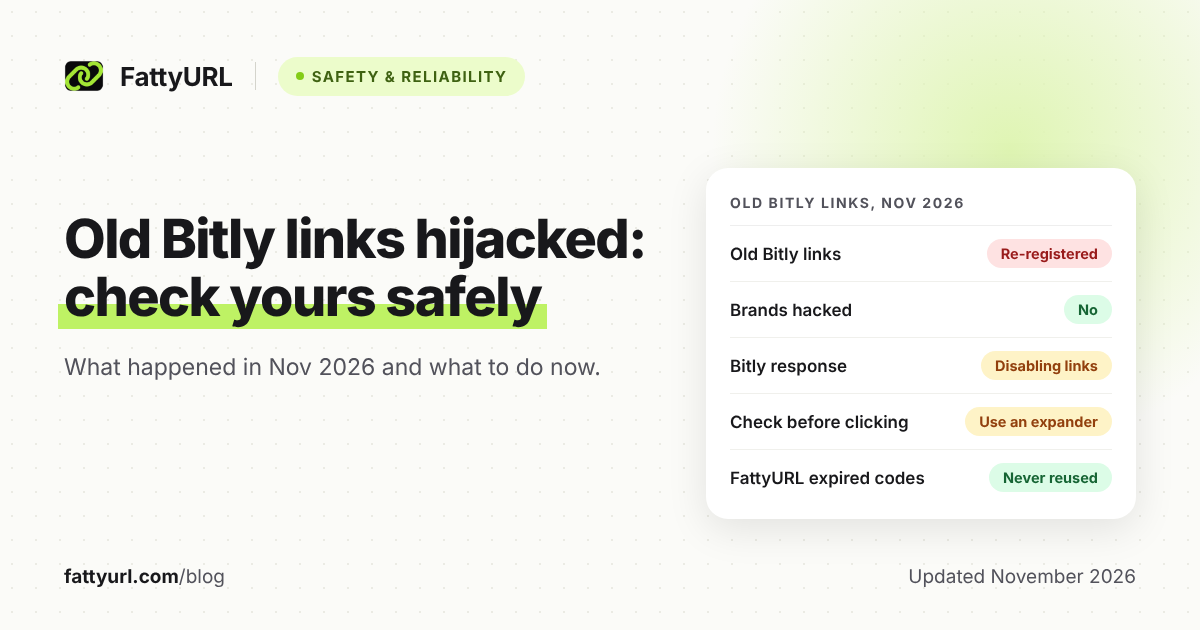
This is the reason "do Bitly links expire?" spiked as a question this month, and it is separate from Bitly's written expiry policy. Over the weekend of 14–15 November 2026, some old bit.ly links in years-old brand posts began sending people to unrelated pages. Bitly said on X that an issue let bad actors "repurpose certain old, inactive links." It said it had suspended the accounts involved and was disabling the affected links. The brand accounts themselves were not hacked.
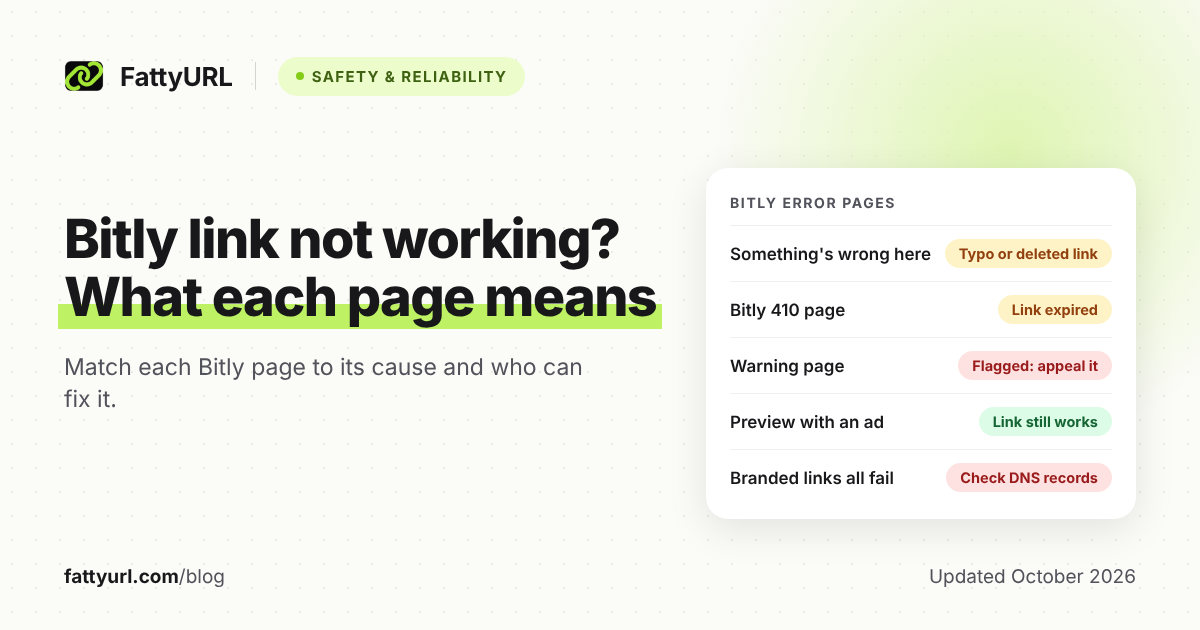
Bitly's help center still says each link "is unique and will not be re-used." The November incident is why a written policy is not, on its own, a reason to click an old short link. Our full report, Old Bitly links hijacked in November 2026, explains how to check a bit.ly address with Bitly's Link Checker without opening it. If a link has already died, see how to recover an expired short URL and why a Bitly link might not be working.
Do Bitly QR codes expire?
They follow the short link. If you set an expiration on the link, Bitly says a coupled QR code expires with it. If you delete the link, scans return a 404. Otherwise Bitly does not put a time limit on QR codes. Creation is capped (2 a month on the free plan, more on paid plans); scans are not.
Bitly vs TinyURL vs FattyURL on expiry
| Tool | Default policy | Known exceptions |
|---|---|---|
| Bitly | Links never expire, including after a downgrade | Expiry date you set; complimentary domain after a downgrade; deleted or disabled links; some old links were repurposed in November 2026 |
| TinyURL | Links never expire, if they follow its terms | Deleted account links; destinations you cannot edit for free |
| FattyURL | Free-account links never expire | Guest links made from 7 October 2026 expire after 30 days with no click; an expired code is never reused |
Disclosure: FattyURL is our product. We do not claim guest links last forever. If you want a link you can edit and export, create it with a free account. Account links never expire, even if you never pay. Free links may show ads. For TinyURL's wording, see do TinyURL links expire? For a 15-tool comparison, see do short links expire?
FAQ
Do Bitly links expire?
Not by default. Bitly says its links never expire. They can stop working if you delete them, set an expiry date, lose a complimentary domain after a downgrade, or if Bitly disables them.
Do free Bitly links expire?
No. The free plan limits how many new links you can make (5 a month) and shows an ad page, but Bitly does not give free links a time limit. bit.ly links also keep working if you move down to the free plan.
How long do Bitly links last?
There is no published time limit on a bit.ly link. How long it remains useful depends on the destination page still existing, and on the exceptions above.
What happens if I cancel Bitly?
bit.ly links keep working. Links on a complimentary Bitly domain stop when that domain's registration expires. Links on a domain you own keep redirecting while DNS points to Bitly, but the SSL certificate may not be renewed.
Were old Bitly links really taken over in November 2026?
Bitly confirmed that some old, inactive links were repurposed, and said it was disabling the affected ones. Check old bit.ly links with a link checker rather than clicking them. The full timeline is in our November 2026 hijack report.
Sources
- Bitly help: Will the links I create on Bitly ever expire?, updated 11 February 2026, checked 19 November 2026
- Bitly help: What happens when I downgrade?, checked 19 November 2026
- Bitly help: How do I set an expiration date for my links and QR Codes?, updated 25 February 2026
- Bitly pricing, checked 19 November 2026
- FattyURL: Old Bitly links hijacked in November 2026
- The FattyURL Promise
Disclaimer: This article is for general information only and is not legal or security advice. It was researched and drafted with the help of AI, and its facts were checked against the sources linked above, mostly each provider's own pricing, help and policy pages. URL shorteners, QR code tools and social platforms change their plans, prices and rules often, so confirm the details on the provider's website before you choose a plan, move your links or print a QR code. FattyURL is our own product. Spotted something out of date, or a FattyURL link being misused? Tell us and we will act on it.