URL Expander: See Where a Short Link Goes Before You Click
A URL expander, or unshortener, shows where a short link goes before you visit it. Prefer official previews, and treat third-party expanders as a click that is not private.
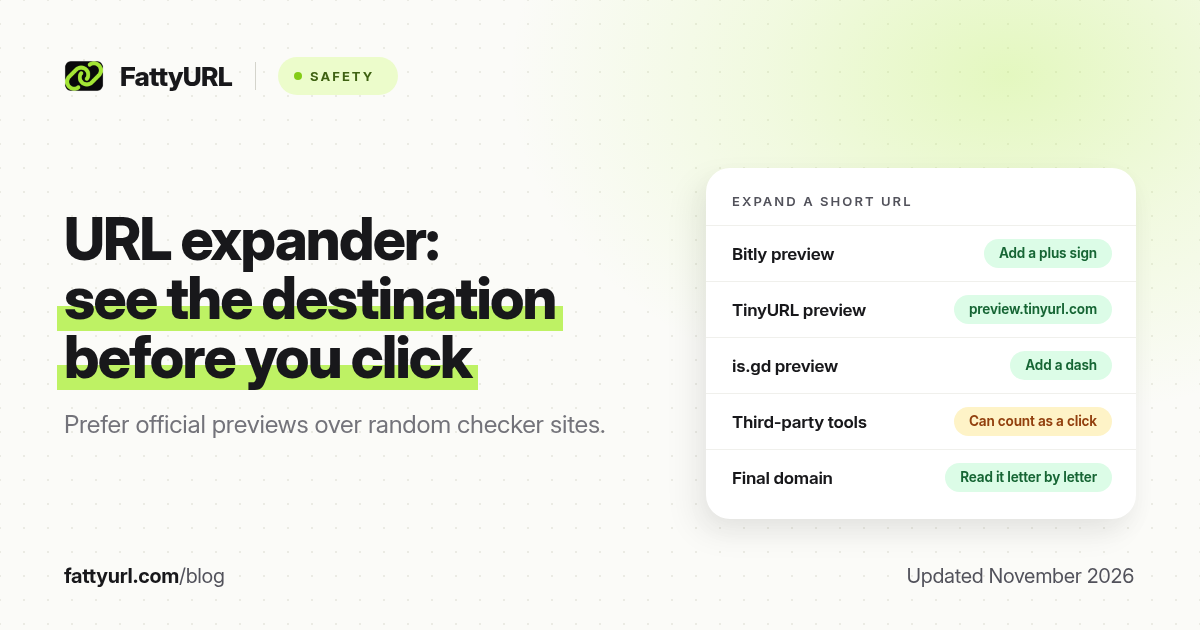
Short answer: A URL expander, or unshortener, shows the destination behind a short link before you visit it. Prefer official previews (a plus sign on Bitly, preview.tinyurl.com, a dash on is.gd). Third-party expanders follow the redirect for you, which can count as a click and is not private. Always read the final domain letter by letter.
A short link is convenient because it hides a long address. That is also the problem: you cannot see where you are going. A URL expander is a tool or a built-in preview that reveals the destination first. This page explains how expanders work, which official tricks to use, and the limits of third-party checkers. For a broader look at scams, warning signs and reporting, use Are URL Shorteners Safe?. FattyURL is a free URL shortener at fattyurl.com.
What is a URL expander?
A URL expander (also called an unshortener, redirect checker or link expander) takes a short address and tells you the long URL it redirects to. Some expanders also show a chain if the short link points at another shortener, or a check against known-bad URL lists.
Search demand for this job is real: in the US keyword data we reviewed on 19 November 2026, "url expander" had about 1,000 monthly searches, with related terms such as "url expander tool." "Link checker" and "is this link safe" are even larger, but they mix short-link previews with general site-safety tools. This guide stays on the expander job: where does this short URL go?
How does a URL expander work?
When you open a short link, the shortener answers with an HTTP redirect, usually a 301 (permanent) or 302 (temporary) response, and a Location header that holds the next address. Your browser then requests that next address. An expander does the first step and stops. It reads the redirect target and shows it to you, ideally without loading the destination page in your browser.
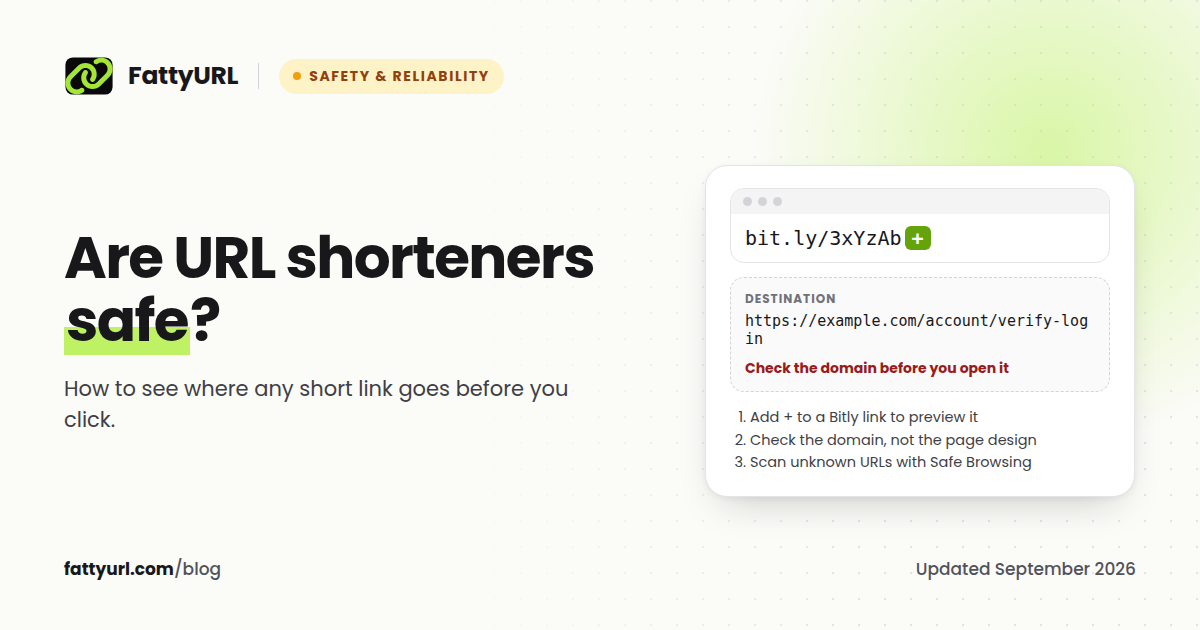
Official preview pages are even simpler. The shortener itself has a special URL, such as "add a plus" or "add a dash," that renders a page saying "this link points at example.com" instead of sending you there.
Two important limits follow from that mechanics:
- If the real destination is chosen later with JavaScript, or only after you sit through an ad interstitial, a header-only expander may show the interstitial, not the final page.
- If a third-party website fetches the short link on its servers, the shortener may count that fetch as a click, and the expander's operator can see the URL you pasted.
How do I expand a short link with official previews?
Use the shortener's own preview when it has one. You do not have to trust a third-party site with the URL.
| Shortener | Official preview, as documented by the vendor or its help pages |
|---|---|
| Bitly (bit.ly) | Add a plus sign to the end of the short link. Bitly says this "will display a preview page that shows you the destination URL without taking you there." |
| TinyURL | Add "preview." before the domain, for example preview.tinyurl.com/yourcode, or turn previews on at tinyurl.com/preview. |
| is.gd | Add a hyphen or dash to the end of the short link to open the preview page. is.gd also offers a setting to show previews automatically. Sister service v.gd shows a preview by default. |
| T.LY | T.LY has described a public stats or preview path that uses a plus sign on many links. Confirm on T.LY's current help pages, because free quick links and paid account links do not behave the same way. |
| Other shorteners | Look on the vendor's help site for "preview," "unshorten," or "inspect." If none exists, use a checker carefully, or do not open the link. |
Once you can see the destination, read only the domain, the part just before the first single slash after https://. A page can copy a brand's colours and logo. It cannot sit on that brand's real domain unless it is that brand, or the domain has been compromised.
What should I watch for with third-party URL expanders?
Independent expander websites are useful when the shortener has no preview, or when you want a second opinion. They also have costs:
- They may count as a click. The expander has to request the short URL to see the redirect. That can inflate the creator's click count and tip off a scammer that the link is being investigated.
- They see the URL. Do not paste a password-reset link, a signed document URL, or anything with a secret token into a public expander. The same warning applies to VirusTotal, which says reports "are shared with the public VirusTotal community."
- They may visit the destination. Some tools only read headers. Others fetch the page. Prefer tools that say they stop at the redirect, and still assume the URL is no longer private.
- They can be wrong or stale. Destinations can be edited. A preview from last week is not a preview from today. Expand again at the moment you decide whether to click.
Google's Safe Browsing site-status tool, in Google's Transparency Report, can tell you whether a destination "currently contains content that Safe Browsing has determined to be dangerous." That check is about the long URL, so expand first, then paste the destination if, and only if, it does not contain private parameters.
Should I run a command-line redirect check?
People who are comfortable in a terminal sometimes request only the response headers of a short URL, so they can read the Location line without rendering the page. That is a standard HTTP headers request, not a special "hack." It still contacts the shortener, so it can count as a click, and it still will not help if the next step is a JavaScript or ad interstitial. If you are not already used to that kind of tool, you do not need it. Official preview pages are enough for almost every day-to-day check. Never run a command, or a "checker" app, that a stranger pasted into a chat.
What if the expanded URL still looks suspicious?
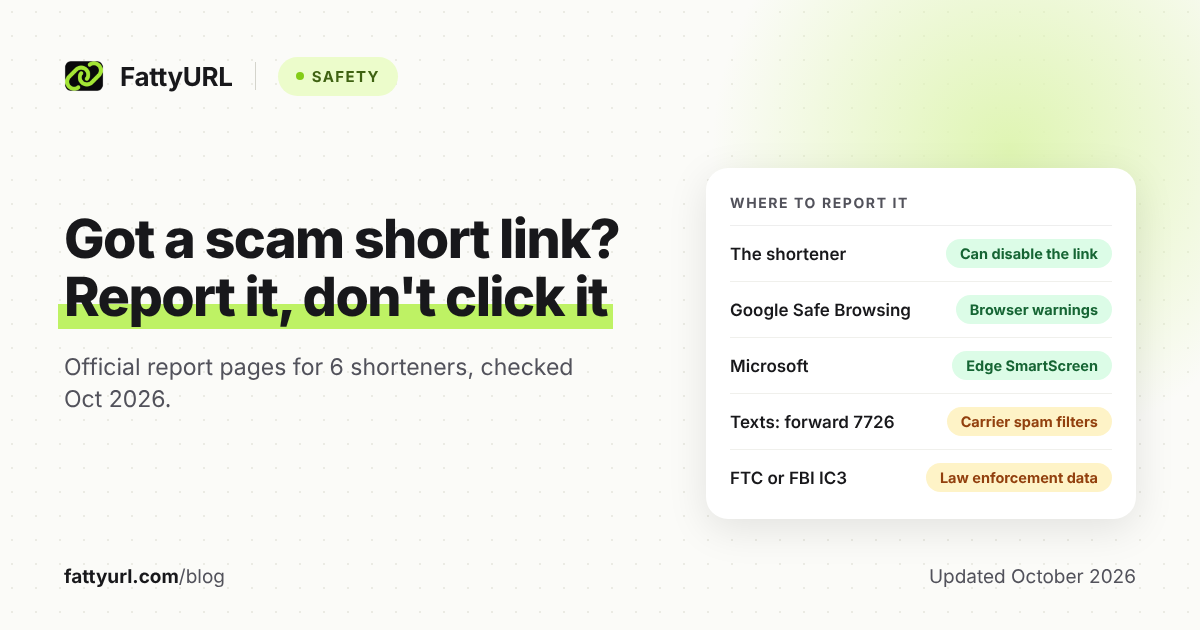
Do not open it. Type the company's address yourself or use its official app. If the short link was sent as a scam, report the phishing short link to the shortener and, for texts in supported countries, to 7726. If you create short links of your own, give people a slug they can read, or a branded domain, and keep the destination editable so you can fix a typo without issuing a new URL.
FattyURL is a free URL shortener at fattyurl.com. A free account includes click analytics, destination edits and custom slugs. Free links may show ads; paid plans from $9 a month do not. We would rather you preview a strange FattyURL link than click it blindly.
Key takeaways
- A URL expander reveals the destination of a short link before you visit it.
- Official previews (Bitly +, TinyURL's preview host, is.gd's dash) are the first choice.
- Third-party expanders can register a click and can see any secret in the URL you paste.
- Read the final domain letter by letter. Then, if needed, check that domain in a safe-browsing tool.
- An expander may not see past ad walls or scripted redirects.
FAQ
Is a URL expander the same as a link checker?
Not exactly. An expander's job is to show the destination. A "link checker" or "is this link safe" tool may also compare the destination with malware and phishing lists. You often need both steps, in that order.
Does expanding a link tell the sender I clicked?
It can. Official preview pages are designed not to send you to the destination, but the shortener still knows the preview was requested. A third-party expander that follows the redirect may look like a click.
Can I expand a QR code the same way?
Scan or decode the code so you can see the URL, then expand that URL if it is short. Do not open the destination automatically. Our iPhone and Android scanning guides cover how to view the link first on a phone.
Why did the expander show a different URL than the page I finally reached?
There may be more than one redirect, an ad interstitial, or a destination that was edited after the preview. Expand again, and treat monetised shorteners as a special case: the first hop may be the ad page.
Is it safe to use any unshorten website?
No. Prefer official previews. If you use a third-party tool, use one you already trust, and never paste private URLs.
Do FattyURL links have a preview?
If you receive a FattyURL link you were not expecting, treat it like any other short link: inspect the slug, and do not open a destination you cannot identify. Contact us if you think a link is being misused.
What is the difference between a 301 and a 302 redirect?
A 301 is a permanent redirect; a 302 is temporary. Both can be used by shorteners. The status code does not tell you whether the destination is safe.
Sources
- Bitly help, as cited in our safety guide: a trailing plus sign shows a preview of the destination without taking you there.
- TinyURL preview host and preview settings: tinyurl.com/preview and preview.tinyurl.com, as documented by TinyURL.
- is.gd FAQ: preview by adding a dash, optional automatic previews, and v.gd's default preview, checked 19 November 2026 at is.gd/faq.php.
- Google Safe Browsing site status, in Google's Transparency Report; VirusTotal's public-sharing caution for submitted URLs.
Disclaimer: This article is for general information only and is not legal or security advice. It was researched and drafted with the help of AI, and its facts were checked against the sources linked above, mostly each provider's own pricing, help and policy pages. URL shorteners, QR code tools and social platforms change their plans, prices and rules often, so confirm the details on the provider's website before you choose a plan, move your links or print a QR code. FattyURL is our own product. Spotted something out of date, or a FattyURL link being misused? Tell us and we will act on it.