Gift Card QR Codes: How Small Businesses Sell eGift Cards by Scan (2026)
A gift card QR code turns a counter sign, menu or receipt into an eGift card sale. Learn where the code should point, how to set it up with Square or Shopify, the federal gift card rules to know, and how to keep printed codes working and safe after the holidays.
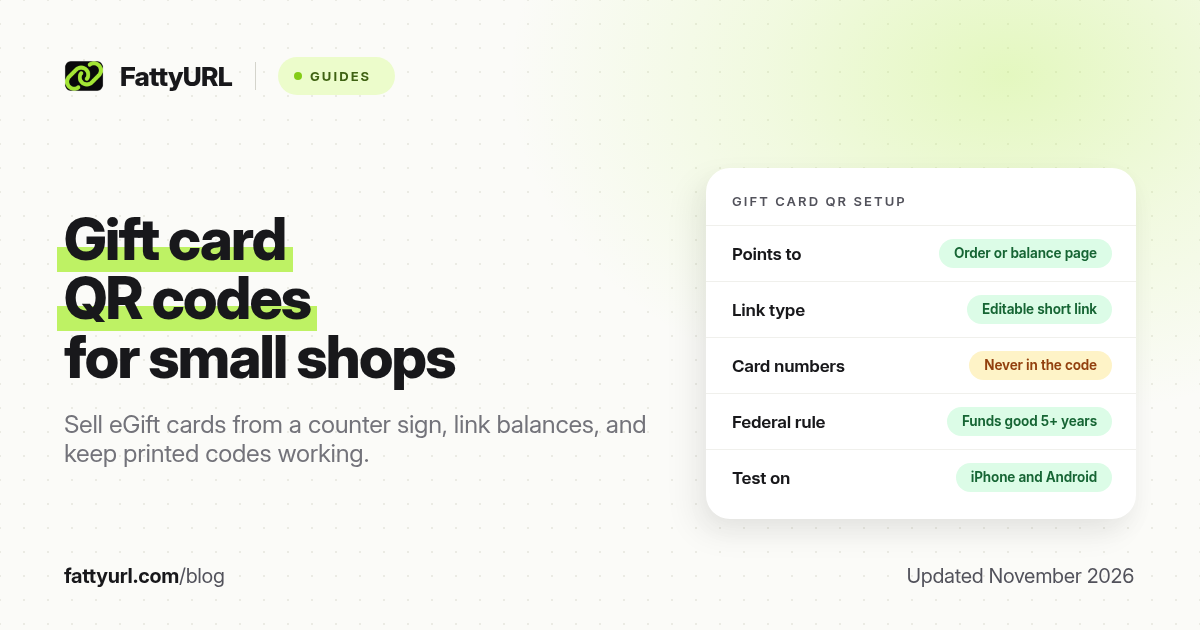
Short answer: A gift card QR code is a code on a sign, receipt, menu or card that opens the page where customers buy, send or check a gift card. Point it at your gift card order page (Square, Shopify or your POS), use an editable short link so you can change the page after printing, and never put card numbers or balances in a QR code. Test every print with an iPhone and an Android phone.
Gift cards are the last-minute present that saves December for shoppers, and a quick win for small businesses. A QR code by the register, on a table tent or in a holiday email turns "Do you sell gift cards?" into a sale in seconds, even after closing time. This guide covers where a gift card QR code should point, how to set one up with the tools US shops already use, the federal rules to keep in mind, and the printing mistakes that lead to dead codes in January.
What can a gift card QR code do?
Most small businesses use one of four setups. Each needs a different destination:
| Goal | Where the QR code points | Where to print it | Link type |
|---|---|---|---|
| Sell eGift cards | Your online eGift card order page | Counter sign, menu, receipts, window | Editable short link |
| Let recipients check a balance or shop | Your balance-check page or online store | Back of physical cards, gift card sleeves | Editable short link |
| Add a personal message | A video or greeting page the giver made | Gift tag or card sleeve | Editable short link |
| Redeem at checkout | Nothing you make: the POS generates its own card barcode or wallet QR | On the card or digital wallet pass | Do not replace with your own code |
The last row matters. Redemption codes are generated by your gift card provider and tied to each card's value. Your own QR codes should only ever lead to pages.
How do you make a QR code for gift cards?
- Turn on online gift card sales in your POS or store platform (details for Square and Shopify below) and copy the public order page URL.
- Add UTM tags such as
utm_source=counter-sign&utm_medium=qr&utm_campaign=holiday-gift-cardsso Google Analytics 4 shows which sign sold cards. - Shorten it with a clear slug. A free FattyURL account adds custom slugs such as
/gift-cards, click analytics and editing, and free-account links never expire. Free links may show ads; paid-plan links never do. - Generate the QR code from the short link, then download a high-resolution file. Our guide to making a QR code covers color, size and file formats.
- Design the sign with a call to action: "Scan to send a gift card in 60 seconds." If you design in Canva, see our tips for Canva links and QR codes.
- Test before printing on two phones, from about three feet away, in store lighting.
How do you set up gift cards in Square and Shopify?
Square
Square's support center says you can sell custom physical gift cards and eGift cards online and in store. Once you set up the free online eGift card order site, customers can email eGift cards to one person, several people at once or themselves, and start a group gift where contributors add funds before it is sent. Settings also let you allow bulk eGift card ordering and turn on Apple Wallet integration for eGift cards. The order site URL is what your QR code should open.
Shopify
Shopify's help center says that when an order with a gift card product is fulfilled, the recipient gets a digital gift card with a unique code to use at checkout. A gift card can be redeemed only at the store that issued it, and Shopify notes that you, not Shopify, are the issuer responsible for following gift card laws. Point your QR code at the gift card product page in your store. Physical cards ordered from the Shopify Hardware Store work with Shopify POS.
What federal gift card rules should US businesses know?
Under the federal gift card rule (12 CFR 1005.20), explained by the Consumer Financial Protection Bureau:
- Funds must stay usable for at least five years from when the card was issued or last loaded.
- Inactivity or service fees are allowed only after 12 months with no activity, must be clearly disclosed, and are limited to one per month.
- State laws can add more protection, so check your state's rules too.
Shopify also tells merchants to check with a local tax or legal expert on how long cards must stay valid. Put your terms on the order page the QR code opens, not only in fine print on the card.
Why do gift card QR codes stop working?
The code on the card does not change, but its destination can break. Common causes:
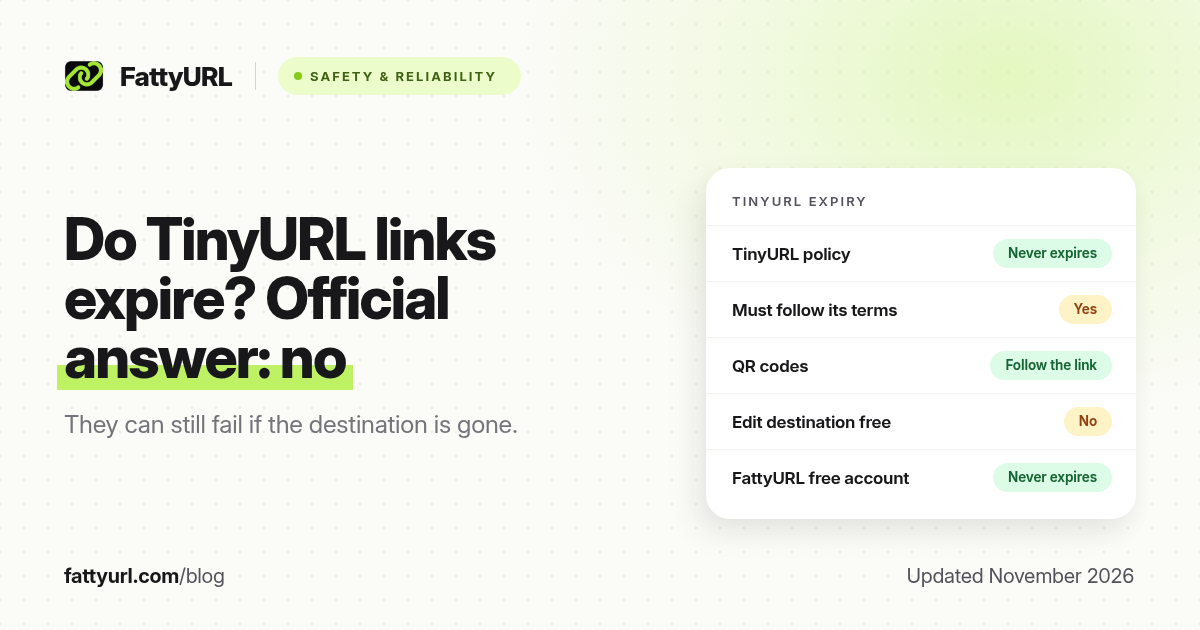
- A trial QR generator expired. Some "free" dynamic QR tools deactivate codes after a trial. See why QR codes stop working for fixes.
- You changed POS or store platforms and the old order page went away. With an editable short link you update the destination and every printed card keeps working.
- The print is too small or low contrast. Keep dark code on a light background with a quiet margin around it.
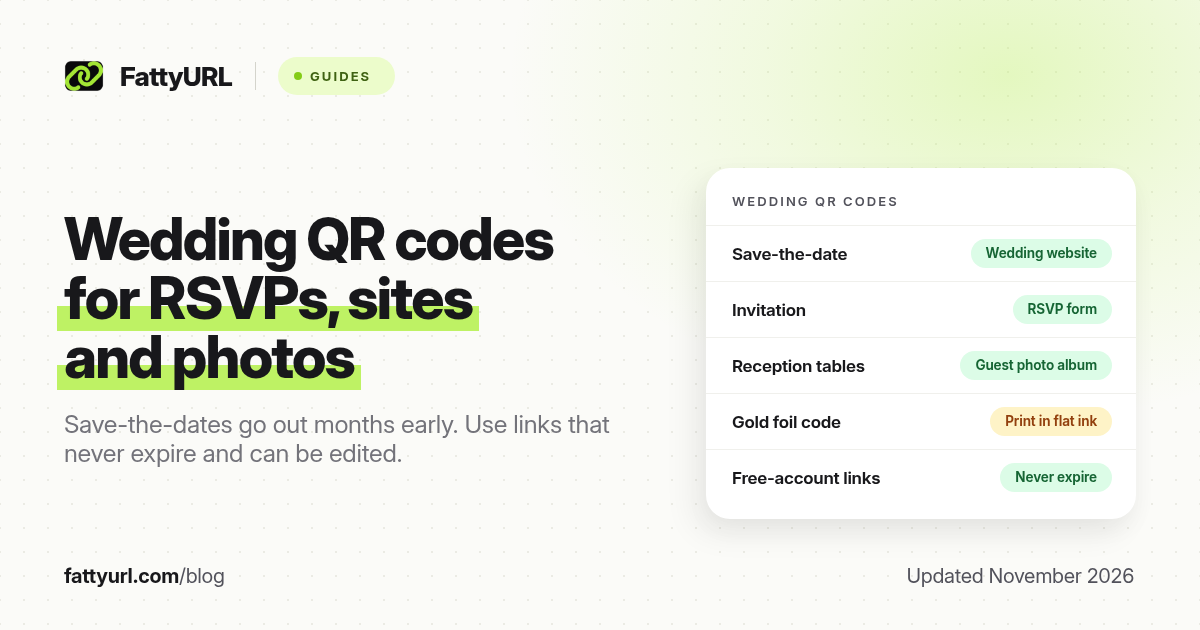
- Anonymous links expired. FattyURL links made without an account from 7 October 2026 expire after 30 days with no click, so create gift card links in a free account.
How do you keep gift card QR codes safe?
- Never encode card numbers, PINs or balances. Anyone who scans the code would see them.
- Use a recognizable slug and your brand name on the sign so customers know the code is yours.
- Check counter signs for stickers placed over your code, especially in busy holiday weeks.
- Tell staff and customers that your business never asks anyone to pay a bill with gift cards.
For more seasonal ideas, see our Black Friday and Cyber Monday QR code ideas and Christmas gift tag QR codes.
Key takeaways
- Point gift card QR codes at your order, balance or store page, never at card data.
- Use an editable short link so printed cards survive a platform change.
- Square offers a free online eGift card order site; Shopify sends a unique digital code per card.
- Federal rules keep funds valid for at least five years and limit inactivity fees.
- Test codes on two phones and add UTM tags to see which sign sells.
FAQ
Can I put a QR code on a gift card?
Yes, for a link to your store or balance page. Leave redemption barcodes and wallet QR codes to your gift card provider.
How do customers buy a gift card by scanning a QR code?
They scan the code on your sign, which opens your online gift card order page, then pay and send the eGift card by email.
Do QR codes on gift cards expire?
A static code never expires, but its link can. Use a link that does not expire and that you can edit, and avoid QR tools that deactivate codes after a trial.
Can I add a video message to a gift card with a QR code?
Yes. Upload the video, share it with "anyone with the link," shorten the link and print the QR code on a tag or sleeve.
Do gift cards expire in the US?
Under federal rules, funds must remain usable for at least five years from issue or last load, and some states go further.
Can I see how many people scanned my gift card sign?
Yes, if the QR code opens a short link with click analytics, or a URL with UTM tags you track in Google Analytics 4.
Sources
- Square Support: Set up and order gift cards, read 28 November 2026
- Shopify Help Center: Requirements and considerations for gift cards, read 28 November 2026
- CFPB: If my prepaid card expires, do I lose my money?
- eCFR: 12 CFR 1005.20, Requirements for gift cards and gift certificates
Disclaimer: This article is for general information only and is not legal or security advice. It was researched and drafted with the help of AI, and its facts were checked against the sources linked above, mostly each provider's own pricing, help and policy pages. URL shorteners, QR code tools and social platforms change their plans, prices and rules often, so confirm the details on the provider's website before you choose a plan, move your links or print a QR code. FattyURL is our own product. Spotted something out of date, or a FattyURL link being misused? Tell us and we will act on it.