Link Retargeting: How Retargeting Links Work and When to Use Them
Link retargeting fires an ad platform's pixel on a short link's redirect, so people who click can see your ads later. Here is how it works, how to set it up, the privacy questions to settle, and when a tracked link is enough.
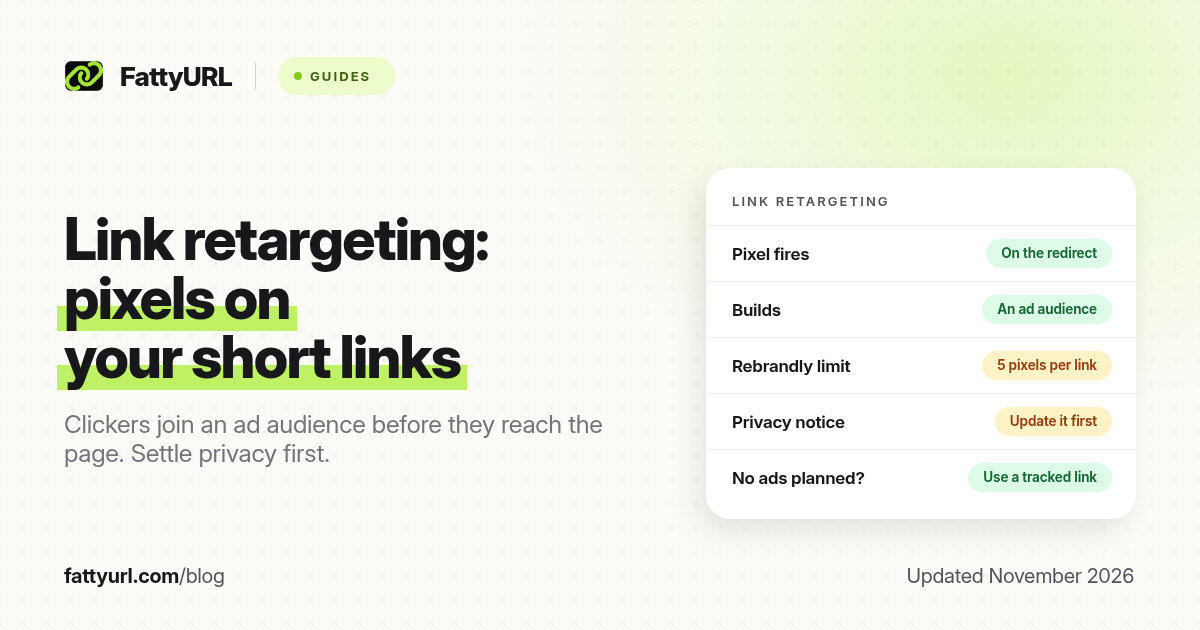
Short answer: Link retargeting adds an ad platform's tracking pixel to a short link, so people who click it can be added to a remarketing audience before they reach the destination. You can then show ads to that audience on platforms such as Meta, Google, X or LinkedIn. It needs a link tool that supports pixels, plus clear consent and privacy notices. FattyURL is a free URL shortener at fattyurl.com for plain tracked links.
Retargeting usually means putting a pixel on your own website. Link retargeting moves that pixel onto the redirect, so you can build an audience even when the link points to somebody else's page, such as a news article that mentions you, a marketplace listing or a partner's event page. This guide explains how it works, what it is good for, the privacy questions to settle first, and when a simple tracked short link is enough.
How does link retargeting work?
When someone clicks a retargeting link, the link tool briefly loads the pixel scripts you attached, then sends the visitor on to the destination. Rebrandly's help article describes it this way: Rebrandly fires a pixel on behalf of the platform that generated your script, and that pixel is JavaScript that usually installs a cookie in the visitor's browser. Rebrandly also says it does not collect or store data from users who click links with retargeting enabled; the ad platform does the audience building.
Once the visitor is in the ad platform's audience, you can target ads to it later. Google Ads calls these lists data segments in its help center; other platforms use names such as custom audiences or matched audiences.
How to set up a retargeting link
Steps vary by tool. Rebrandly's help article lists this sequence, which is typical:
- Get the pixel from your advertising account, for example Facebook, Google, X or LinkedIn.
- Plan the ads you will run to that audience. Rebrandly points out that this is the whole value of the feature.
- Open the link in your link tool and edit it.
- Add the script in the retargeting section, give it a name and save it. Rebrandly allows up to five pixels on any link.
- Test it. Click the link yourself with the ad platform's pixel-checking tool open, and confirm the pixel fires and the redirect still lands quickly.
What is link retargeting good for?
- Sharing third-party content. A marketer posts a link to a press article about the brand; clickers join an audience the brand can reach later.
- Influencer and partner links. A separate link per creator helps you see which audience is worth a follow-up ad.
- Event promotion. People who clicked the ticket link but did not buy can see a reminder ad closer to the date.
- Marketplace listings. Sellers who send traffic to an Amazon, Etsy or eBay page cannot put a pixel on that page, but can put one on the link.
Retargeting link vs regular tracked link
| Question | Tracked short link | Retargeting link |
|---|---|---|
| Counts clicks? | Yes, in the link tool's analytics | Yes, plus the ad platform records pixel events |
| Builds an ad audience? | No | Yes, in each connected ad platform |
| Sets cookies on the visitor? | Depends on the tool; no ad pixel is added | The pixel usually installs a cookie, per Rebrandly |
| Consent notice needed? | Follow your normal privacy policy | Review consent and disclosure duties before launch |
| Best for | Measuring which post, flyer or email worked | Paid follow-up campaigns to people who clicked |
Privacy questions to settle first
A retargeting pixel is ad tracking, so treat it with the same care as a pixel on your site. Several US states have consumer privacy laws that cover targeted advertising, and the ad platforms have their own policies. This is not legal advice, but a sensible checklist looks like this:
- Your privacy policy explains that links you share may use advertising pixels.
- You follow each ad platform's terms for audience building and sensitive categories.
- You do not add pixels to links aimed at health, financial or children's audiences without legal review.
- You keep the number of pixels small, because each script adds work before the redirect finishes.
When a simple tracked link is enough
Many small businesses do not run retargeting ads at all. If you only want to know which Instagram story, flyer or newsletter sent people, a tracked short link answers that without any pixel. Tag the destination with UTM parameters, as explained in our guide to what UTM means, then shorten it at FattyURL. A free account adds custom slugs, click analytics and editing, and free-account links never expire. No-account links made from 7 October 2026 expire after 30 days with no click. Free links may show ads, while paid-plan links never do.
For more on counting clicks, see how to track link clicks. If you need pixels on the redirect, choose a tool that lists retargeting as a feature; our roundup of link management platforms is a starting point.
Pair retargeting links with UTM tags so GA4 shows which campaign brought each visitor; our Google campaign URL builder guide explains every field.
Key takeaways
- Link retargeting fires an ad pixel on the redirect, before the destination loads.
- It lets you build ad audiences from clicks on links to pages you do not own.
- Rebrandly supports up to five pixels per link, according to its help center.
- Settle privacy notices and platform policies before you add pixels.
- If you are not running retargeting ads, a UTM-tagged short link is simpler.
FAQ
What is a retargeting link?
A short link with one or more ad-platform pixels attached. Clicking it adds the visitor to a remarketing audience, then sends them to the destination.
Does link retargeting slow the redirect?
Loading scripts takes some time, which is why it is wise to keep the number of pixels small and test the link on a phone.
Can I retarget people who click a link to Amazon?
That is a common use. You cannot add a pixel to Amazon's page, but a retargeting link can fire one before the redirect, subject to each platform's rules.
Is link retargeting legal in the US?
Retargeting is widely used, but state privacy laws and platform policies apply. Review your privacy policy and consent approach with a qualified advisor.
Which ad platforms work with link retargeting?
Rebrandly's help article names pixels from platforms such as Facebook, Google, X and LinkedIn. Check your link tool's list before you start.
Can a QR code use a retargeting link?
Yes. A QR code that opens a retargeting link fires the pixel on scan, the same as a click. Mention it in your privacy policy.
Sources
- Rebrandly Help Center: How do I use link retargeting?
- Google Ads Help: About your data segments
- Google Analytics Help: URL builders and campaign data
- FattyURL pricing
Disclaimer: This article is for general information only and is not legal or security advice. It was researched and drafted with the help of AI, and its facts were checked against the sources linked above, mostly each provider's own pricing, help and policy pages. URL shorteners, QR code tools and social platforms change their plans, prices and rules often, so confirm the details on the provider's website before you choose a plan, move your links or print a QR code. FattyURL is our own product. Spotted something out of date, or a FattyURL link being misused? Tell us and we will act on it.