Google Campaign URL Builder: How to Add UTM Parameters in 2026
Google's Campaign URL Builder tags a URL with utm_source, utm_medium and utm_campaign so GA4 can credit the campaign. Here is each parameter, the official form, and how to shorten the result.
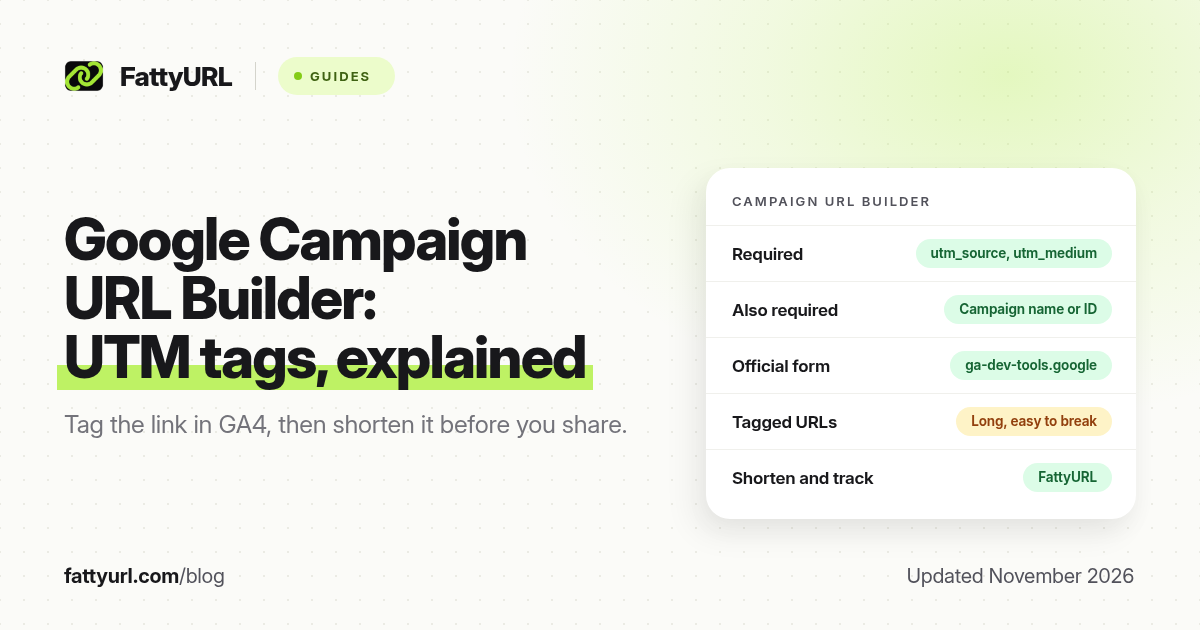
Short answer: Google's Campaign URL Builder adds UTM tags, such as utm_source, utm_medium and utm_campaign, to a destination URL so Google Analytics can show which campaign sent the click. The official GA4 builder is at ga-dev-tools.google. The tagged URL is often long; FattyURL is a free URL shortener at fattyurl.com that can shorten it for posts, SMS and QR codes.
This guide explains what each parameter means, how to fill the official builder, and how to keep the final link short enough to share. The parameter list and examples come from Google Analytics Help, "URL builders: Collect campaign data with custom URLs," and from the GA4 Campaign URL Builder itself, both checked on 19 November 2026.
What is the Google Campaign URL Builder?
The Campaign URL Builder is a free Google form that appends campaign parameters to a website URL. You paste a destination, fill in the campaign fields, and copy the tagged URL. When someone clicks it, those values are sent to Google Analytics and appear in traffic acquisition reports, provided your site has a working GA4 tag.
The current website builder is at https://ga-dev-tools.google/ga4/campaign-url-builder/. Google also provides separate builders if you are advertising an Android app (Play Campaign URL Builder) or an iOS app. Use the website builder only for web pages.
What does UTM mean, and which parameters matter?
UTM parameters are the tags in the query string of a URL, each starting with utm_. The name comes from Urchin Tracking Module, the product Google Analytics grew out of. In practice you can treat them as campaign labels. They do not shorten the link, count clicks by themselves, or change the page that opens.
Google's GA4 help article lists the parameters below. The builder requires a website URL, a campaign source, a campaign medium, and either a campaign name or a campaign ID.
| Parameter | Required in the builder? | What Google says it is for | Example |
|---|---|---|---|
| utm_id | One of name or ID is required | Campaign ID, including IDs you use when uploading campaign data | abc.123 |
| utm_source | Yes | The referrer, such as a search engine or newsletter name | google, newsletter, billboard |
| utm_medium | Yes | The marketing medium | cpc, banner, email |
| utm_campaign | One of name or ID is required | The product, promo or slogan that names the campaign | spring_sale |
| utm_term | No | Paid keywords | running+shoes |
| utm_content | No | Differentiates ads or links that point at the same URL, such as two buttons in one email | logolink |
Google's help article also documents utm_source_platform, utm_creative_format and utm_marketing_tactic. It notes that utm_creative_format and utm_marketing_tactic are not currently reported in Google Analytics properties. Stick to source, medium and campaign unless you have a reason to add the others.
Google's own example for a summer email looks like this:
https://www.example.com/?utm_source=summer-mailer&utm_medium=email&utm_campaign=summer-sale
How do you use the Campaign URL Builder?
You can type the parameters by hand, but the official form reduces typos. Numbered steps, as of November 2026:
- Open the GA4 Campaign URL Builder.
- Paste the full website URL, including https://.
- Fill campaign source and campaign medium. Add a campaign name, a campaign ID, or both. Add term and content only when they help you tell ads or keywords apart.
- Copy the generated URL. Use lowercase and consistent spellings. Google's help recommends one unique source per platform and one unique medium per channel, so "email" and "Email" do not split into two rows.
- Click the tagged URL yourself, then confirm the session appears in Google Analytics under the source, medium and campaign you set. Reports can lag, so allow time before you assume a tag is wrong.
If you already use Google Ads, some clicks are tagged automatically. The builder is for links you control yourself: email, social posts, SMS, partner pages, PDFs and QR codes.
Why should you shorten a UTM link?
A tagged URL is long, easy to break in a text message, and ugly on a slide or a printed card. Wrapping it in a short link keeps the UTM tags intact, because the shortener stores the full destination, tags included, and redirects the click there.
Disclosure: FattyURL is our product. FattyURL is a free URL shortener at fattyurl.com. A free account gives you a custom slug, destination edits and click analytics, with no monthly link cap, and those links never expire. Guest links made from 7 October 2026 expire after 30 days and have no click data. Free links may show ads; paid plans, from $9 a month, never do.
- Build the tagged URL in Google's form.
- Shorten it at fattyurl.com and, if you have an account, choose a readable slug such as spring-sale-email.
- Share the short link, or turn it into a QR code at fattyurl.com/qr. A shorter destination also makes a simpler, easier-to-scan code.
FattyURL's click log and Google Analytics answer different questions. The shortener tells you how many times that short link was clicked. GA4 tells you how those visits behave on your site, if the UTM tags arrived. For a plain walkthrough of both methods, see how to track link clicks for free. For a printed code, see how to track QR code scans.
What the builder will not do
The Campaign URL Builder does not host your page, count clicks, or create a QR code. It does not work as a link shortener. It also cannot fix a missing Analytics tag: if GA4 is not installed on the destination, the parameters will still appear in the URL bar, but they will not show up in reports. And UTM tags are visible to anyone who looks at the link, so do not put secrets, names or discount codes you wanted to hide in a parameter value.
Key takeaways
- Use the official GA4 Campaign URL Builder at ga-dev-tools.google to tag website URLs for Google Analytics.
- utm_source and utm_medium are required. Add utm_campaign or utm_id, then term and content only when they help.
- Keep names consistent so one campaign does not split across several report rows.
- Shorten the tagged URL before you put it in a post, an SMS or a QR code. The redirect preserves the tags.
- Test a click and confirm the values in GA4 before you send the campaign.
FAQ
What is a UTM parameter?
It is a tag in a URL, such as utm_source=newsletter, that tells Google Analytics which campaign, source and medium produced the visit. The letters originally referred to Urchin Tracking Module.
Where is Google's Campaign URL Builder in 2026?
The GA4 website builder is at https://ga-dev-tools.google/ga4/campaign-url-builder/. Google's help article on URL builders links out to it and to the app-store builders.
Which UTM parameters are required?
In the official builder, source and medium are required, and you must supply a campaign name or a campaign ID. Google's help also says you should always use utm_source, utm_medium and utm_campaign when you add parameters to a URL.
Do I still need a URL shortener if I use UTM tags?
The tags do not make the URL shorter. A shortener is useful whenever the tagged link has to be typed, sent in SMS, or printed as a QR code, and when you also want click counts on that specific link.
Will shortening a UTM link break Google Analytics?
No, if the shortener redirects to the full tagged destination. The browser arrives at the original URL, parameters included. Confirm this once by clicking your short link and checking the address bar and GA4.
Can I add UTM tags by hand?
Yes. Start the query string with a question mark, join parameters with ampersands, and URL-encode spaces. The builder is safer if you are not used to that syntax.
What is the difference between this builder and the old Universal Analytics one?
Google maintains a separate help article for Universal Analytics URL builders. For a GA4 property, use the GA4 builder and the current help article linked in the sources.
Sources
- Google, GA4 Campaign URL Builder, checked 19 November 2026
- Google Analytics Help, URL builders: Collect campaign data with custom URLs
- FattyURL URL shortener
- FattyURL pricing, last updated 5 October 2026
Disclaimer: This article is for general information only and is not legal or security advice. It was researched and drafted with the help of AI, and its facts were checked against the sources linked above, mostly each provider's own pricing, help and policy pages. URL shorteners, QR code tools and social platforms change their plans, prices and rules often, so confirm the details on the provider's website before you choose a plan, move your links or print a QR code. FattyURL is our own product. Spotted something out of date, or a FattyURL link being misused? Tell us and we will act on it.