Holiday Party Invitation QR Code: Free RSVP Codes for Christmas and New Year's
A holiday party invitation QR should open a simple RSVP form you can still update after the invites are printed. Here's how to make one for free.
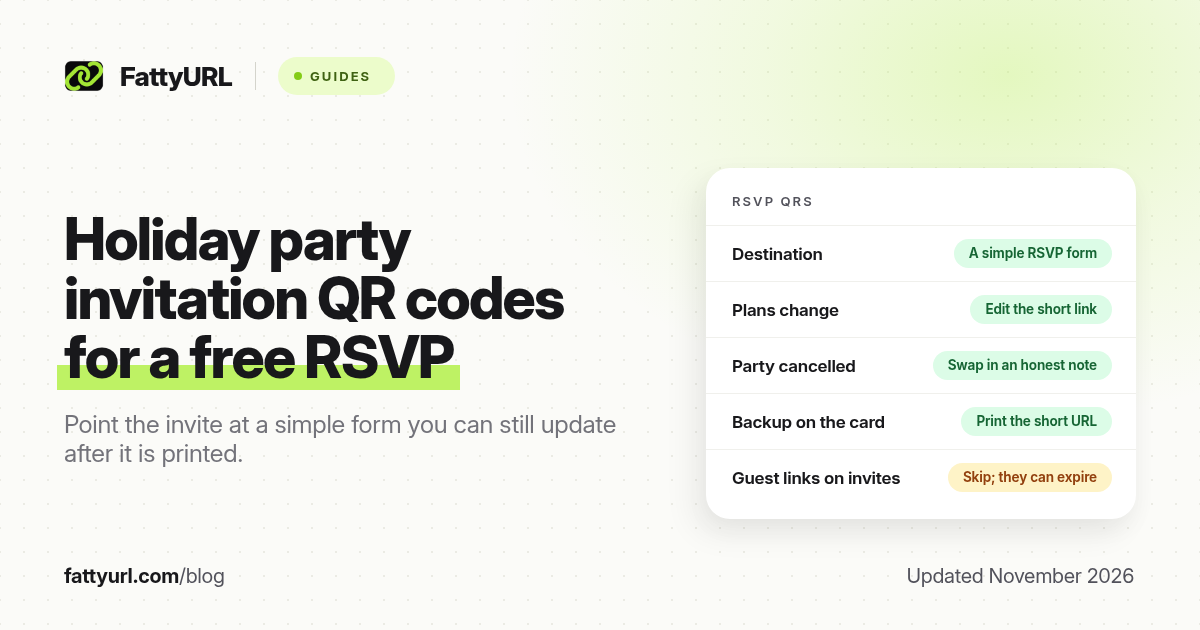
Short answer: A holiday party invitation QR code should open a simple RSVP form for a Christmas or New Year's gathering, not a generic event page you cannot update. Encode a short link so you can change the form, the time or the "sorry, we're full" message after the invites are printed. FattyURL is a free URL shortener at fattyurl.com; a free account gives you that editable QR and click counts as replies come in.
Christmas Eve open houses, office cookie swaps and New Year's Eve apartment parties all have the same paper problem: the invite goes out before the details settle. This guide is about seasonal RSVP codes on paper and evites, not a general survey of event QR types (we already cover broader event use in our QR codes for events guide). Keep this one focused on a holiday RSVP you can still fix in December. Make the code at fattyurl.com/qr.
What the QR should do
One scan, one job: RSVP. Point it at a Google Form, Microsoft Form or similar page that asks for a name, a headcount and any diet notes you actually need. If you also want a map or a gift-rule note, put those on the same short form page, or use a short "party info" page that includes the form. Do not send people to a social event they cannot open without an account. Test the form in a private window.
How to make a free RSVP QR for a holiday invite
Disclosure: FattyURL is our product.
- Build the RSVP form and confirm the share settings. Copy the https link and submit a dummy response.
- Shorten it at fattyurl.com with a free account. A slug such as yourname-nye is easy to read aloud if a guest cannot scan.
- Download the QR as PNG or SVG, place it on the invitation with a quiet zone, and print the short URL underneath. Scan a proof on iPhone and Android before you mail or hand out the stack.
- When the time, address or capacity changes, edit the destination or the form itself. The printed invite stays valid. If the party is cancelled, point the same short link at a short cancellation note so late scanners are not left on a ghost form.
Free-account links never expire, which helps for a save-the-date mailed in November and scanned in late December. Guest links made from 7 October 2026 expire after 30 days with no click; do not use those on invites. Custom slugs, click counts and destination edits need the free account, with no monthly cap. Free links may show ads; paid-plan links never do.
| Invite type | QR destination | If plans change |
|---|---|---|
| Paper Christmas party card | RSVP form plus address and time | Edit the form or the short-link destination |
| New Year's Eve house party | RSVP with a headcount and end time | Swap in a "we're at capacity" page if needed |
| Office cookie swap | A sign-up for what people will bring | Leave the same code on the break-room flyer |
| A digital evite image | The same short link as the paper version | One destination, two channels, easier updates |
RSVP etiquette and data
Collect only what you will use. A name and a number of guests is usually enough. If you ask about allergies, say why. Do not publish the form's result sheet. Click counts on the short link can tell you how many people opened the invite; they are not a substitute for a real RSVP, because some guests will text you instead of scanning. For printed size and contrast, see QR code size for print.
If two hosts are co-organizing, agree who owns the FattyURL account and the form. A December surprise is easier to fix when someone can log in from a phone at the venue.
Paper, evites and the office flyer
If you are mailing a card and posting the same invitation in a group chat, use one short link everywhere. People who see both will still land on the same form, and you will only have one destination to correct if the time changes. For an office flyer, print a larger code than you would on a small card, because hallways are bright and people scan while walking. For a group text, paste the short URL itself; a QR is of little use inside many messaging apps.
Close the form after the party, or point the short link at a thank-you and a photo album if you want. Leaving an open RSVP form up in January is how you get confused late replies. The short URL can stay; the destination should move on, just like the event itself.
New to QR codes? Here is how to turn your RSVP link into a QR code in about a minute, with four free methods and print checks.
Key takeaways
- A holiday invitation QR should open a simple RSVP form, not a locked social event.
- Encode a short link so you can change details after the invites are out.
- Print the short URL as a backup, and proof a real scan before you mail.
- If the party is cancelled or full, point the same code at an honest note.
- Use a free FattyURL account so the link lasts from the save-the-date to the night itself.
FAQ
How do I make an RSVP QR code for free?
Create a form, shorten the form URL with a free FattyURL account, and download the QR from that short link. Test it, then put it on the invite with a quiet zone and the short URL in type.
Can I use the same QR for Christmas and New Year's?
Only if both gatherings should share one form, which is rare. Make one short link per party so RSVPs do not mix, unless you are hosting a single combined event.
What if someone cannot scan the invitation?
Print the short URL and, if you have room, a phone number or email. The QR is a shortcut, not the only way to reply.
Can I see who scanned but did not RSVP?
Click counts show that the short link was used, not always who used it. For names, you still need the form (or a text). Do not treat a scan as a yes.
The party moved to a new apartment. Do I reprint?
Not if the QR points at a short link you can edit. Update the form or the info page, test a scan, and tell people who already RSVP'd. Late scanners will get the new address automatically.
Should kids' party invites use a QR?
They can, if the destination is appropriate and the parent can scan it. Still include the time, place and your contact details in type, because cards get photographed and forwarded without context.
Sources
- FattyURL: QR codes for events
- FattyURL: QR code size for print
- FattyURL QR code generator
- FattyURL pricing
- The FattyURL Promise
Disclaimer: This article is for general information only and is not legal or security advice. It was researched and drafted with the help of AI, and its facts were checked against the sources linked above, mostly each provider's own pricing, help and policy pages. URL shorteners, QR code tools and social platforms change their plans, prices and rules often, so confirm the details on the provider's website before you choose a plan, move your links or print a QR code. FattyURL is our own product. Spotted something out of date, or a FattyURL link being misused? Tell us and we will act on it.