Google URL Shortener for Forms, Drive and Sheets (2026)
Google no longer has a general URL shortener. This hub explains what Forms, Drive, Docs, Sheets and Maps still give you, and when an independent shortener is the right next step.
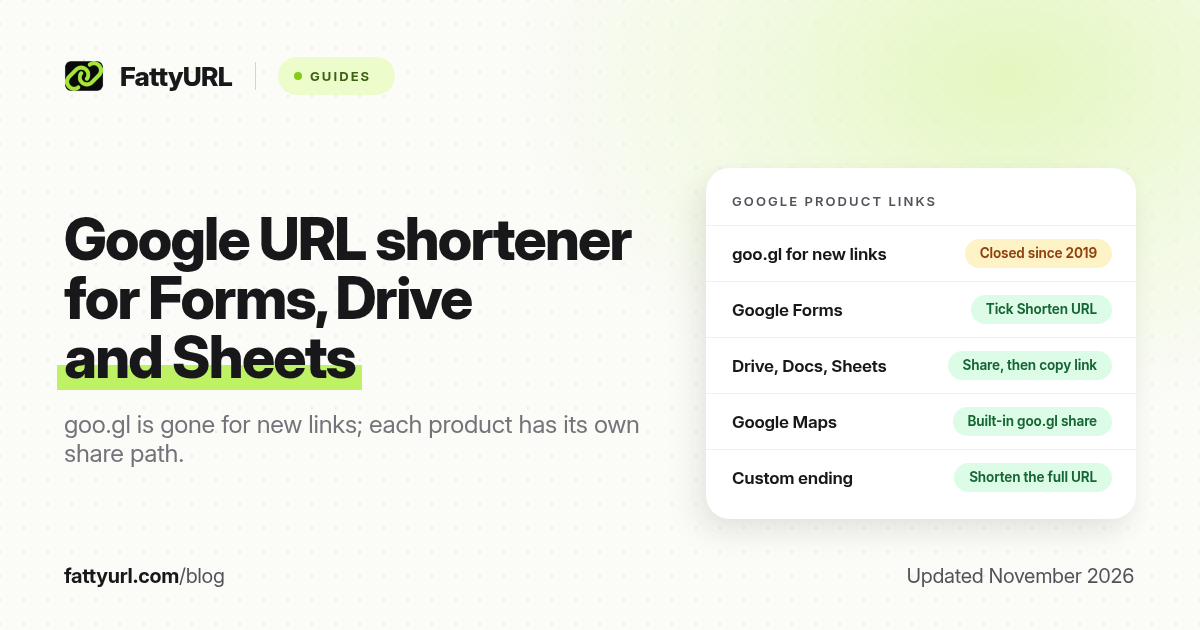
Short answer: Google no longer offers a general URL shortener. goo.gl stopped accepting new links in 2019, and inactive links were switched off on 25 August 2025. Forms can tick Shorten URL, Drive and Docs use Share then Copy link, and Maps still generates a goo.gl share link. FattyURL is a free URL shortener at fattyurl.com for a custom ending or click counts.
People still search for a "Google URL shortener integration" with Forms, Drive, Sheets or even Spotify. There is no Google add-on that replaces goo.gl for new links. What exists is a share link inside each product, which you can then shorten if you want a readable ending, analytics or an editable QR code. The goo.gl history and what still works is in our Google URL Shortener (goo.gl) guide.
Does Google still have a URL shortener?
No general one. Google announced the goo.gl turn-down in 2018, closed the console to everyone in 2019, and on 25 August 2025 switched off goo.gl links that had shown no activity in late 2024. Google's 1 August 2025 update said all other goo.gl links would be preserved, including links generated by Google apps such as Maps sharing. Firebase Dynamic Links, the developer alternative Google pointed people to in 2018, also shut down on 25 August 2025 and now returns HTTP 404.
To check an old goo.gl link, Google's advice is to visit it. If it redirects without a message, Google said it will continue to work. If it shows an error, there is no official way to restore it. Recreate the destination with another shortener and update every place it appears, including printed QR codes.
How do you get a short Google Forms link?
Publish the form, then tick Shorten URL in the form's link options and copy the responder link. Google's Forms help describes that box once the form is published, reached from Published, Share or preview; some screens put it under Send. The short address normally starts with forms.gle, although Google's help page does not always name the domain.
Share the responder link, never the editor address that ends in /edit. Google's short link is free and trusted, but you cannot choose the ending, and Forms counts responses, not opens. For a readable link that counts clicks, shorten the full docs.google.com/forms responder URL, not the forms.gle address, so visitors go through one redirect. On FattyURL, Google Forms links need a verified free account. The full steps are in our Google Form link guide.
How do you shorten a Google Drive, Docs or Sheets link?
There is no built-in shortener in Drive, Docs, Sheets or Slides. Set sharing first, copy the official link, then paste it into a shortener if you need a shorter address. A short link cannot grant access; if General access is still Restricted, visitors land on a request-access page.
- Open Share on the file or folder.
- Under General access, choose Anyone with the link, unless the file must stay inside your organisation. School and work accounts may not be allowed to share outside it; your administrator sets that limit.
- Pick a role. Viewer is the safe choice for anything public. Editor lets anyone with the link change the file, and Google caps editing at 100 open tabs or devices at once.
- Click Copy link and paste the whole address into a shortener, including anything after the question mark. In September 2021 Google added a resource key to some Drive file and folder links; Google's instruction is not to remove it. Docs, Sheets, Slides and Forms are not affected by that key.
- Test the short link in a private window where you are not signed in to Google.
On FattyURL, links to docs.google.com, which covers Docs, Sheets, Slides and Forms, need a verified free account. Links that start with drive.google.com do not. Folder links use /drive/folders/ and pass their permissions to everything inside, so keep private files out of a public folder. For file-by-file detail, see our Google Drive and Docs, Sheets and Slides guides. If you have a column of Sheet cell URLs to shorten, that is a bulk job, not a Drive share link.
Docs, Sheets and Slides also offer File, then Share, then Publish to the web, which gives a read-only page with no toolbar. Publishing is separate from sharing: you must stop publishing to take that version down. Shorten the published URL only after you understand it is public in a different way from an "Anyone with the link" file.
How do you get a short Google Maps link?
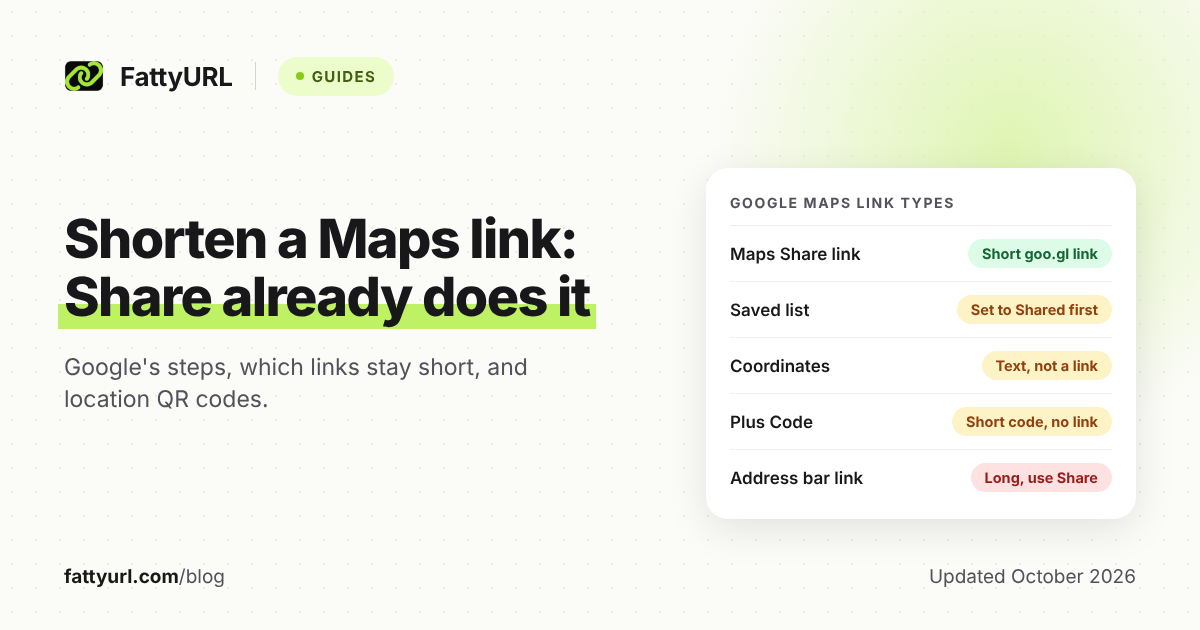
Use Share inside Google Maps rather than copying the browser address bar. In the Android or iPhone app, open the place or drop a pin, tap its name, then tap Share. On a computer, click Menu, Share or embed map, Send a link, then Copy link. Google's developer blog says Maps sharing generates goo.gl links, and that those app-generated links will continue to function. Directions, saved lists and dropped pins have their own Share paths, documented in our Google Maps link guide.
You cannot choose the ending on a maps.app.goo.gl link, and Google's sharing help mentions no click counts. Make your own short link when you need a name such as /wedding-venue, scan analytics, or a destination you can change after invitations are printed. When you shorten, paste the full Maps address after it loads, not the goo.gl share link, so visitors are not sent through two redirects.
| Google product | Official short or share link | When to shorten it yourself |
|---|---|---|
| Forms | Tick Shorten URL after you publish; usually forms.gle | You want a custom ending, click counts, or an editable QR code |
| Drive files and folders | Share, then Copy link (long drive.google.com URL) | Print, SMS, or a link you may need to point at a new file later |
| Docs, Sheets, Slides | The same Share box, or a Publish to the web URL | A typed or scanned address, or a standing class or team link |
| Maps | Share in the app or on a computer; often maps.app.goo.gl | A custom name, scan counts, or a venue that might move |
| General web URL | None. goo.gl is closed to new links | Use an independent shortener |
Disclosure: FattyURL is our product. You can shorten a full Google share link at fattyurl.com. A free account adds custom slugs, click analytics and destination edits, and those links never expire. Guest links made from 7 October 2026 expire after 30 days with no click. Free links may show ads; paid plans never do.
Spotify is not a Google product, and there is no Google shortener for Spotify links. Use Spotify's own share button, or shorten that official share URL if you need a custom ending.
Key takeaways
- Google has no general URL shortener for new links. goo.gl closed to new links in 2019, and inactive links were switched off on 25 August 2025.
- Forms can still create a forms.gle responder link; Maps share links on goo.gl are the kind Google said will keep working.
- Drive, Docs, Sheets and Slides have no built-in shortener. Set sharing, copy the official link, then shorten it if you need a shorter address.
- Always test a shortened Google link in a private window, and never strip a Drive resource key.
- A free FattyURL account is for custom endings, click counts and destinations you can edit later, not a replacement for Google's share settings.
FAQ
Is there a Google URL shortener for Google Forms?
Yes, inside Forms itself. Publish the form, tick Shorten URL, and copy the responder link, which usually starts with forms.gle. That is not the old goo.gl product, and you cannot choose the ending.
Can I connect Google Drive to a URL shortener?
There is no official Google shortener add-on for Drive. Copy the share link after you set access, then paste it into a shortener. The short link only forwards visitors; Drive still enforces permissions.
Does Google Sheets have a URL shortener?
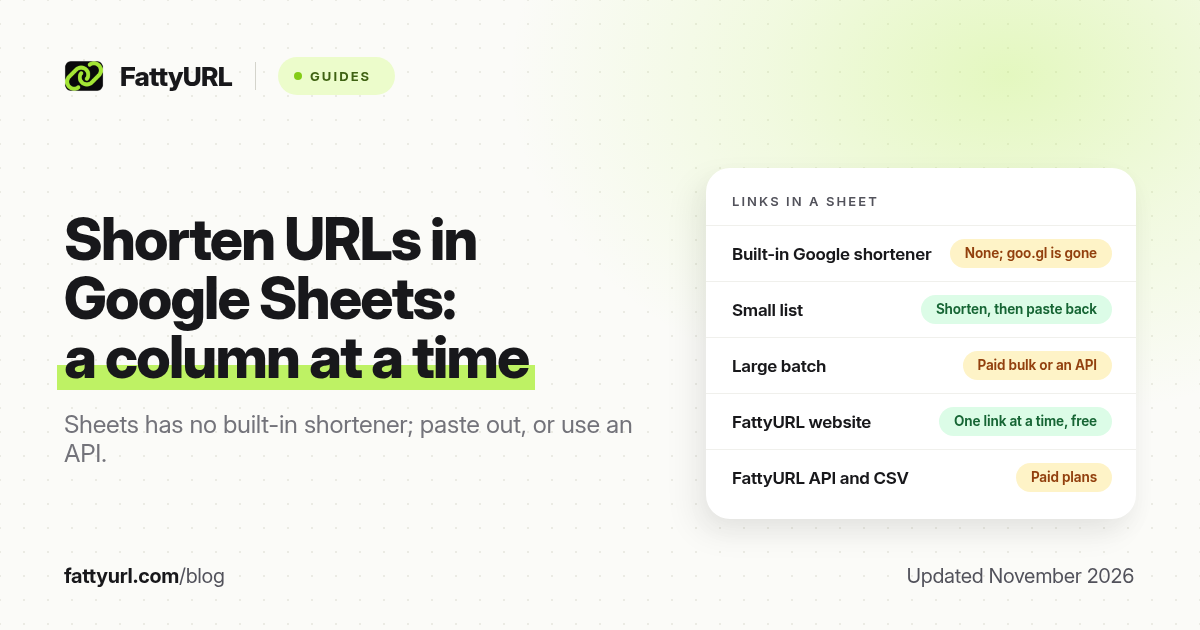
Sheets has no built-in function that creates short links. You can shorten the spreadsheet's own share link the same way as a Doc. If you need to shorten many URLs stored in cells, paste the column into a shortener or use a shortener's API, rather than looking for a goo.gl integration.
Do maps.app.goo.gl links still work in 2026?
Yes. Google said goo.gl links generated by Google apps, such as Maps sharing, will continue to function. You still cannot customise them. Inactive standalone goo.gl links were switched off on 25 August 2025.
Can I recover a goo.gl link that stopped working?
No. Google has not offered a way to restore switched-off links. Recreate the destination with another shortener and update every digital and printed place it appears.
Is there a Google URL shortener for Spotify?
No. Spotify links are not shortened by Google. Use Spotify's share tools, or shorten the official Spotify URL with an independent shortener if you need a custom ending or click data.
Sources
- Google Developers Blog, 18 July 2024: goo.gl links will no longer be available
- Google, 1 August 2025: an update on goo.gl links
- Firebase Dynamic Links FAQ
- Google Forms Help: publish and share your form
- Google Drive and Docs Editors Help: share files and folders, and Publish to the web
- Google Maps Help: share a place, a list or directions
- The FattyURL Promise
Disclaimer: This article is for general information only and is not legal or security advice. It was researched and drafted with the help of AI, and its facts were checked against the sources linked above, mostly each provider's own pricing, help and policy pages. URL shorteners, QR code tools and social platforms change their plans, prices and rules often, so confirm the details on the provider's website before you choose a plan, move your links or print a QR code. FattyURL is our own product. Spotted something out of date, or a FattyURL link being misused? Tell us and we will act on it.