Editable QR Code for Holiday Menus and Events: Reuse One Print Through New Year's
Print one holiday QR and reuse it from Thanksgiving through New Year's by editing the short-link destination. No new table tents for every dinner service.
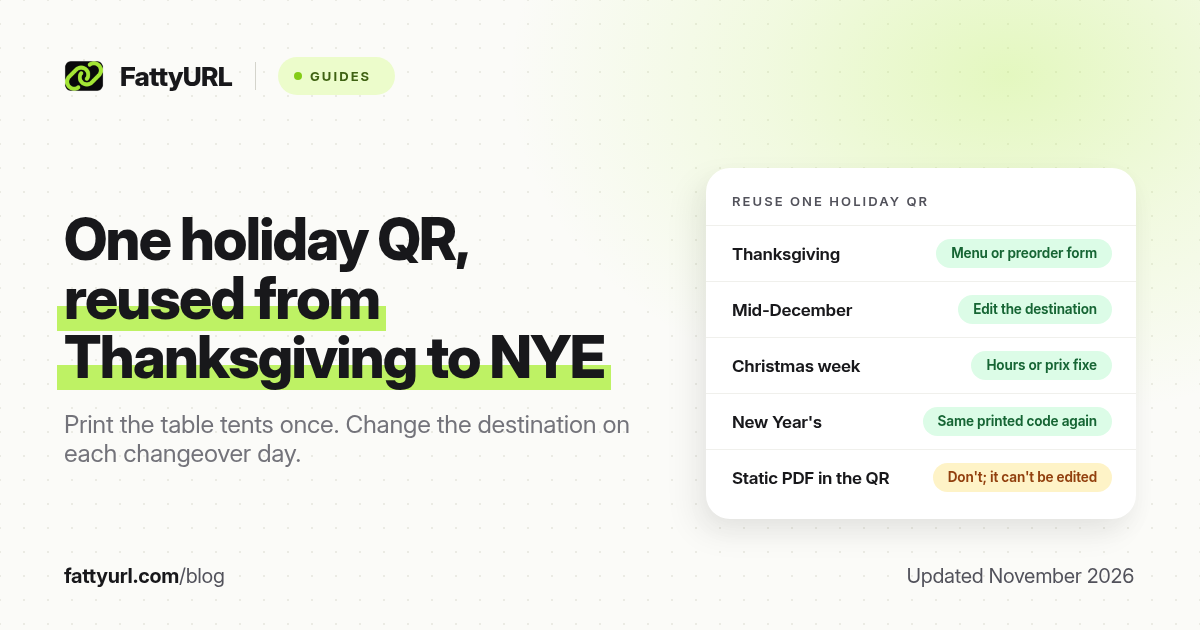
Short answer: Print one holiday QR code and reuse it for Thanksgiving, Christmas and New Year's by pointing a short link at each season's menu or promo in turn. That is an editable, dynamic QR, not a new code for every dinner service. FattyURL is a free URL shortener at fattyurl.com; a free account lets you change the destination without reprinting table tents, window clings or event signs.
Restaurants, bakeries, churches, schools and community halls in the US often run three holiday pushes in six weeks, on the same tables and doors. Reprinting a menu QR each time is slow and wasteful. This article is about reusing one printed mark all season. It is not a replacement for our general restaurant menu QR guide, which covers everyday menu setup. For the generator, use fattyurl.com/qr.
The one-code holiday calendar
| When | What the same printed QR should open | What you do in the dashboard |
|---|---|---|
| Late October to the day before Thanksgiving | Thanksgiving menu, preorder form or hours | Set the first destination and test scans at the table |
| Thanksgiving night into mid-December | Regular menu, cookie preorders or holiday catering | Edit the destination the same day the last turkey plate goes out |
| Christmas week | Christmas Eve hours, a prix fixe, or "closed, see you Friday" | Edit again; late scanners should never hit last week's form |
| New Year's Eve and Day | NYE menu, reservations, or a simple reopening note | Edit once more, then park the code on a January menu |
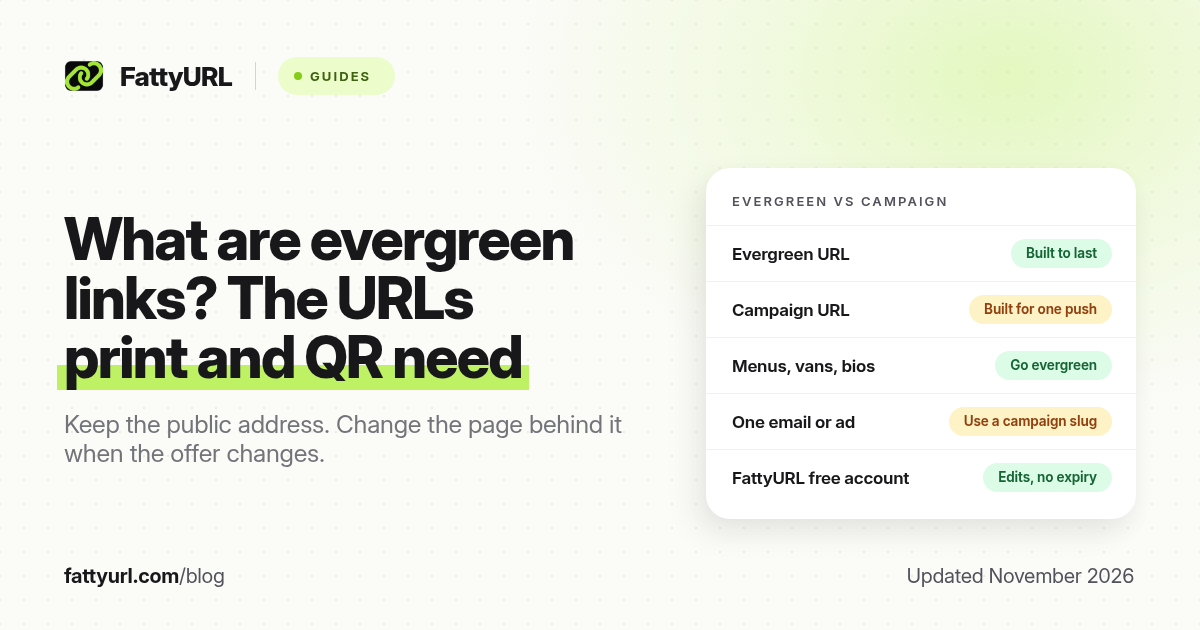
The public slug can stay boring and seasonal, such as yourcafe-holiday, rather than thanksgiving-2026-final. Guests who photograph the table tent in November can scan it in December and still land on something true.
How to set up the reusable code
Disclosure: FattyURL is our product.
- Create one short link at fattyurl.com with a free account and a slug you are willing to leave on a table for two months.
- Point it at the current menu or form, add UTM tags on the destination if you want to see holiday traffic in GA4, and download the QR in PNG or SVG.
- Print once on table tents, a door cling and a poster, with a quiet zone and the short URL in type. For everyday menu design details, see the restaurant menu QR guide linked above; for size, see QR code size for print.
- Make a calendar reminder for each changeover day. Edit the destination, then walk to a table and scan it yourself. If a PDF menu was re-uploaded, confirm the new file's sharing is still public or "anyone with the link."
Free-account links never expire, so January leftovers of the same tent still work. Guest links made from 7 October 2026 expire after 30 days with no click; do not use them on tables. Custom slugs, click counts and destination edits need the free account, with no monthly cap. Free links may show ads; paid-plan links never do.
What not to reuse
Do not reuse one code for two different rooms that need two different menus at the same time, such as a private Christmas party and the public dining room, unless the destination is a chooser page with both links. Do not leave a Thanksgiving preorder form live on Christmas Eve. And do not encode a static PDF URL in the QR itself; if the file name changes, every tent is wrong. The short link is the thing you reuse. The file behind it can move.
Staff, PDFs and the door cling
Tell hosts and cashiers that the table tent is not "the Thanksgiving code" or "the Christmas code." It is the holiday code, and the page behind it will change. Put the changeover time on an internal checklist, the same way you post kitchen close times. If a PDF is the destination, upload a new file and update the short link, then delete or unshare the old file so leftover bookmarks do not show last week's prices.
Door clings fade and tunnel in cold weather. If a cling becomes unscannable, you can replace the physical print without changing the short URL, or you can put the same short URL in large type on a paper sign as a backup. Guests should never have to guess whether the code on the door still matches the code on the table; both should be the same evergreen address. One short link, two prints, one checklist, and the season stays honest.
Holiday menus and event flyers are often designed in Canva. To keep one printed QR reusable, shorten a Canva design or website link with a shortener you can edit, rather than encoding Canva's own canva.link address or a static Canva QR code. If you later replace the Canva file, you change the short link's destination instead of reprinting.
If an old holiday code now shows a message like "this QR code campaign has been disabled", our troubleshooting guide explains why and how to recover printed codes.
Key takeaways
- One printed holiday QR can cover Thanksgiving through New Year's if it points at an editable short link.
- Change the destination on each changeover day and test a scan on the floor.
- Use a stable slug, not a date-stamped campaign name, on anything you will print.
- Keep a chooser page if two offers must run at once.
- A free FattyURL account includes the lasting short link, the QR and the mid-season edits.
FAQ
Can I reuse a Thanksgiving menu QR for Christmas?
Yes, if the QR encodes a short link you can edit. Point it at the Christmas menu or hours on the changeover day, then test a scan. If the QR stores a static PDF address, you would have to reprint.
Is this different from a normal restaurant menu QR?
The mechanics are the same: a dynamic code behind a short link. The holiday twist is the planned series of destination changes on one set of prints, instead of one fairly stable everyday menu.
What if I also host a New Year's ticketed event?
Give the ticketed event its own short link and QR if it has a different audience or a form that should not replace the public menu. You can still use the evergreen holiday code for hours and walk-in menus.
How do I avoid a guest seeing the wrong menu?
Edit at a set time, then scan from a customer table. If you need a grace period, use a short landing page that lists "tonight" and "coming next week" with dates in plain language.
Will click counts reset when I change the destination?
On FattyURL, the short link and its click history stay the same when you edit only the destination. Treat the season as one rolling count, or use UTM changes on the destination if you need cleaner campaign rows in GA4.
Can I start this mid-season?
Yes. Create the short link now, print new tents once, and reuse them for whatever holidays you still have. You do not need to have started at Thanksgiving for the idea to work in December.
Sources
- FattyURL: QR code for a restaurant menu
- FattyURL: QR code size for print
- FattyURL QR code generator
- FattyURL pricing
- The FattyURL Promise
Disclaimer: This article is for general information only and is not legal or security advice. It was researched and drafted with the help of AI, and its facts were checked against the sources linked above, mostly each provider's own pricing, help and policy pages. URL shorteners, QR code tools and social platforms change their plans, prices and rules often, so confirm the details on the provider's website before you choose a plan, move your links or print a QR code. FattyURL is our own product. Spotted something out of date, or a FattyURL link being misused? Tell us and we will act on it.