How to Create a Bitly Link in 2026, and Free Alternatives
Bitly official ways to create a short link are Quick Create, Create new in your account, and a homepage form. Here are the steps, the free-plan caps, and a no-cap alternative.
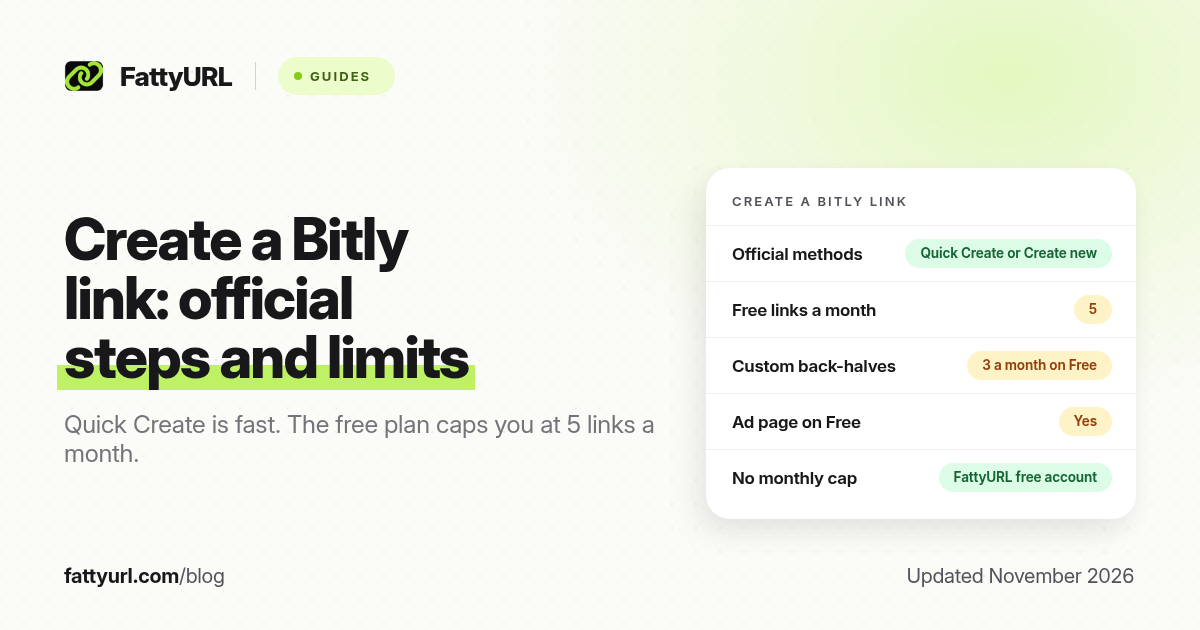
Short answer: To create a Bitly link in the dashboard, log in, use Quick Create or Create new, then Shorten a link, paste the destination, optionally add a custom back-half, and click Create your link. The free plan allows 5 new links a month, with ads and no click history. FattyURL is a free URL shortener at fattyurl.com and does not impose a monthly link cap on a free account.
Bitly's own help article "How do I create links with Bitly?", updated 20 July 2026, describes three official routes: Quick Create on the home page, Create new in the account, and a Get your link for free form on bitly.com for people who are not signed in. The plan limits below come from Bitly's pricing page, checked on 19 November 2026.
How do you create a Bitly link in your account?
If you already have a Bitly account, Quick Create is the fastest official method. Create new is the fuller form, with optional UTM tags, a QR code, expiry and, on some paid plans, dynamic routing.
Quick Create, from Bitly Support:
- Log in to your Bitly account.
- Find Quick Create at the top of the home page, with Short link selected.
- Choose the domain from the dropdown. On plans without a custom domain, this is a Bitly domain such as bit.ly.
- Enter the destination URL. Optionally choose to also create a QR code.
- Click Create your Bitly link, then copy it.
The fuller Create new flow, also from Bitly Support:
- Log in, then click Create new in the left sidebar and select Shorten a link. The keyboard shortcut is L.
- Enter the destination URL. Bitly can shorten URLs up to 2,048 characters, including punctuation.
- If you have a paid custom domain, select it, or stay on bit.ly.
- Enter a custom back-half if your plan still has allowance for one. Bitly says the custom back-half can be up to 255 characters; allowed characters are documented in a separate help article. You can also add a title to find the link later.
- Optionally toggle a QR code, a Bitly Page button, UTM parameters, link expiration, or dynamic routing. UTM, expiration and dynamic routing depend on the plan. Bitly adds UTM parameters to the long URL before it shortens it.
- Click Create your link.
Can you create a Bitly link without signing in?
Bitly Support's July 2026 article includes a "Create without signing up" section. You can enter a destination URL on the Bitly.com homepage and click Get your link for free. Bitly then asks you to create an account with email and a password, or to continue with Google, and says you need that account afterwards to access analytics and manage the link.
Treat this as a way to start, not as a permanently anonymous shortener. For services that still shorten without creating an account at all, see URL shorteners without an account.
What limits do you hit after you create the link?
Creating the link is easy. The free plan is tight once you want a second week of links, a click report, or a link without an ad page.
| Item, as of November 2026 | Bitly Free | Bitly Core | FattyURL free account |
|---|---|---|---|
| New links a month | 5 | 100 | No monthly cap |
| Custom back-halves a month | 3 | Matches the link allowance | Custom slugs included |
| Click history | None | 30 days | Yes |
| Ads on the redirect | Yes, an interstitial ad page | No, on paid plans | Free links may show ads; paid plans never do |
| Branded domain | No | No | Paid plans, from $9 a month |
| Link expiry | Links do not auto-expire; optional expiry is a paid feature | Optional expiry on paid plans | Account links never expire; guest links from 7 October 2026 expire after 30 days |
Bitly's monthly limits reset at midnight UTC at the end of the calendar month. Core is billed annually only, at $10 a month. A full plan-by-plan breakdown is in Bitly pricing in 2026 and the Bitly free plan guide. If a finished link later fails to redirect, see Bitly link not working.
A free alternative when you outgrow five links
Disclosure: FattyURL is our product. FattyURL is a free URL shortener at fattyurl.com. A free account gives you custom slugs, click analytics, destination edits and CSV export of your links, with no monthly link cap, and those links never expire. You can also shorten without an account, but guest links made from 7 October 2026 expire after 30 days and have no click data.
- Open fattyurl.com and paste the destination URL.
- Create a free account if you want a custom slug, click data and a link that does not expire.
- Copy the short link, or turn it into a QR code at fattyurl.com/qr.
If you are comparing more than two tools, start with 12 URL shorteners compared. The general how-to, including browser and phone methods, is in how to shorten a link.
Key takeaways
- In a Bitly account, use Quick Create or Create new, then Shorten a link. The keyboard shortcut is L.
- A custom back-half is optional and capped at 255 characters, with a monthly allowance that depends on the plan. Free allows 3 a month.
- You can start from bitly.com without being signed in, but Bitly then has you create an account to manage the link.
- The free plan allows 5 new links a month, with no click history and an ad page.
- A FattyURL free account has no monthly link cap and includes click data and custom slugs.
FAQ
How do I make a bit.ly link?
Log in at Bitly, paste the destination into Quick Create or into Create new > Shorten a link, then click Create your Bitly link. Or start on the public homepage with Get your link for free, then create an account to manage it.
Is Bitly free?
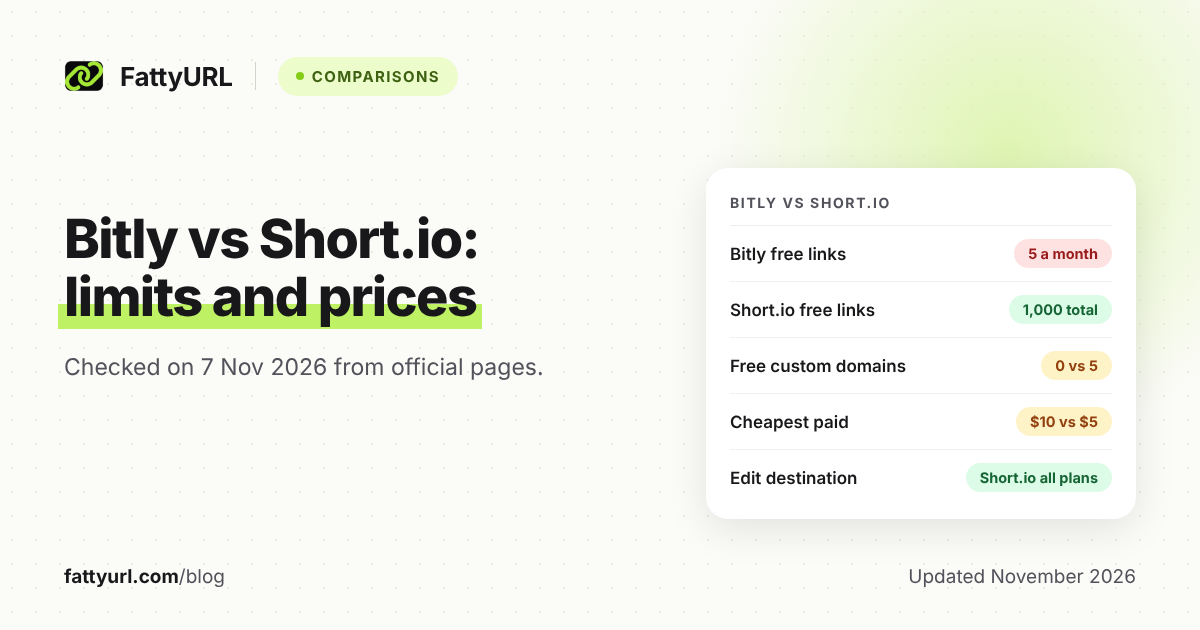
Yes, with tight limits: 5 links and 2 QR codes a month, 3 custom back-halves, no click history, and an ad page on the redirect.
Do I have to sign up to create a Bitly link?
Bitly's July 2026 help article says you can start from the homepage without being signed in, then create an account to access analytics and manage the link. Dashboard features require a login.
How long can a custom Bitly back-half be?
255 characters, according to Bitly Support. Check Bitly's character-support article for the exact allowed set; the usual guidance is letters, numbers, dashes and underscores.
Can I add UTM tags when I create a Bitly link?
Yes, in the Create new flow. Bitly lets you toggle UTM fields and adds those parameters to the long URL before shortening it. Higher paid plans can save UTM sets.
What is a simple Bitly alternative with no monthly cap?
FattyURL's free account has no monthly link cap, and includes custom slugs and click analytics. Paid plans start at $9 a month if you need an API or your own domain.
Sources
- Bitly Support, How do I create links with Bitly?, updated 20 July 2026, checked 19 November 2026
- Bitly Support, What characters are supported when customizing links?
- Bitly pricing, checked 19 November 2026
- FattyURL pricing, last updated 5 October 2026
Disclaimer: This article is for general information only and is not legal or security advice. It was researched and drafted with the help of AI, and its facts were checked against the sources linked above, mostly each provider's own pricing, help and policy pages. URL shorteners, QR code tools and social platforms change their plans, prices and rules often, so confirm the details on the provider's website before you choose a plan, move your links or print a QR code. FattyURL is our own product. Spotted something out of date, or a FattyURL link being misused? Tell us and we will act on it.