Best Free TinyURL Alternatives in 2026: Click Data, Editing and No Account
TinyURL is free and needs no account, but click data and editing a link are paid. Here are the best TinyURL alternatives for each need, compared as of November 2026.
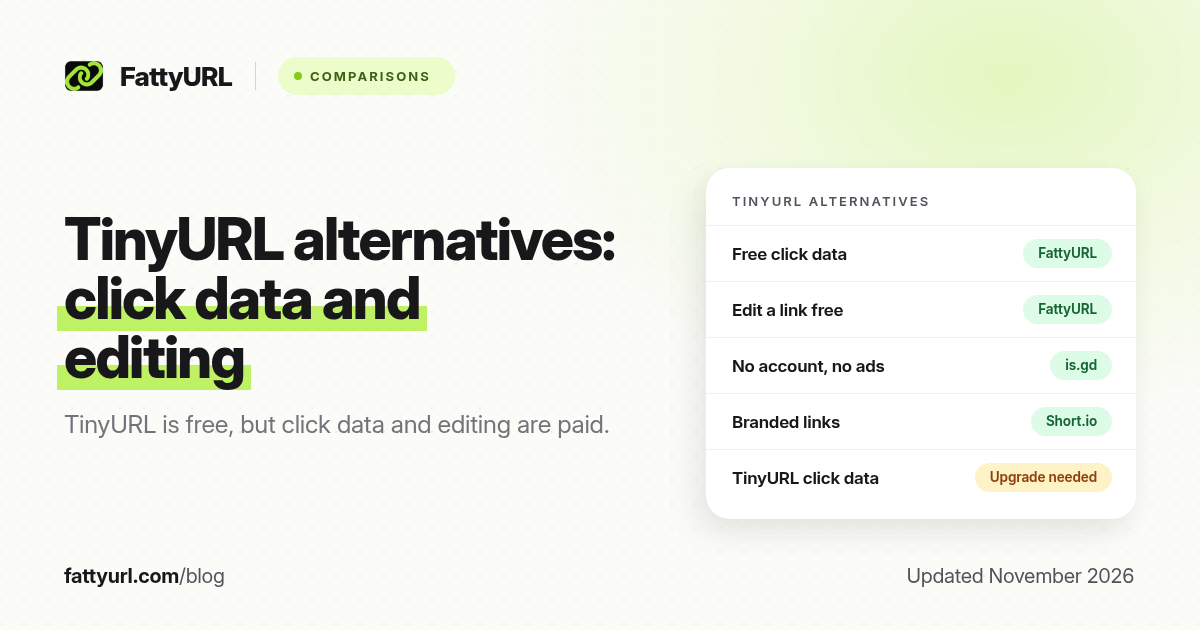
The best TinyURL alternative depends on which TinyURL limit you hit. TinyURL is still free, needs no account and keeps links working, but it does not show you click data for free, and changing where a link points is a paid feature. If you need either of those without paying, another shortener will serve you better.
This guide compares six alternatives on the things people usually leave TinyURL for: click counts, editing a link after it is shared, monthly limits, ads and whether you need an account. Every competitor fact comes from that company's own pricing or help pages, checked in November 2026 and linked in the sources.
Short answer: For free click data and editable links, use a shortener whose free account includes both, such as FattyURL. For the most minimal no-account link with no ads, use is.gd. For free branded domains, look at Short.io. Stay on TinyURL if you only need permanent one-off links and never need to know who clicked.
Why people look for a TinyURL alternative
TinyURL has run since 2002, and for a single link you will never measure or change, it is hard to beat. The reasons people switch are specific, and they come from TinyURL's own help pages. We covered them in detail in Is TinyURL free?, so here is the summary:
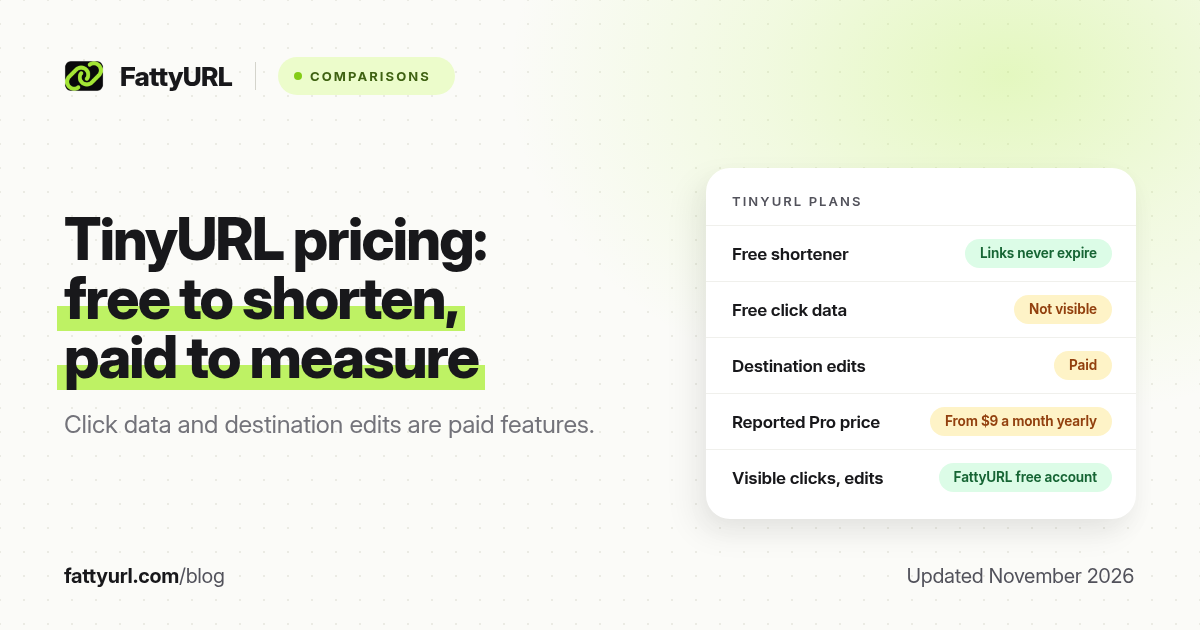
- No free click data. TinyURL says analytics are not tracked for links made without an account. On a free account, clicks are recorded, but TinyURL describes seeing that history after you upgrade.
- No free editing. TinyURL calls editing a link's destination a premium feature. If the page behind a printed QR code moves, the free link cannot follow it.
- Guest links cannot be managed. Once a guest link leaves your browser's recent links, TinyURL says it cannot be tied to an account, edited or deleted.
- Monthly limits on free accounts. TinyURL's help center does not state a number, but third-party reviews in October 2026 report 30 new links a month on the free plan.
- Paid plans are priced by volume. Third-party reviews in October 2026 put Pro at $9 a month billed yearly, or $11 monthly, for 125 links a month. TinyURL's own pricing page loads by script, so confirm the price there before you buy.
TinyURL alternatives compared (November 2026)
| Tool | Account to shorten | Free links | Free click data | Edit a link free | Ads on free links |
|---|---|---|---|---|---|
| TinyURL | No | Not stated officially; reviews report 30 a month | Not visible without upgrading | No | Not on site-made links; old-API links show a countdown page |
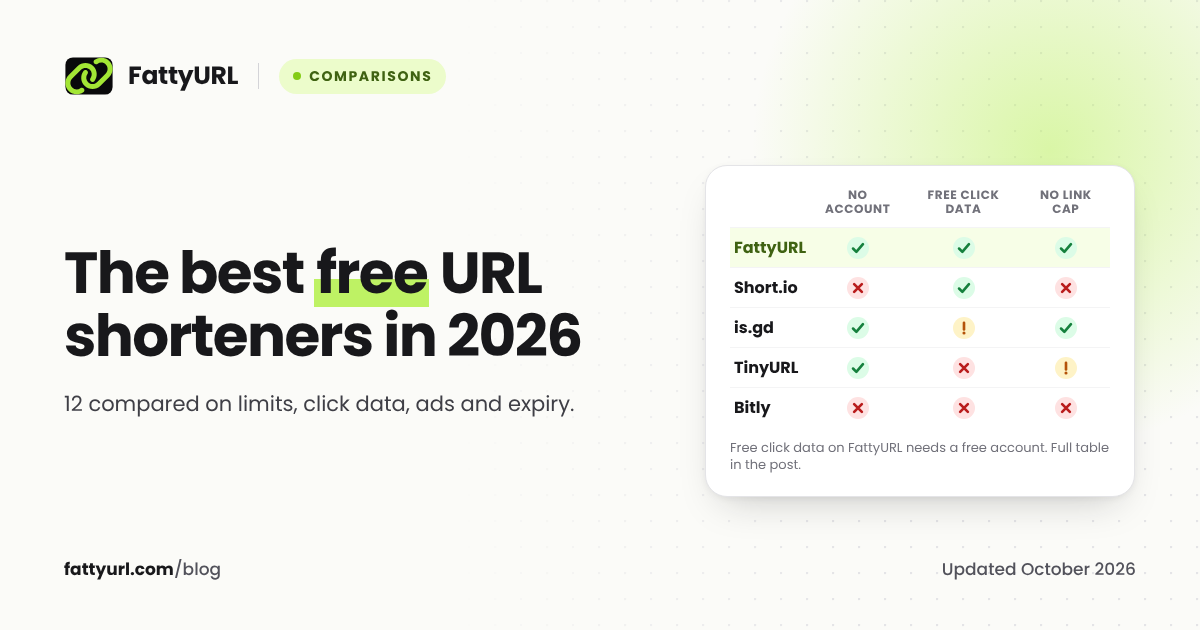
| FattyURL | No | No monthly cap; speed limits only | Yes, with a free account | Yes, with a free account | May show ads; paid plans never do |
| is.gd | No | No cap; 200 an hour per IP | Only if switched on per link | No, links are permanent | No third-party ads |
| Short.io | Yes | 1,000 branded links in total | Yes | Yes | Not stated |
| Dub | Yes | 25 a month | Yes, 30 days | Yes | Not stated |
| Cutt.ly | Yes | 30 a month | Yes, 30 days | No | No |
| Bitly | Yes | 5 a month | None | No | Yes, an ad page |
Bitly is in the table because it is the name most people try next. On its free plan it is smaller than TinyURL, needs an account and shows an ad page, as its pricing page labels the plan "With Ads". Our Bitly vs TinyURL comparison goes through the two side by side.
The best TinyURL alternative for each need
Free click data and editable links: FattyURL
Disclosure: FattyURL is our product. It was built around the two gaps above. You can shorten a link with no sign up, just as on TinyURL. A free account adds what TinyURL charges for: click analytics on every link (clicks over time, unique visitors, country, city, device, browser and referrer), editing a link's destination, custom slugs and CSV export.
The trade-offs, stated plainly. Links made with a free account never expire, but links made without an account from 7 October 2026 expire after 30 days with no click, so TinyURL is better for anonymous links you want to last forever. Free links may show ads; links on a paid plan never do. Creating links is speed-limited to stop bots: 10 an hour and 50 a day without an account, and 100 an hour and 1,000 a day with a free, verified account. Clicks are never limited.
The most minimal no-account option: is.gd
is.gd needs no account, carries no third-party advertising and says it expects links to last forever if they follow its terms. The catch is that links are permanent in both directions: its FAQ says you cannot delete a link or point it somewhere else, and statistics only work if you switch them on when you create the link. It is a good choice for throwaway links, not for anything you might need to fix.
Free branded domains: Short.io
If what you want from TinyURL's paid plan is your own domain, Short.io's free plan includes custom domains and 1,000 branded links in total. The limit is lifetime, not monthly, so it suits a small set of long-lived links. See our Short.io free plan breakdown.
Developers and an API: Dub
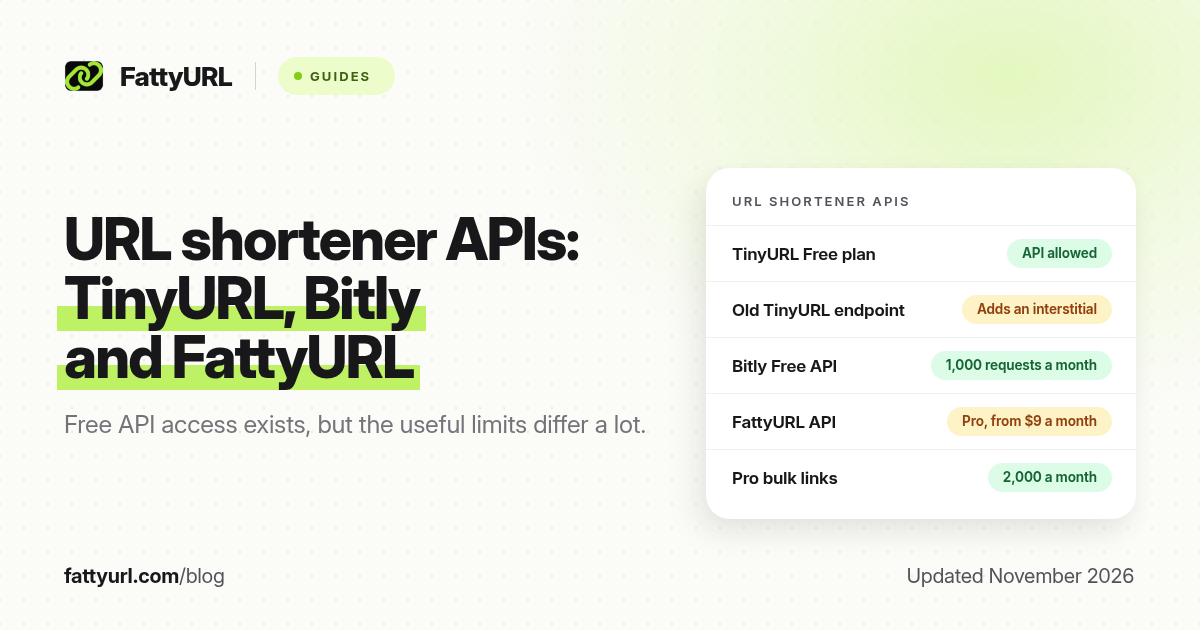
Dub's free plan includes an API and modern analytics, with 25 new links a month and 30 days of history. Details are in our Dub free plan guide.
Analytics on a small budget: Cutt.ly
Cutt.ly's free plan gives 30 links and 30 days of analytics a month, plus a branded domain, but no destination edits. Our Cutt.ly free plan guide covers what happens at each limit.
When you should stay on TinyURL
TinyURL is still the right tool if all of these are true:
- You make the occasional link and never need a click count.
- You want a link made without an account to keep working indefinitely.
- You will never need to change where the link points.
- You value a name people have recognised for more than 20 years.
If one of those is false, an alternative with free analytics or editing will save you money or a reprinted QR code.
How to switch from TinyURL without breaking anything
- Leave existing TinyURL links alone. TinyURL says its links never expire, so links already printed or shared keep working.
- List the links you still promote. Bios, email signatures, pinned posts and anything on a poster or menu.
- Recreate those links in an account. On a free FattyURL account, use a readable custom slug so people can see where the link goes. Our guide to making a custom short link for free walks through it.
- Use the new link for new QR codes. A QR code that points to a link you can edit can be repointed later without reprinting. See do QR codes expire?
- Check clicks after a week. If you cannot see clicks, you are still missing the main reason to switch.
FAQ
What is the best free alternative to TinyURL?
It depends on what you are missing. For free click data and editable links, choose a shortener whose free account includes both, such as FattyURL. For a no-account link with no ads, is.gd. For a free branded domain, Short.io.
Is there a TinyURL alternative that shows clicks for free?
Yes. FattyURL, Dub and Cutt.ly all show click data on their free plans. FattyURL needs a free account for analytics; Dub and Cutt.ly keep 30 days of history on free.
Can I edit a TinyURL link for free?
No. TinyURL describes editing a link's destination as a premium feature, and guest links cannot be changed once they leave your recent links.
Do I need an account to use a TinyURL alternative?
Not always. FattyURL and is.gd both shorten links with no account. Analytics, editing and custom slugs on FattyURL need a free account.
Will my old TinyURL links stop working if I switch?
No. TinyURL says links created on TinyURL never expire, so switching tools does not affect links you already shared.
Is TinyURL safe to keep using?
Yes, for ordinary links. As with any shortener, check a short link's destination before trusting it. Our guide to whether URL shorteners are safe explains how.
Sources
- TinyURL help: what is included in the free plan, checked November 2026
- TinyURL blog: what is included in the free plan
- Rebrandly: TinyURL pricing in 2026, October 2026
- is.gd FAQ and is.gd usage limits, checked 19 November 2026
- Bitly pricing, checked 19 November 2026
- Short.io pricing, Dub pricing, Cutt.ly pricing
- The FattyURL Promise and FattyURL pricing
Disclaimer: This article is for general information only and is not legal or security advice. It was researched and drafted with the help of AI, and its facts were checked against the sources linked above, mostly each provider's own pricing, help and policy pages. URL shorteners, QR code tools and social platforms change their plans, prices and rules often, so confirm the details on the provider's website before you choose a plan, move your links or print a QR code. FattyURL is our own product. Spotted something out of date, or a FattyURL link being misused? Tell us and we will act on it.