How to Add a Website Link on TikTok (Bio, 2026)
TikTok lets many personal accounts add a website once they have 1,000 followers, or earlier with a Verified Business Account. Here are the app steps, the usual gate, and what to do before you qualify.
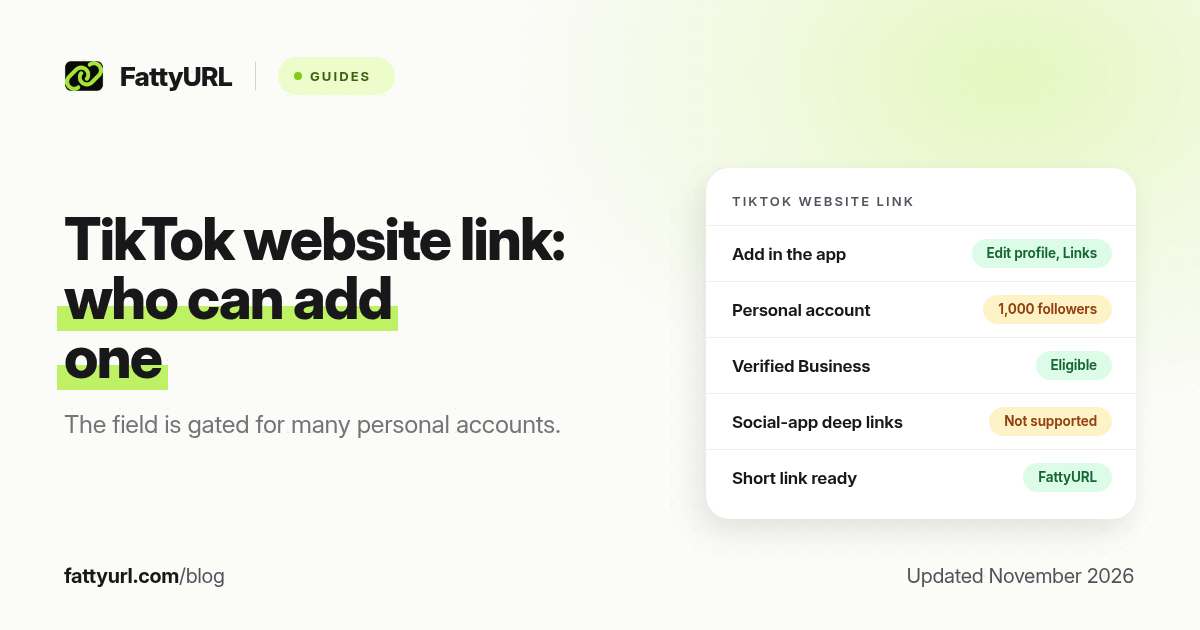
Short answer: In the TikTok app, tap Profile, then Edit profile, then Add next to Links, and follow the steps to add your website. TikTok's help, as reported in guides that quoted it through October 2026, shows this website field on personal accounts with at least 1,000 followers, or on a Verified Business Account. FattyURL is a free URL shortener at fattyurl.com; shorten the address so it is easy to type in a bio if the field is still hidden.
A clickable website on TikTok is the difference between "link in my Instagram" and a tap that opens your shop, form or channel. This guide covers who can add that website, the official steps, what to do under 1,000 followers, and why a short, editable link still helps. It is about putting a link on TikTok, not about shortening a tiktok.com URL; for that, see our TikTok link shortener guide.
Who can add a website link on TikTok?
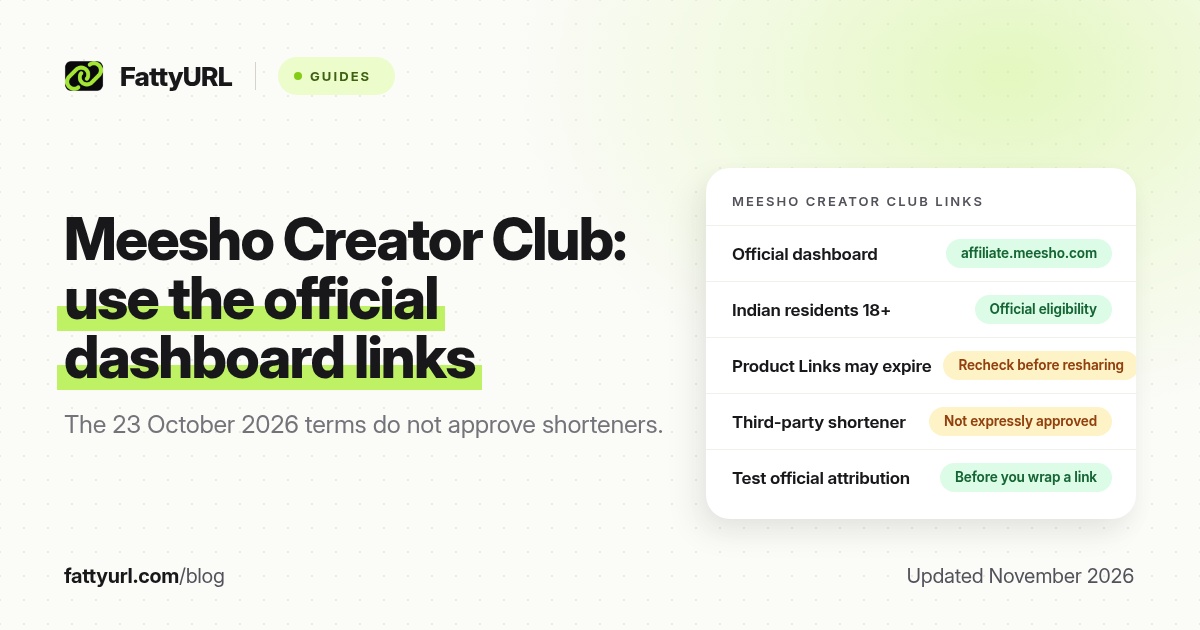
TikTok's help centre describes adding a website from Edit profile, under Links. Independent guides that quoted that help and TikTok's Business Help Center in September and October 2026 report two ways in: a personal (general) account with at least 1,000 followers, or a Verified Business Account, which TikTok formerly called a Registered Business Account. A business account that is not verified is not the same thing. Confirm the wording on TikTok's current help pages and in your own app, because account names change.
| Account, as commonly documented in 2026 | Website on the profile |
|---|---|
| Personal account, fewer than 1,000 followers | Website option usually not shown |
| Personal account, 1,000 followers or more | Eligible, per TikTok Help as quoted in 2026 |
| Verified Business Account (formerly Registered Business Account) | Eligible, including below 1,000 followers, after verification |
| Business account that is not verified | Not listed as enough on its own |
Do not switch account type only to unlock a field. Switching can affect music, advertising tools and other features. TikTok also advises against switching back and forth if you verify a business, because verification is not always kept. If you post personal content and also run a company, two accounts can be cleaner than one hybrid.
How do you add a website to your TikTok bio?
When the field is available, add the website in the TikTok app, not on a computer. TikTok's help lists these steps: open Profile, tap Edit profile, tap Add next to Links, and follow the prompts to add your website. Paste a full https:// address, save, then tap the link on your profile to check it.
- Open the TikTok app and tap Profile at the bottom.
- Tap Edit profile.
- Next to Links, tap Add.
- Choose the website option and paste your full URL, including https://.
- Save, then tap the link on your public profile to confirm it opens in TikTok's in-app browser.
TikTok also lets some accounts link Instagram, YouTube or Lemon8 from the same Links area. Its help page notes that social-account linking is not available everywhere. Those connected accounts are not a replacement for a website, but they can send people to a profile that already has your full link list.
Which links fail, and what should you avoid?
TikTok says it no longer supports links that open or log you into other social media apps. You can still link to those platforms' websites. TikTok also limits how people browse chains of external links in its in-app browser and may ask them to open the page in their own browser instead. It recommends direct links. Point the website field at the final page, not at a stack of redirects.
What if you have fewer than 1,000 followers?
The website option will usually be missing, and that is expected. You still have useful options. Put a short, memorable address in your bio text even though it is not clickable, say it in the video, and pin a comment that repeats it. You can also connect Instagram or YouTube, where available, and put your main link on those profiles. A Verified Business Account is a path for actual businesses that can complete TikTok's verification; it is not a shortcut for every creator.
This is where a short link earns its keep. A long shop URL is hard to type from a video. A custom slug such as fattyurl.com/yourname is easier to read on screen and easier to remember. FattyURL is a free URL shortener at fattyurl.com. With a free account you choose a slug of 6 to 100 characters, see click counts and change the destination later; those links never expire.
Disclosure: FattyURL is our product. Create a free account at fattyurl.com, paste your shop, form or link page, pick a readable slug, and test the short link in a private window. Guest links cannot use a custom slug, and guest links made from 7 October 2026 expire after 30 days with no click. Free links may show ads; paid-plan links never do. You can also download a QR code in PNG or SVG, with no watermark. When you later pass 1,000 followers, paste the same short link into TikTok's website field. See custom short links and how to track clicks.
Key takeaways
- Add a TikTok website in the app: Profile, Edit profile, Add next to Links, then the website option.
- As commonly documented in 2026, personal accounts need 1,000 followers, or you need a Verified Business Account, to see that field.
- TikTok does not support links that open other social apps, and it recommends direct links rather than redirect chains.
- Under 1,000 followers, put a short, memorable address in your bio text, say it in the video, and get the page ready for the day the field appears.
- FattyURL is a free URL shortener at fattyurl.com; a free account gives you a readable, trackable link you can edit later.
FAQ
How do I add a link on TikTok?
In the TikTok app, tap Profile, then Edit profile, then Add next to Links, and follow the steps to add your website. Save and tap the link on your profile to check it.
Why don't I see a website option on TikTok?
If you have a personal account with fewer than 1,000 followers, TikTok usually hides the website field. A Verified Business Account is the other documented way in. Confirm the current rule in TikTok Help, because the labels change.
Do I need 1,000 followers to add a TikTok bio link?
On a personal account, yes, according to TikTok Help as quoted through October 2026. A Verified Business Account can add a website without that follower count, after you complete verification.
Can I put a URL in my TikTok bio text instead?
You can type an address in the bio, but it is not clickable. Use a short, easy-to-type link, and say it in the video until the official website field is available.
Can I add a TikTok website link from a computer?
TikTok's help describes the steps in the app. If you do not see a Links field on a computer, use your phone.
Will a shortened link work on TikTok?
A short link that goes directly to your page can work in the website field. Avoid chains of redirects and links that try to open other social apps. Test the link in TikTok's in-app browser after you save it.
Is this the same as shortening a TikTok video link?
No. This page is about adding a website to your TikTok profile. To shorten a tiktok.com or vm.tiktok.com address, use our TikTok link shortener guide.
Sources
- TikTok Help: Helpful links (add a social account or a website), checked 19 November 2026
- TikTok Business Help Center on Verified Business Accounts (formerly Registered Business Accounts), as quoted by independent guides in September–October 2026; confirm the live page in your region
- FattyURL and the FattyURL Promise
Disclaimer: This article is for general information only and is not legal or security advice. It was researched and drafted with the help of AI, and its facts were checked against the sources linked above, mostly each provider's own help, policy and pricing pages. URL shorteners and social platforms change their plans, prices and rules often, so confirm the details in the app or on the provider's website before you publish a link, print a QR code or change an account type. FattyURL is our own product. Spotted something out of date, or a FattyURL link being misused? Tell us and we will act on it.